Episode Details
Back to Episodes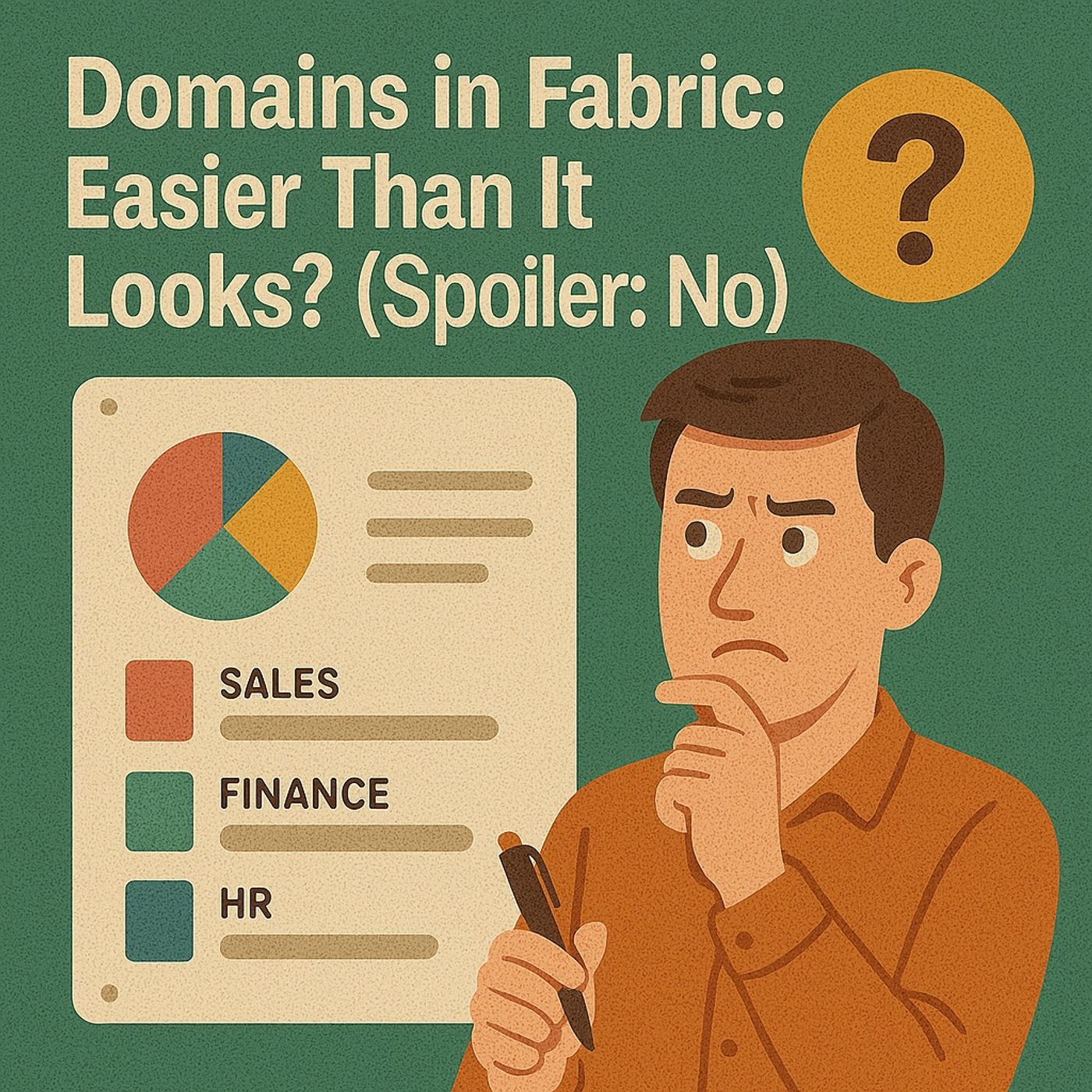
Fabric Domains, Workspaces & Capacities Explained: How To Avoid Sprawl, Broken Governance & Surprise Premium Bills
Season 1
Published 10 months, 3 weeks ago
Description
Admins, remember when Power BI Premium felt like your biggest headache? Overnight you became Fabric admins, staring at domains, workspaces, and capacities like an IKEA manual written in Klingon. In this episode, we unpack why Microsoft’s promise of “simpler organization” actually means more moving parts, and how you can still build something stable: clear domain taxonomy, purpose‑driven workspaces, and capacity rules that won’t blow your budget at quarter‑end. By the end, you’ll know what to lock down in the first 30, 60, and 90 days so Fabric doesn’t turn into a very expensive CSV swamp with Gold badges on top.
FABRIC DOMAINS: ORDER OR JUST FANCY NAME TAGS?
Domains look harmless—HR here, Finance there, Marketing somewhere else—but they change how data, people, and governance collide across your tenant. We break down why treating domains like renamed workspaces is a trap: each brings its own owners, policies, and permission logic that can quietly override workspace rules. You’ll hear how “Sales,” “Sales Reporting,” and “Sales 2025” domains show up when nobody defines a taxonomy, how domain sprawl accelerates faster than workspace sprawl, and how to stop it with three boring but essential moves: agree domain purpose (department vs function vs project), assign a single owner with escalation, and pilot policies in one domain before going tenant‑wide.
WORKSPACES: FROM LEGO BOX TO JENGA TOWER
Old Power BI workspaces were simple—few reports, one dataset. Fabric workspaces are everything: lakehouses, warehouses, notebooks, pipelines, and dashboards all crammed into the same container. We show how this overload turns simple “report spaces” into Jenga towers where raw ingests, staging, experiments, and production reporting all sit side‑by‑side, and why applying old Viewer/Member/Admin habits isn’t enough anymore. You’ll learn a practical pattern: separate staging, production, and experimentation into different workspaces; enforce naming and lifecycle rules so abandoned workspaces don’t eat capacity; and use templates so every new workspace starts with the right owners, tags, and purpose instead of becoming the next junk drawer.
CAPACITIES: WHEN PREMIUM STOPPED BEING JUST “MORE HORSEPOWER
”Fabric capacities aren’t just Power BI Premium with a new coat of paint—they’re shared fuel tanks for everything: reports, warehouse queries, pipelines, notebooks, and more. We explain why old “Premium per workspace” mental models break down when multiple domains and workspaces hammer the same capacity, and how that shows up as throttling, random slowdowns, or surprise cost spikes. You’ll get a simple capacity playbook: map which workloads are allowed on which capacities, set guardrails for noisy engineering workloads vs business reporting, and monitor utilization so you can adjust assignments before the CFO’s bill shock email lands in your inbox.
WHAT YOU’LL LEARN
FABRIC DOMAINS: ORDER OR JUST FANCY NAME TAGS?
Domains look harmless—HR here, Finance there, Marketing somewhere else—but they change how data, people, and governance collide across your tenant. We break down why treating domains like renamed workspaces is a trap: each brings its own owners, policies, and permission logic that can quietly override workspace rules. You’ll hear how “Sales,” “Sales Reporting,” and “Sales 2025” domains show up when nobody defines a taxonomy, how domain sprawl accelerates faster than workspace sprawl, and how to stop it with three boring but essential moves: agree domain purpose (department vs function vs project), assign a single owner with escalation, and pilot policies in one domain before going tenant‑wide.
WORKSPACES: FROM LEGO BOX TO JENGA TOWER
Old Power BI workspaces were simple—few reports, one dataset. Fabric workspaces are everything: lakehouses, warehouses, notebooks, pipelines, and dashboards all crammed into the same container. We show how this overload turns simple “report spaces” into Jenga towers where raw ingests, staging, experiments, and production reporting all sit side‑by‑side, and why applying old Viewer/Member/Admin habits isn’t enough anymore. You’ll learn a practical pattern: separate staging, production, and experimentation into different workspaces; enforce naming and lifecycle rules so abandoned workspaces don’t eat capacity; and use templates so every new workspace starts with the right owners, tags, and purpose instead of becoming the next junk drawer.
CAPACITIES: WHEN PREMIUM STOPPED BEING JUST “MORE HORSEPOWER
”Fabric capacities aren’t just Power BI Premium with a new coat of paint—they’re shared fuel tanks for everything: reports, warehouse queries, pipelines, notebooks, and more. We explain why old “Premium per workspace” mental models break down when multiple domains and workspaces hammer the same capacity, and how that shows up as throttling, random slowdowns, or surprise cost spikes. You’ll get a simple capacity playbook: map which workloads are allowed on which capacities, set guardrails for noisy engineering workloads vs business reporting, and monitor utilization so you can adjust assignments before the CFO’s bill shock email lands in your inbox.
WHAT YOU’LL LEARN
- Why Fabric domains aren’t just labels—and how to prevent domain sprawl early.
- How domain roles and policies can override workspace expectations if you don’t design them on purpose.
Listen Now
Love PodBriefly?
If you like Podbriefly.com, please consider donating to support the ongoing development.
Support Us