Episode Details
Back to Episodes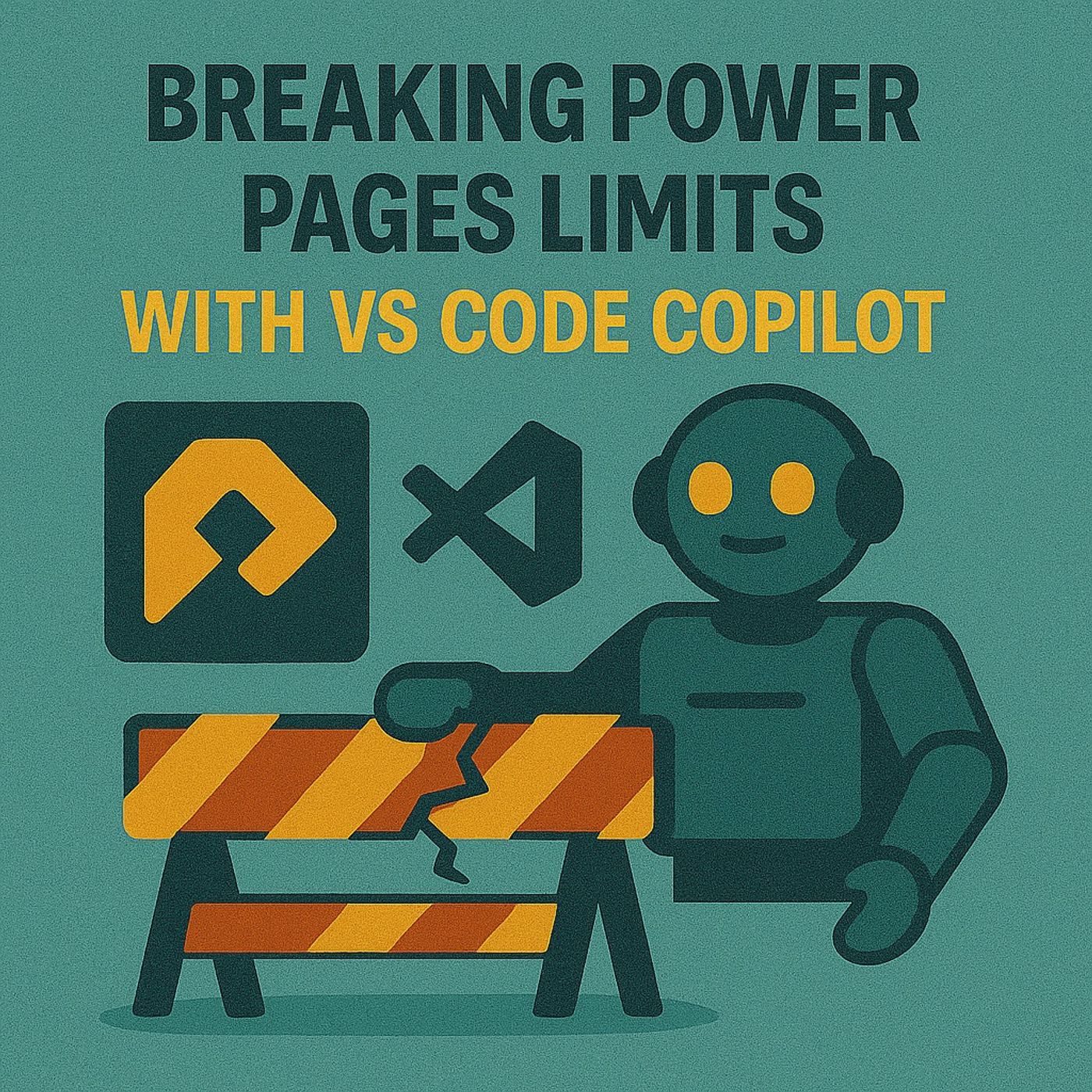
Power Pages VS Code Copilot: Fix JavaScript Validation, Liquid & Form Errors With @powerpages
Season 1
Published 8 months ago
Description
Power Pages, VS Code, GitHub Copilot Chat and JavaScript validation – this episode is for people searching “Power Pages VS Code Copilot”, “Power Pages JavaScript validation”, “Power Pages GitHub Copilot setup”, “Power Platform CLI Power Pages” or “debugging Power Pages forms with Copilot”. If you’ve ever stared at a broken Power Pages form while error messages feel like “404 Brain Not Found”, this walkthrough shows how to turn Copilot from random snippet generator into a context‑aware coding partner that actually understands your site.
We start with the pain: JavaScript validation in Power Pages that fails in production even though it “worked” in your head. One stray character and instead of blocking bad input, your whole flow falls over, leaving users confused and you knee‑deep in console errors. You’ll hear why brute‑force debugging (tweak, refresh, break, repeat) produces duct‑taped scripts but not understanding, and how using the @powerpages participant in Copilot Chat changes the game—giving you validation code, Liquid snippets and Dataverse‑aware logic that are actually shaped for Power Pages instead of generic web forms.
From there, we roll through the exact setup that makes Copilot context‑aware instead of lucky. You’ll need VS Code, the Power Platform Tools extension, GitHub Copilot Chat and the Power Platform CLI authenticated against your Dataverse environment, plus your site content pulled locally so Copilot can see your real pages, templates and schema. We explain how to use targeted prompts like “@powerpages write JavaScript code for form field validation to verify the phone field value is in the valid format” and why that produces ready‑to‑use scripts instead of vague samples, plus how to call “@powerpages explain …” to get plain‑English breakdowns of Liquid includes or validation blocks so you learn while you fix.
Finally, we move from script skeletons to fully armored code. The first Copilot draft is your level‑one fighter: it compiles, but it doesn’t yet handle weird user input, clear error messages or complex flows. We talk about iterating with Copilot on better error text, branching logic and edge cases, using your own prompts as “commands” that roll advantage instead of relying on luck. By the end, validation stops being a natural‑1 failure generator and becomes part of a smooth user experience—backed by Copilot for the grunt work, and by your judgment for rules, UX and governance.
WHAT YOU WILL LEARN
We start with the pain: JavaScript validation in Power Pages that fails in production even though it “worked” in your head. One stray character and instead of blocking bad input, your whole flow falls over, leaving users confused and you knee‑deep in console errors. You’ll hear why brute‑force debugging (tweak, refresh, break, repeat) produces duct‑taped scripts but not understanding, and how using the @powerpages participant in Copilot Chat changes the game—giving you validation code, Liquid snippets and Dataverse‑aware logic that are actually shaped for Power Pages instead of generic web forms.
From there, we roll through the exact setup that makes Copilot context‑aware instead of lucky. You’ll need VS Code, the Power Platform Tools extension, GitHub Copilot Chat and the Power Platform CLI authenticated against your Dataverse environment, plus your site content pulled locally so Copilot can see your real pages, templates and schema. We explain how to use targeted prompts like “@powerpages write JavaScript code for form field validation to verify the phone field value is in the valid format” and why that produces ready‑to‑use scripts instead of vague samples, plus how to call “@powerpages explain …” to get plain‑English breakdowns of Liquid includes or validation blocks so you learn while you fix.
Finally, we move from script skeletons to fully armored code. The first Copilot draft is your level‑one fighter: it compiles, but it doesn’t yet handle weird user input, clear error messages or complex flows. We talk about iterating with Copilot on better error text, branching logic and edge cases, using your own prompts as “commands” that roll advantage instead of relying on luck. By the end, validation stops being a natural‑1 failure generator and becomes part of a smooth user experience—backed by Copilot for the grunt work, and by your judgment for rules, UX and governance.
WHAT YOU WILL LEARN
- Why Power Pages JavaScript validation breaks so easily in real‑world forms.
- How generic Copilot suggestions differ from the @powerpages participant’s context‑aware output.
- Which tools you need in VS Code to make Copilot understand your Power Pages site.
- How to pull site content with Power Platform CLI so Copilot sees your real schema and templates.
- Concrete prompt patterns for generating and explaining validation and Liquid snippets.
- How to iteratively harden Copilot‑generated scripts from first draft to production‑ready.
Listen Now
Love PodBriefly?
If you like Podbriefly.com, please consider donating to support the ongoing development.
Support Us