Episode Details
Back to Episodes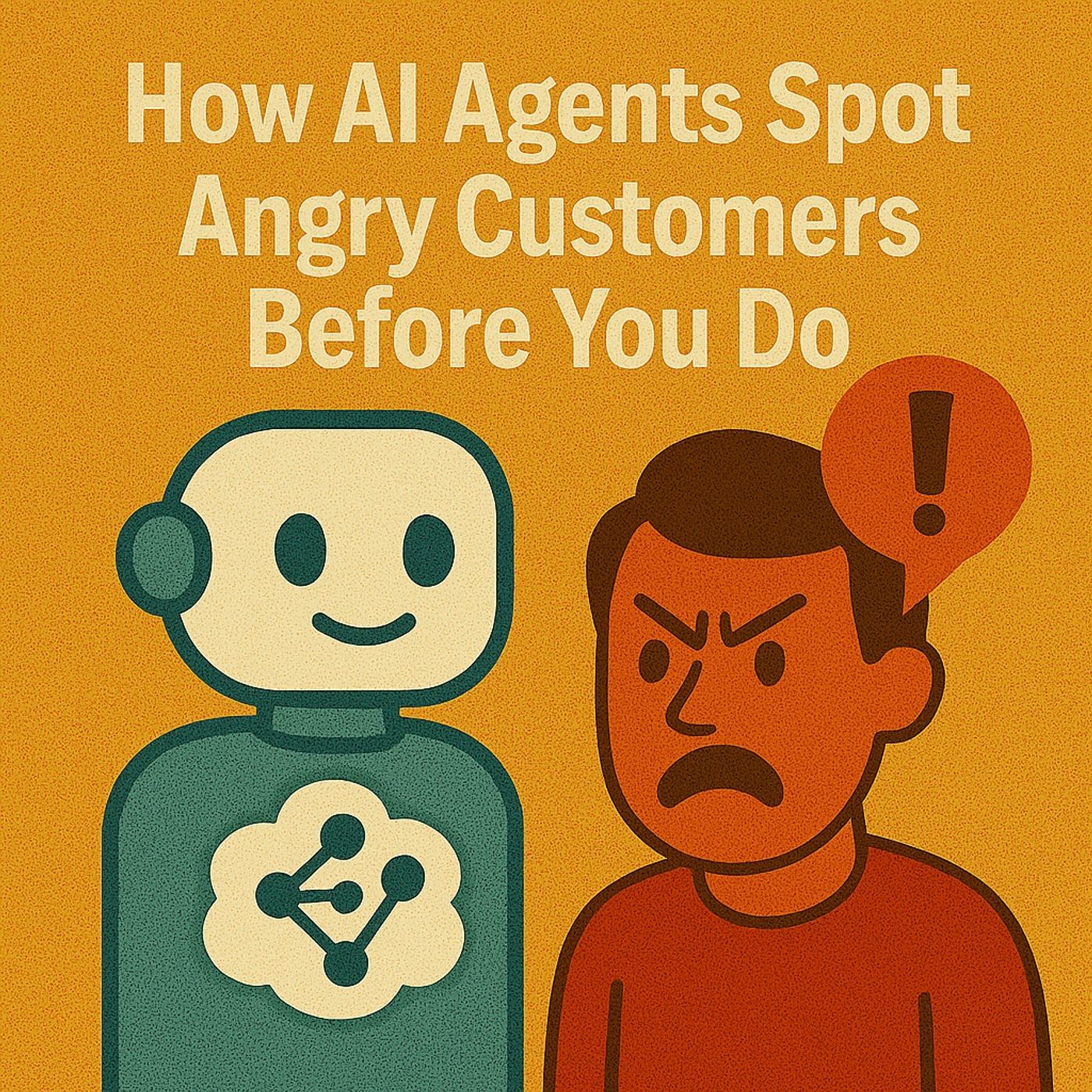
Dynamics 365 Sentiment Analytics: How AI Agents Spot Angry Customers & Fix Contact Center Firefighting
Season 1
Published 10 months ago
Description
AI sentiment analytics, Dynamics 365 Contact Center, Copilot, routing and autonomous agents – this episode is for people searching “Dynamics 365 sentiment analysis”, “AI contact center routing”, “how to detect angry customers”, “Copilot in contact center”, “autonomous agents case management” or “reduce agent burnout with AI”. If your support team spends every day firefighting the angriest tickets last instead of first, this conversation shows how sentiment models, smart routing and digital interns inside Dynamics 365 can flip that script.
We start with life in an old‑school contact center, where fragmented tools and missing context turn every day into permanent firefighting. Tickets arrive across phone, chat and email, but history hides in separate systems, so agents repeat questions, customers repeat stories and frustration compounds on both sides. Industry research and field experience link that loop—repetition, long waits, lack of shared history—to higher churn, lower morale and constant rehiring just to keep basic service levels alive. That’s the leaky bucket Dynamics 365, sentiment insight and Copilot‑style assistance are designed to patch.
Then we break down how AI learns to spot frustration before humans do. Inside Dynamics 365, sentiment analysis reads tone, phrasing, pacing and keywords across calls and chats to flag risk: caps, “unacceptable”, “cancel” and similar signals push those cases higher in the queue or route them to skilled agents. Instead of first‑come‑first‑served queues, you get intent‑ and emotion‑driven triage where churn risks, high‑value customers and heated interactions surface earlier, supervisors get a live heatmap of where trouble is building, and agents enter conversations with a mood indicator rather than flying blind.
Finally, we introduce autonomous agents as your new, tireless support interns inside Dynamics 365. Case Management agents help create and update cases, Customer Intent agents learn patterns from historical conversations, and Knowledge agents keep your articles alive and accurate—so humans focus on the real fights while digital coworkers handle the grind. Most teams start in assist mode (AI drafts, humans approve) and gradually move toward more automation, turning sentiment signals and autonomous workflows into a combined system that reduces burnout, shortens handle times and keeps your best agents working where they add the most value instead of copy‑pasting across screens.
WHAT YOU WILL LEARN
We start with life in an old‑school contact center, where fragmented tools and missing context turn every day into permanent firefighting. Tickets arrive across phone, chat and email, but history hides in separate systems, so agents repeat questions, customers repeat stories and frustration compounds on both sides. Industry research and field experience link that loop—repetition, long waits, lack of shared history—to higher churn, lower morale and constant rehiring just to keep basic service levels alive. That’s the leaky bucket Dynamics 365, sentiment insight and Copilot‑style assistance are designed to patch.
Then we break down how AI learns to spot frustration before humans do. Inside Dynamics 365, sentiment analysis reads tone, phrasing, pacing and keywords across calls and chats to flag risk: caps, “unacceptable”, “cancel” and similar signals push those cases higher in the queue or route them to skilled agents. Instead of first‑come‑first‑served queues, you get intent‑ and emotion‑driven triage where churn risks, high‑value customers and heated interactions surface earlier, supervisors get a live heatmap of where trouble is building, and agents enter conversations with a mood indicator rather than flying blind.
Finally, we introduce autonomous agents as your new, tireless support interns inside Dynamics 365. Case Management agents help create and update cases, Customer Intent agents learn patterns from historical conversations, and Knowledge agents keep your articles alive and accurate—so humans focus on the real fights while digital coworkers handle the grind. Most teams start in assist mode (AI drafts, humans approve) and gradually move toward more automation, turning sentiment signals and autonomous workflows into a combined system that reduces burnout, shortens handle times and keeps your best agents working where they add the most value instead of copy‑pasting across screens.
WHAT YOU WILL LEARN
- Why traditional contact centers feel like endless firefighting with fragmented tools.
- How sentiment analytics in Dynamics 365 reads tone, phrasing and pacing to flag frustration.
- How AI‑driven routing prioritizes churn risks and high‑value customers instead of simple FIFO queues.
- Why context and omnichannel history are critical to avoiding repetitive, trust‑killing conversations.
- How autonomous agents handle case creation, updates, intent learning and knowledge management.
- Why most organizations start with “assist mode” before granting more autonomo