Episode Details
Back to Episodes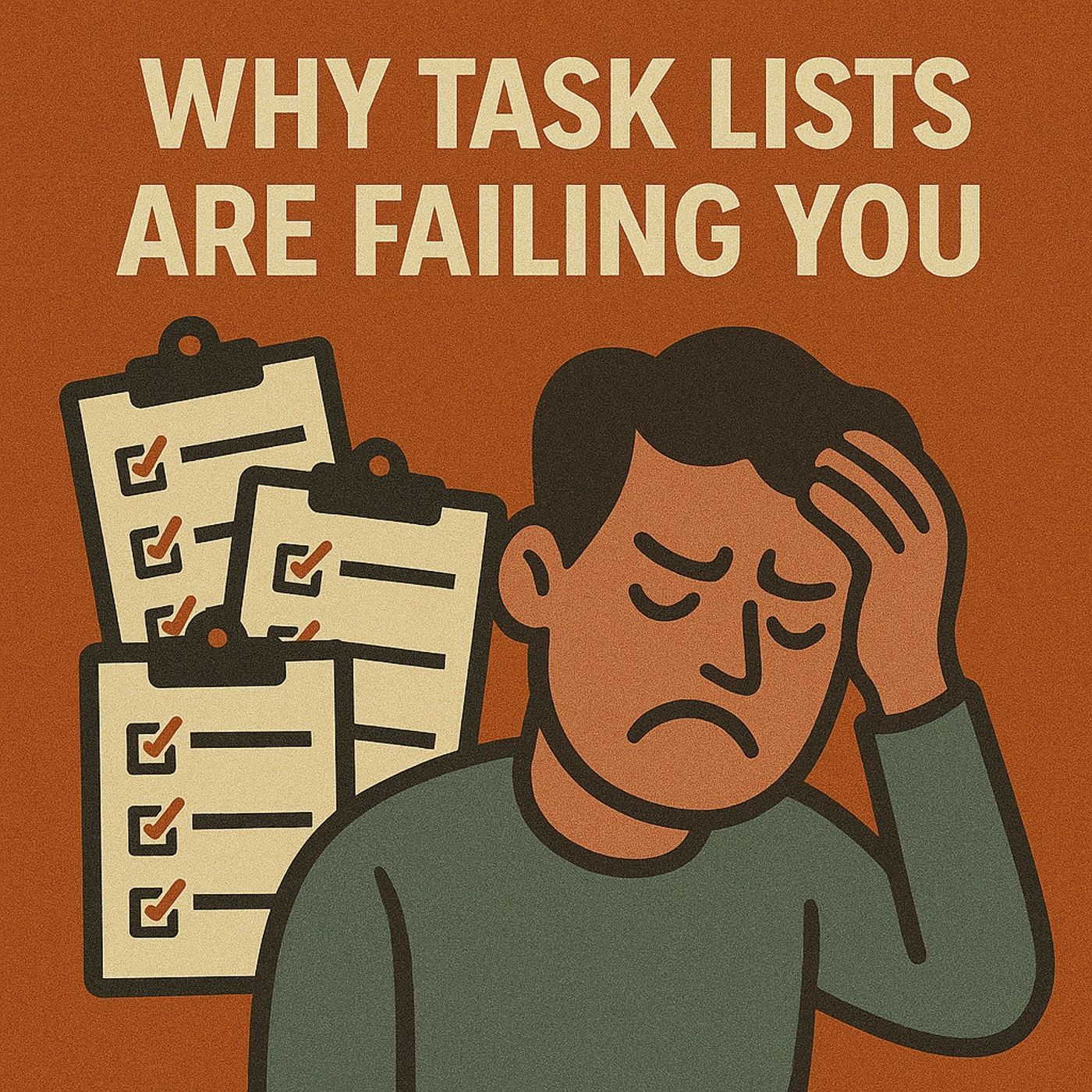
Why Task Lists Are Failing You: How Eisenhower, Microsoft 365 and Copilot Turn Busywork into Real Progress
Season 1
Published 11 months, 1 week ago
Description
Closing your laptop after a packed day and still wondering what you actually accomplished is not a personal failure—it’s a design flaw in how most task lists work. Traditional lists mix everything from tiny errands to career‑defining work into one flat stream, rewarding you for crossing off volume instead of moving forward on what truly matters. In this episode, we explore why that illusion of productivity is so tempting, how it keeps you stuck in low‑impact busywork, and what changes when you combine Eisenhower’s prioritization method with Microsoft 365 Copilot so your system starts amplifying your focus instead of fragmenting it.
We start with the hidden trap of task lists: they make you feel productive while quietly hiding the difference between urgent noise and important progress. You’ll hear why your brain loves quick wins—short emails, small admin tasks, tiny checkmarks—yet those wins rarely move the big projects that actually shape your results. By the end of the story, it becomes clear that the problem isn’t your discipline or motivation; it’s a toolset that records everything but refuses to tell you what deserves your best energy today.
From there, we connect Eisenhower’s simple but powerful “urgent vs. important” matrix to the reality of a modern Microsoft 365 workday. Instead of drawing boxes on paper once and forgetting them, you’ll see how that logic can live inside Outlook, To Do, Planner and Teams—so tasks are sorted into clear priorities as you read email, capture notes or plan your week. This is where Copilot enters: not as a magic productivity button, but as a partner that can draft, regroup and re‑prioritize your workload using your own rules, surfacing what matters most and gently pushing the rest into later, delegated or “not worth doing” buckets.
Finally, we walk through a practical way to move from “endless list” to a focused system you can actually maintain. You’ll learn how to define a small set of priority categories, map them onto Microsoft 365 tools you already own, and use Copilot to review your day, adjust your plan and keep the most important work visible—even when urgent noise tries to take over. The goal is not to squeeze more tasks into each day, but to end more days with a short, satisfying answer to the question: “What meaningful thing did I move forward today?”
WHAT YOU’LL LEARN
The core insight of this episode is that productivity isn’t about doing more tasks—it’s about deciding what matters and letting your tools support that decision, not fight it. Once you combine a clear prioritization framework with the Microsoft 365 tools and Copilot you already have, y
We start with the hidden trap of task lists: they make you feel productive while quietly hiding the difference between urgent noise and important progress. You’ll hear why your brain loves quick wins—short emails, small admin tasks, tiny checkmarks—yet those wins rarely move the big projects that actually shape your results. By the end of the story, it becomes clear that the problem isn’t your discipline or motivation; it’s a toolset that records everything but refuses to tell you what deserves your best energy today.
From there, we connect Eisenhower’s simple but powerful “urgent vs. important” matrix to the reality of a modern Microsoft 365 workday. Instead of drawing boxes on paper once and forgetting them, you’ll see how that logic can live inside Outlook, To Do, Planner and Teams—so tasks are sorted into clear priorities as you read email, capture notes or plan your week. This is where Copilot enters: not as a magic productivity button, but as a partner that can draft, regroup and re‑prioritize your workload using your own rules, surfacing what matters most and gently pushing the rest into later, delegated or “not worth doing” buckets.
Finally, we walk through a practical way to move from “endless list” to a focused system you can actually maintain. You’ll learn how to define a small set of priority categories, map them onto Microsoft 365 tools you already own, and use Copilot to review your day, adjust your plan and keep the most important work visible—even when urgent noise tries to take over. The goal is not to squeeze more tasks into each day, but to end more days with a short, satisfying answer to the question: “What meaningful thing did I move forward today?”
WHAT YOU’LL LEARN
- Why traditional task lists feel busy but rarely produce meaningful progress.
- How Eisenhower’s “urgent vs. important” framework still beats most modern apps.
- How to embed that logic into Outlook, To Do, Planner and Teams instead of adding yet another tool.
- How Microsoft 365 Copilot can help you sort, rephrase and prioritize tasks so your day reflects what actually matters.
The core insight of this episode is that productivity isn’t about doing more tasks—it’s about deciding what matters and letting your tools support that decision, not fight it. Once you combine a clear prioritization framework with the Microsoft 365 tools and Copilot you already have, y