Episode Details
Back to Episodes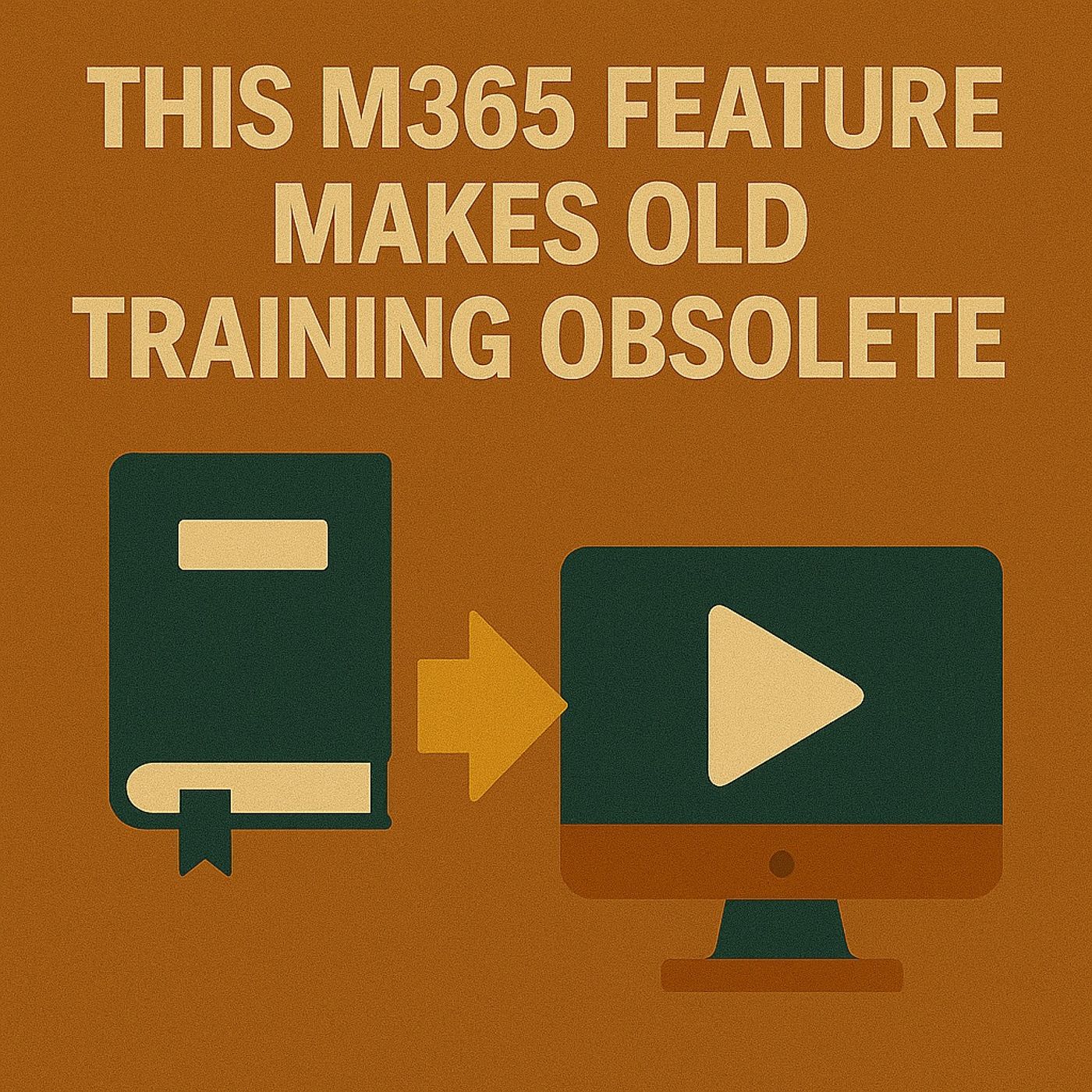
How In‑Product Guidance and Modern Learning Replace Traditional Microsoft 365 Workshops
Season 1
Published 11 months, 2 weeks ago
Description
Why This M365 Feature Makes Old Training Obsolete
Why are highly skilled professionals still wasting hours searching for features they’ve already been trained on? Traditional workshops, manuals and one‑off webinars don’t survive real life once people are back in the pressure of daily work. In this episode, we explore how Microsoft 365’s built‑in, contextual learning features quietly replace outdated training methods—delivering just‑in‑time help directly inside the apps your people already use, so knowledge sticks when it matters instead of fading a week after the workshop.
We start by looking at why classic training still fails in 2024 and beyond. Slide decks, classroom sessions and long recordings give you a short‑term boost, but the “forgetting curve” kicks in fast once new information isn’t practiced in context. That’s why employees trained on Teams still ask how to blur their background weeks later, or why Excel pivot table skills evaporate the moment the real reporting crunch hits. The problem isn’t the people—it’s that learning happens far away from the moment of use, so the brain has nothing concrete to attach those instructions to when the pressure is on.
From there, we dive into what modern learning really means inside Microsoft 365. Instead of sending users to separate portals or binders, M365 now delivers in‑product tips, interactive guidance and micro‑lessons directly where work happens—inside Word, Excel, Teams and more. We explain how context‑aware help, short prompts and “learn while doing” flows change the game: you discover a feature in the exact moment you need it, use it immediately, and remember it next time because it’s tied to a real task, not a distant theory slide.
Finally, we turn this into a practical playbook for organizations. You’ll learn how to reposition training away from big bang events and toward continuous, embedded learning that uses the capabilities already in your tenant. We talk about how to measure the impact of this shift, how to coach leaders and champions to lean on in‑app guidance instead of endless PDFs, and why embracing “training in the flow of work” is the only realistic way to keep up with a platform that changes every month. The result: fewer “how do I…?” tickets, more confident users, and a learning strategy that evolves at the same pace as Microsoft 365 itself.
WHAT YOU’LL LEARN
The core insight of this episode is that training doesn’t fail because employees don’t care—it fails when learning happens far away f
Why are highly skilled professionals still wasting hours searching for features they’ve already been trained on? Traditional workshops, manuals and one‑off webinars don’t survive real life once people are back in the pressure of daily work. In this episode, we explore how Microsoft 365’s built‑in, contextual learning features quietly replace outdated training methods—delivering just‑in‑time help directly inside the apps your people already use, so knowledge sticks when it matters instead of fading a week after the workshop.
We start by looking at why classic training still fails in 2024 and beyond. Slide decks, classroom sessions and long recordings give you a short‑term boost, but the “forgetting curve” kicks in fast once new information isn’t practiced in context. That’s why employees trained on Teams still ask how to blur their background weeks later, or why Excel pivot table skills evaporate the moment the real reporting crunch hits. The problem isn’t the people—it’s that learning happens far away from the moment of use, so the brain has nothing concrete to attach those instructions to when the pressure is on.
From there, we dive into what modern learning really means inside Microsoft 365. Instead of sending users to separate portals or binders, M365 now delivers in‑product tips, interactive guidance and micro‑lessons directly where work happens—inside Word, Excel, Teams and more. We explain how context‑aware help, short prompts and “learn while doing” flows change the game: you discover a feature in the exact moment you need it, use it immediately, and remember it next time because it’s tied to a real task, not a distant theory slide.
Finally, we turn this into a practical playbook for organizations. You’ll learn how to reposition training away from big bang events and toward continuous, embedded learning that uses the capabilities already in your tenant. We talk about how to measure the impact of this shift, how to coach leaders and champions to lean on in‑app guidance instead of endless PDFs, and why embracing “training in the flow of work” is the only realistic way to keep up with a platform that changes every month. The result: fewer “how do I…?” tickets, more confident users, and a learning strategy that evolves at the same pace as Microsoft 365 itself.
WHAT YOU’LL LEARN
- Why traditional M365 training fails even highly engaged professionals.
- How the forgetting curve kills workshop knowledge once people return to daily work.
- How Microsoft 365’s in‑product, contextual learning replaces old‑school manuals and slide decks.
- How to redesign your training approach around learning “in the flow of work” instead of separate events.
The core insight of this episode is that training doesn’t fail because employees don’t care—it fails when learning happens far away f