Episode Details
Back to Episodes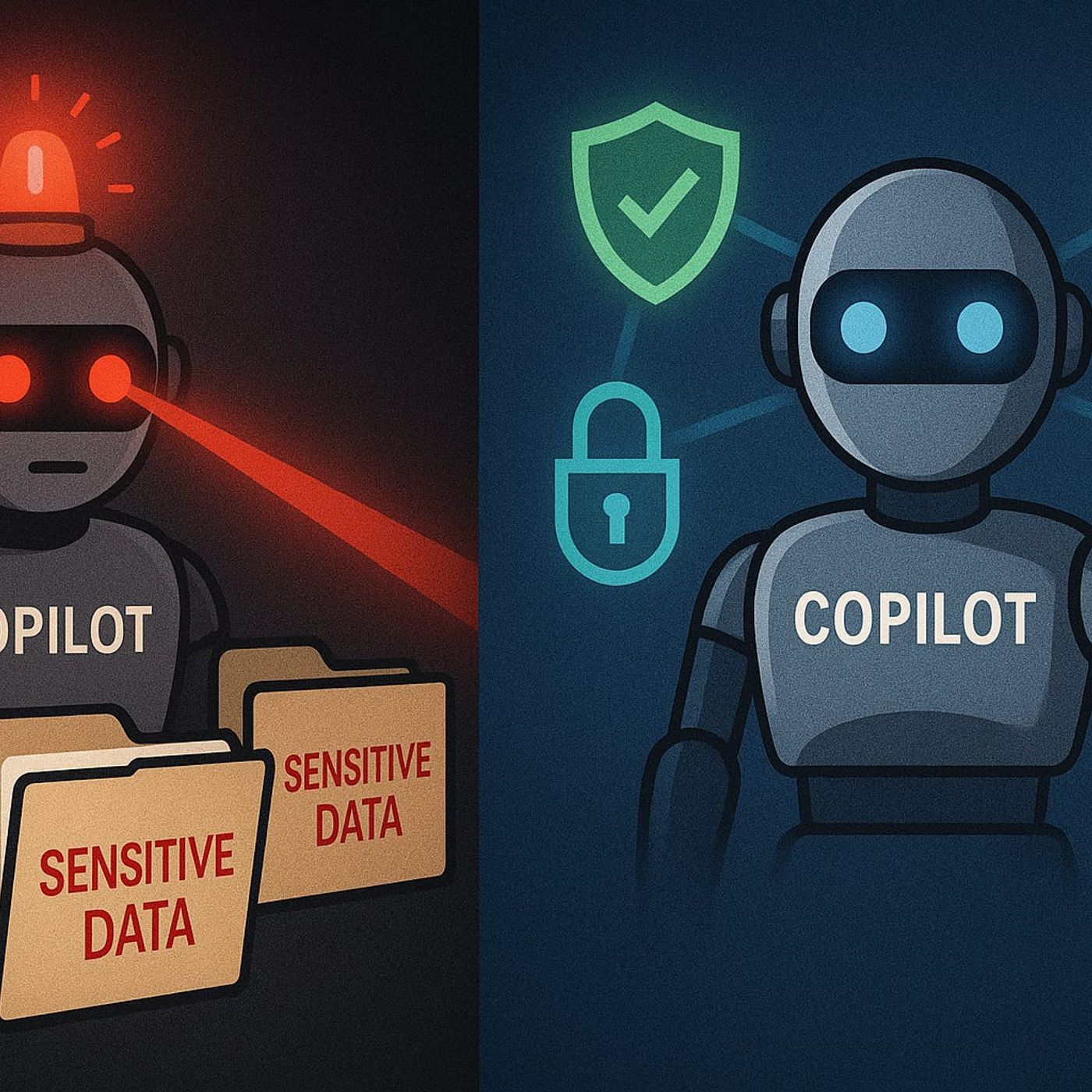
Keeping Copilot Secure and Compliant – How to Control Graph Permissions, DLP and Purview for Safe AI in Microsoft 365
Season 1
Published 11 months, 3 weeks ago
Description
Governed AI: Keeping Copilot Secure and Compliant
If you think Copilot only shows users what they already have permission to see, you’re one Graph permission away from a nasty surprise. In this episode, I walk through how unmanaged Graph and app permissions let Copilot quietly overreach—surfacing sensitive SharePoint files, Teams content and financial data your compliance team never intended to expose—and how to lock things down with a governed, least‑privilege design.
We start with what most organizations get wrong about Copilot’s access model. There’s a dangerous assumption that “if I’m signed in as me, Copilot only sees what I see,” but many deployments rely on application‑level Graph permissions that operate far beyond a single user’s rights. You’ll hear concrete examples where a junior user gets board‑level meeting notes or full pipeline numbers, not because their account was misconfigured, but because Copilot’s app registration was granted broad tenant‑wide access early in the rollout and never revisited.
Then we look at how to spot these gaps before they turn into incidents. Using Microsoft Entra ID (Azure AD) and Purview’s audit capabilities, we break down how to identify Copilot’s app registrations, understand which Graph permissions are actually in use, and trace AI‑driven access patterns across SharePoint, Teams and other workloads. You’ll learn how to set up targeted audit searches and reviews so “what did Copilot pull, for whom, and from where?” becomes an answerable question—not guesswork after a suspicious answer shows up in someone’s draft.
Finally, we move from visibility to guardrails that actually work. We cover how to redesign permissions around least privilege, where DLP and Purview information protection should step in for AI scenarios, and how to tune policies so they block real risk without breaking everyday productivity. By the end of the episode, you’ll have a practical blueprint to run Copilot as a governed, auditable service: scoped Graph permissions, meaningful DLP and label rules, and monitoring that lets you sleep at night instead of hoping your AI isn’t seeing too much
WHAT YOU’LL LEARN
The core insight of this episode is that Copilot’s risk isn’t “AI gone rogue”—it’s ungoverned access. Once you treat Graph permissions, DLP and Purview policies as the real control plane for Copilot, you can keep AI genuinely useful for users while staying inside the security and compliance boundaries your organization actually signed off on.
If you think Copilot only shows users what they already have permission to see, you’re one Graph permission away from a nasty surprise. In this episode, I walk through how unmanaged Graph and app permissions let Copilot quietly overreach—surfacing sensitive SharePoint files, Teams content and financial data your compliance team never intended to expose—and how to lock things down with a governed, least‑privilege design.
We start with what most organizations get wrong about Copilot’s access model. There’s a dangerous assumption that “if I’m signed in as me, Copilot only sees what I see,” but many deployments rely on application‑level Graph permissions that operate far beyond a single user’s rights. You’ll hear concrete examples where a junior user gets board‑level meeting notes or full pipeline numbers, not because their account was misconfigured, but because Copilot’s app registration was granted broad tenant‑wide access early in the rollout and never revisited.
Then we look at how to spot these gaps before they turn into incidents. Using Microsoft Entra ID (Azure AD) and Purview’s audit capabilities, we break down how to identify Copilot’s app registrations, understand which Graph permissions are actually in use, and trace AI‑driven access patterns across SharePoint, Teams and other workloads. You’ll learn how to set up targeted audit searches and reviews so “what did Copilot pull, for whom, and from where?” becomes an answerable question—not guesswork after a suspicious answer shows up in someone’s draft.
Finally, we move from visibility to guardrails that actually work. We cover how to redesign permissions around least privilege, where DLP and Purview information protection should step in for AI scenarios, and how to tune policies so they block real risk without breaking everyday productivity. By the end of the episode, you’ll have a practical blueprint to run Copilot as a governed, auditable service: scoped Graph permissions, meaningful DLP and label rules, and monitoring that lets you sleep at night instead of hoping your AI isn’t seeing too much
WHAT YOU’LL LEARN
- Why Copilot can overreach beyond a user’s normal access if Graph permissions are too broad.
- How to find and review Copilot app registrations and Graph permissions in Entra ID.
- How to use Purview audit to see what Copilot is actually accessing across M365.
- How to design DLP, labeling and least‑privilege permission models specifically for AI scenarios.
The core insight of this episode is that Copilot’s risk isn’t “AI gone rogue”—it’s ungoverned access. Once you treat Graph permissions, DLP and Purview policies as the real control plane for Copilot, you can keep AI genuinely useful for users while staying inside the security and compliance boundaries your organization actually signed off on.
Listen Now
Love PodBriefly?
If you like Podbriefly.com, please consider donating to support the ongoing development.
Support Us