Episode Details
Back to Episodes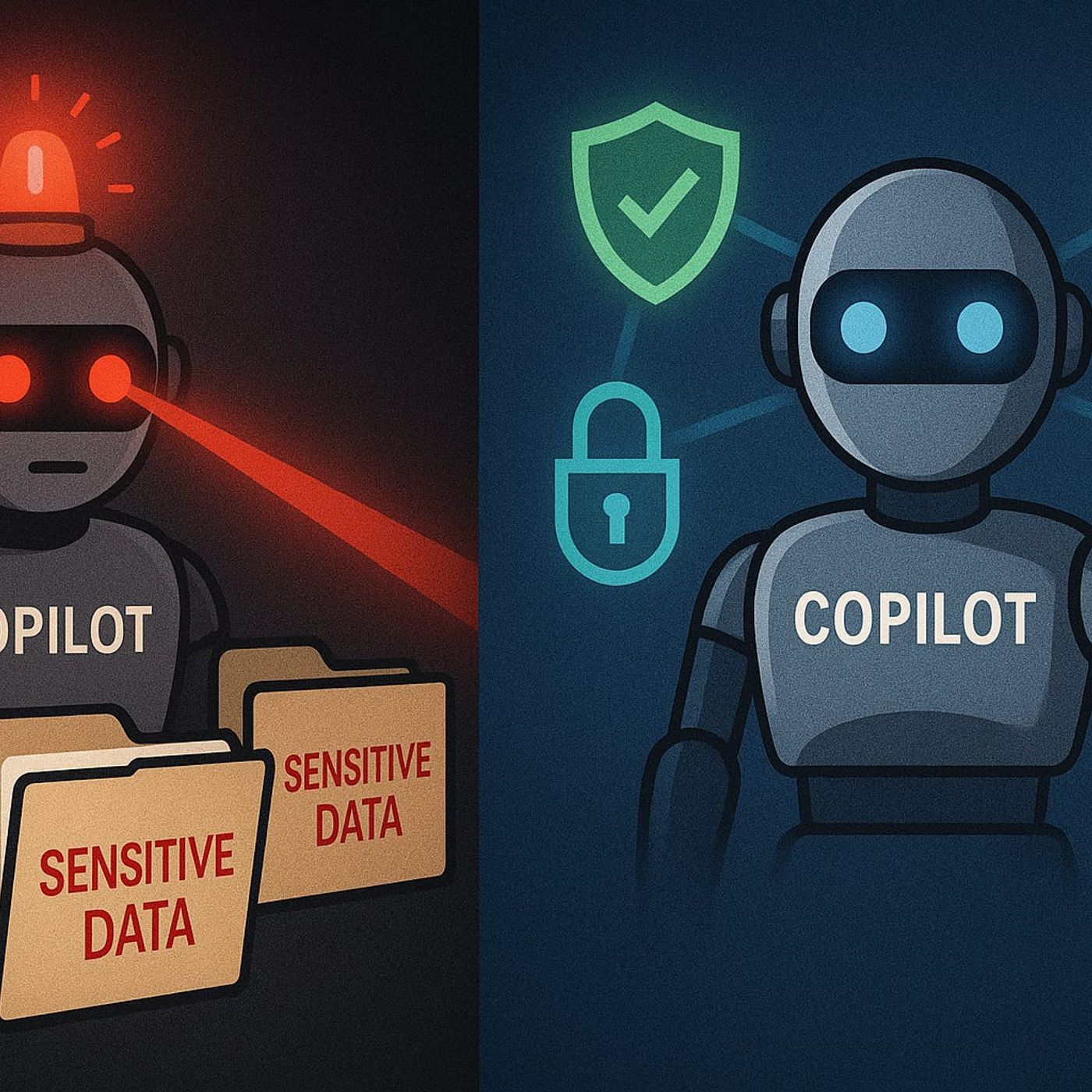
Governed AI: Keeping Copilot Secure and Compliant
Published 6 months, 2 weeks ago
Description
If you think Copilot only shows what you’ve already got permission to see—think again. One wrong Graph permission and suddenly your AI can surface data your compliance team never signed off on. The scary part? You might never even realize it’s happening.In this video, I’ll break down the real risks of unmanaged Copilot access—how sensitive files, financial spreadsheets, and confidential client data can slip through. Then I’ll show you how to lock it down using Graph permissions, DLP policies, and Purview—without breaking productivity for the people who actually need access.When Copilot Knows Too MuchA junior staffer asks Copilot for notes from last quarter’s project review, and what comes back isn’t a tidy summary of their own meeting—it’s detailed minutes from a private board session. Including strategy decisions, budget cuts, and names that should never have reached that person’s inbox. No breach alerts went off. No DLP warning. Just an AI quietly handing over a document it should never have touched.This happens because Copilot doesn’t magically stop at a user’s mailbox or OneDrive folder. Its reach is dictated by the permissions it’s been granted through Microsoft Graph. And Graph isn’t just a database—it’s the central point of access to nearly every piece of content in Microsoft 365. SharePoint, Teams messages, calendar events, OneNote, CRM data tied into the tenant—it all flows through Graph if the right door is unlocked. That’s the part many admins miss.There’s a common assumption that if I’m signed in as me, Copilot will only see what I can see. Sounds reasonable. The problem is, Copilot itself often runs with a separate set of application permissions. If those permissions are broader than the signed-in user’s rights, you end up with an AI assistant that can reach far more than the human sitting at the keyboard. And in some deployments, those elevated permissions are handed out without anyone questioning why.Picture a financial analyst working on a quarterly forecast. They ask Copilot for “current pipeline data for top 20 accounts.” In their regular role, they should only see figures for a subset of clients. But thanks to how Graph has been scoped in Copilot’s app registration, the AI pulls the entire sales pipeline report from a shared team site that the analyst has never had access to directly. From an end-user perspective, nothing looks suspicious. But from a security and compliance standpoint, that’s sensitive exposure.Graph API permissions are effectively the front door to your organization’s data. Microsoft splits them into delegated permissions—acting on behalf of a signed-in user—and application permissions, which allow an app to operate independently. Copilot scenarios often require delegated permissions for content retrieval, but certain features, like summarizing a Teams meeting the user wasn’t in, can prompt admins to approve application-level permissions. And that’s where the danger creeps in. Application permissions ignore individual user restrictions unless you deliberately scope them.These approvals often happen early in a rollout. An IT admin testing Copilot in a dev tenant might click “Accept” on a permission prompt just to get through setup, then replicate that configuration in production without reviewing the implications. Once in place, those broad permissions remain unless someone actively audits them. Over time, as new data sources connect into M365, Copilot’s reach expands without any conscious decision. That’s silent permission creep—no drama, no user complaints, just a gradual widening of the AI’s scope.The challenge is that most security teams aren’t fluent in which Copilot capabilities require what level of Graph access. They might see “Read all files in SharePoint” and assume it’s constrained by user context, not realizing that the permission is tenant-wide at the application level. Without mapping specific AI scenarios to the minimum necessary permissions, you end up defaulting to whatever