Episode Details
Back to Episodes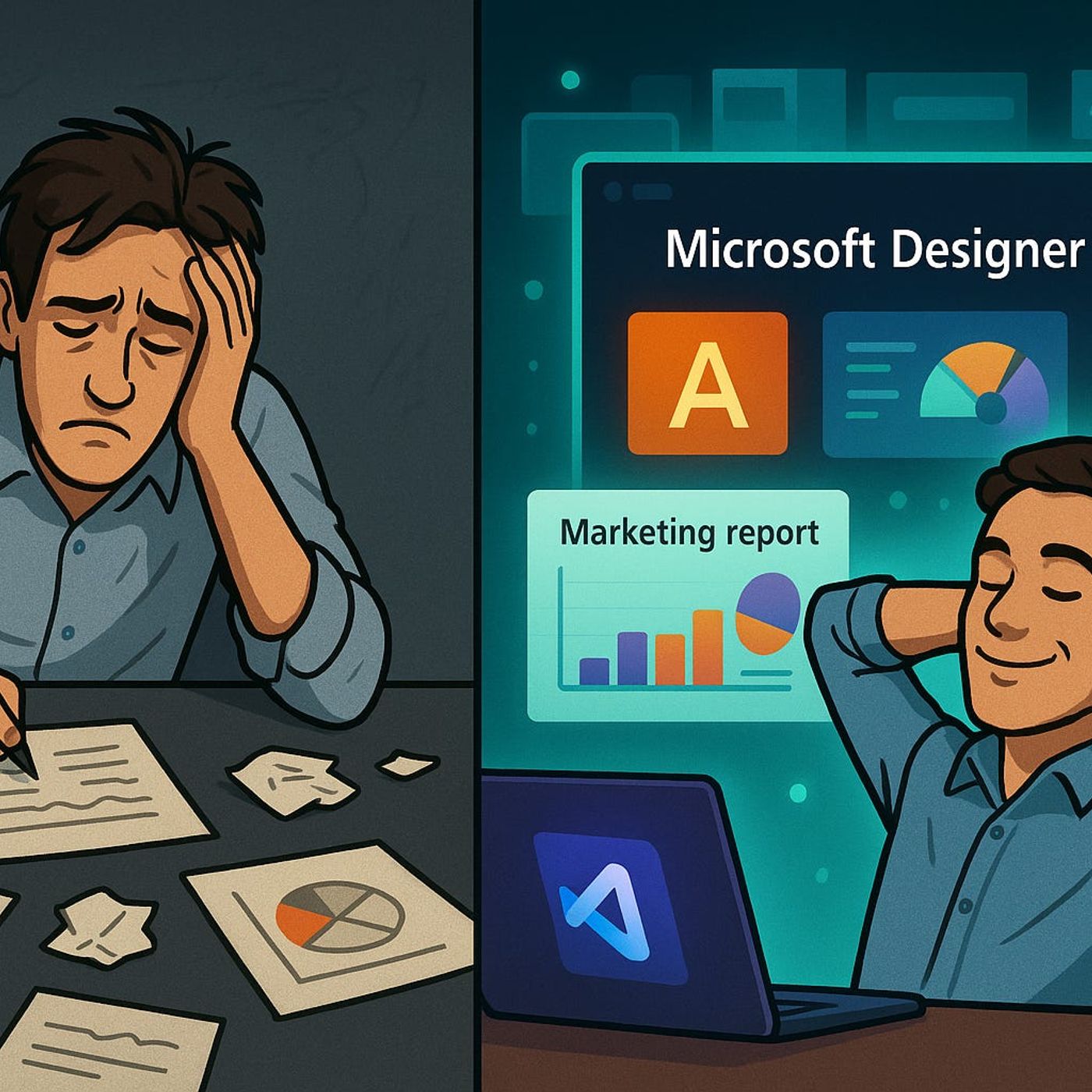
Microsoft Designer for Business Content Creation
Published 6 months, 2 weeks ago
Description
Remember spending hours aligning a PowerPoint slide just right, only for someone to change the brand colors? What if I told you now, Microsoft Designer can do that work in seconds—without you even picking up the mouse. But here’s the thing... it’s not just faster, it’s learning your style while you work. Today, I’ll show you how this could mean the end of tedious asset creation, and why it might change how your marketing team operates forever. The question is—are you ready to trust AI with your brand identity?From Manual Tweaks to Machine SmartsIf you’ve worked on a marketing flyer or a pitch deck before, you know how quickly “just a few tweaks” can eat an entire afternoon. Adjusting a text box by half a millimeter so it lines up with the photo. Replacing an image because someone on the leadership team doesn’t like it. Making sure the headline is the right corporate font size—not just close, but exact. That’s before the real fun begins: someone else opens the file, makes their own changes, and now you’re comparing versions to see what’s actually final. It’s not just tedious, it’s a slow drain on the hours you actually have for creative work.The part that often takes the most time isn’t even the big, obvious revisions—it’s the tiny, endless feedback loops. Moving a logo half an inch. Adjusting a single shade of blue so it matches the approved palette. Making sure bullet points use the right weight of the company’s custom font. It’s death by a thousand minor adjustments, and in group projects those changes multiply. It’s not unusual to go back and forth ten or twelve times, just so the output feels “on brand.”That’s where the AI baked into Microsoft Designer changes the equation. Once it’s trained on your brand kit—colors, fonts, logos, imagery styles—it starts applying those choices automatically. You drop in a batch of text and images, and it builds layouts that already know your headline font is 32-point Segoe, your buttons use the navy hex code, and your photography follows a warm color profile. Instead of manually checking every design element, you start from something that’s already consistent.Think about the difference with a concrete example. In the old world, creating a product launch flyer would mean starting from a blank PowerPoint or InDesign file, then manually adding styles, aligning blocks of text, and swapping out placeholder colors. In Designer, you enter the headline, subtext, and a product image, and within seconds the AI produces five or six polished drafts—every one aligned with your brand rules. You might still tweak the order of the elements, but the structure is already locked in.One of the marketing managers I spoke with recently had been swamped working on a seasonal campaign. Before using Designer, she’d spend about six hours per design cycle, mostly doing housekeeping tasks in layouts. When they switched, she compressed the same task into just over an hour—without sacrificing style or quality. That’s a full workday saved every week just by cutting out the repetitive formatting work.Pilot programs have reported similar results. Teams using Designer for routine collateral production saw measurable upticks in throughput—more campaigns delivered on time, fewer late requests for “minor” changes, and a marked drop in the number of revisions per project. The interesting part is, creativity didn’t decline. In fact, with less energy spent on tactical alignment, designers and marketers reported having more headspace for brainstorming and concept development.One reason that happens is the way Designer offers layout suggestions. Instead of serving you a static template that you must conform to, its AI looks at the content you’ve provided and proposes visual hierarchies it thinks will work. That means you’re reacting to a decent first draft rather than struggling to build one from scratch. It’s enough guidance to fight creative fatigue, but you still make the call on what actually gets published.There’s a quiet qu