Episode Details
Back to Episodes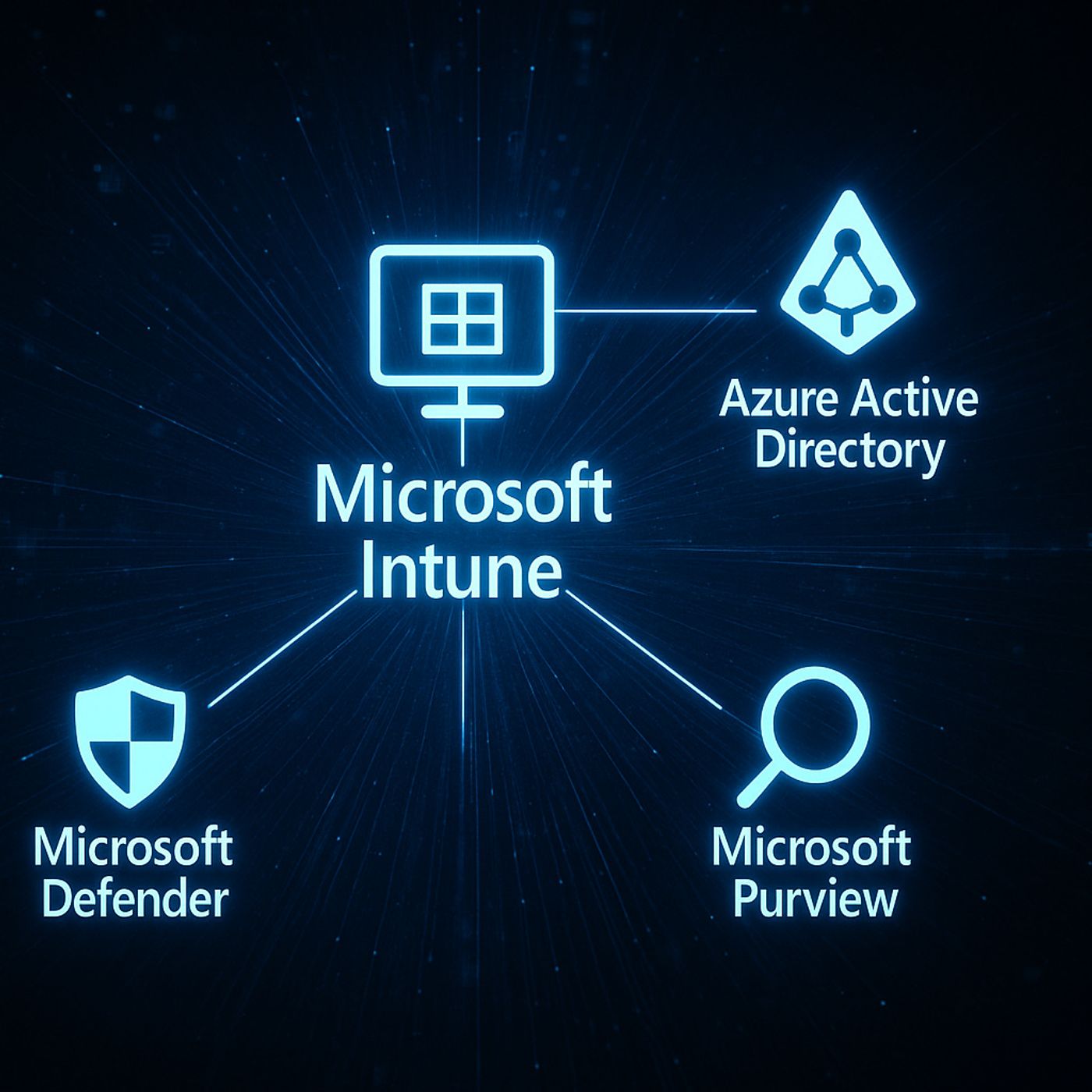
Microsoft Intune: A Simple Guide to Modern Device and Access Management in Microsoft 365
Season 1
Published 11 months, 3 weeks ago
Description
What Is Microsoft Intune Used For?
Most people still think Intune is just “mobile device management,” but in modern Microsoft 365 it’s really an access and protection layer that connects identity, devices, apps and data. In this episode, you’ll hear how Intune, Azure AD and Defender work together so you’re not just pushing policies to laptops—you’re shaping conditional, identity‑based access to corporate resources across work and personal devices. We walk from the old GPO world into an identity‑first model: Conditional Access, compliant devices, app protection policies and scenarios like contractors, BYOD and remote work that show why Intune has become a strategic part of your security and compliance story, not just an IT tool.
We start with the old world of classic device management and GPOs. On-premises, you mainly cared about domain-joined Windows devices on your network, and security meant “is the laptop configured correctly.” Today, users work from anywhere, on many different devices, across SaaS apps you don’t fully control. You’ll hear how Intune shifts the focus from managing just Windows machines to managing the combination of user, device posture and app, so security travels with the identity instead of being bound to a single network.
Then we zoom into what Intune actually does for you day-to-day. We cover core capabilities like device enrollment and compliance policies, app deployment and updates, configuration profiles, and security baselines that give you consistent, repeatable settings across your fleet. You’ll learn how Conditional Access uses Intune’s compliance signals to decide who gets in and who doesn’t, and how app protection policies help you protect corporate data even on personal devices—without fully managing the entire phone or laptop.
Finally, we tie Intune to business and compliance outcomes. It’s not just about “locking things down,” but about showing that only healthy, compliant devices access sensitive resources, that lost devices can be wiped, and that data stays within managed apps. By the end of the episode, you’ll be able to explain Intune in one sentence (“it makes sure only trusted users and devices can work with company data”) and know which features to focus on first for your own environment
WHAT YOU’LL LEARN
The core insight of this episode is that Intune is no longer “just an MDM tool”—it’s a key part of your identity-based security model. Once you see Intune as the policy and compliance engine behind Conditional Access, you stop thinking about it as a way to lock down devices and start using it to intelligently decide which combinations of user, device and app you
Most people still think Intune is just “mobile device management,” but in modern Microsoft 365 it’s really an access and protection layer that connects identity, devices, apps and data. In this episode, you’ll hear how Intune, Azure AD and Defender work together so you’re not just pushing policies to laptops—you’re shaping conditional, identity‑based access to corporate resources across work and personal devices. We walk from the old GPO world into an identity‑first model: Conditional Access, compliant devices, app protection policies and scenarios like contractors, BYOD and remote work that show why Intune has become a strategic part of your security and compliance story, not just an IT tool.
We start with the old world of classic device management and GPOs. On-premises, you mainly cared about domain-joined Windows devices on your network, and security meant “is the laptop configured correctly.” Today, users work from anywhere, on many different devices, across SaaS apps you don’t fully control. You’ll hear how Intune shifts the focus from managing just Windows machines to managing the combination of user, device posture and app, so security travels with the identity instead of being bound to a single network.
Then we zoom into what Intune actually does for you day-to-day. We cover core capabilities like device enrollment and compliance policies, app deployment and updates, configuration profiles, and security baselines that give you consistent, repeatable settings across your fleet. You’ll learn how Conditional Access uses Intune’s compliance signals to decide who gets in and who doesn’t, and how app protection policies help you protect corporate data even on personal devices—without fully managing the entire phone or laptop.
Finally, we tie Intune to business and compliance outcomes. It’s not just about “locking things down,” but about showing that only healthy, compliant devices access sensitive resources, that lost devices can be wiped, and that data stays within managed apps. By the end of the episode, you’ll be able to explain Intune in one sentence (“it makes sure only trusted users and devices can work with company data”) and know which features to focus on first for your own environment
WHAT YOU’LL LEARN
- Why Intune is more than classic mobile device management in the Microsoft 365 era.
- How Intune, Entra ID (Azure AD) and Microsoft Defender work together to secure access.
- The basics of device enrollment, compliance policies, app deployment and app protection.
- How Intune supports scenarios like BYOD, contractors and remote work while keeping data safe.
The core insight of this episode is that Intune is no longer “just an MDM tool”—it’s a key part of your identity-based security model. Once you see Intune as the policy and compliance engine behind Conditional Access, you stop thinking about it as a way to lock down devices and start using it to intelligently decide which combinations of user, device and app you