Episode Details
Back to Episodes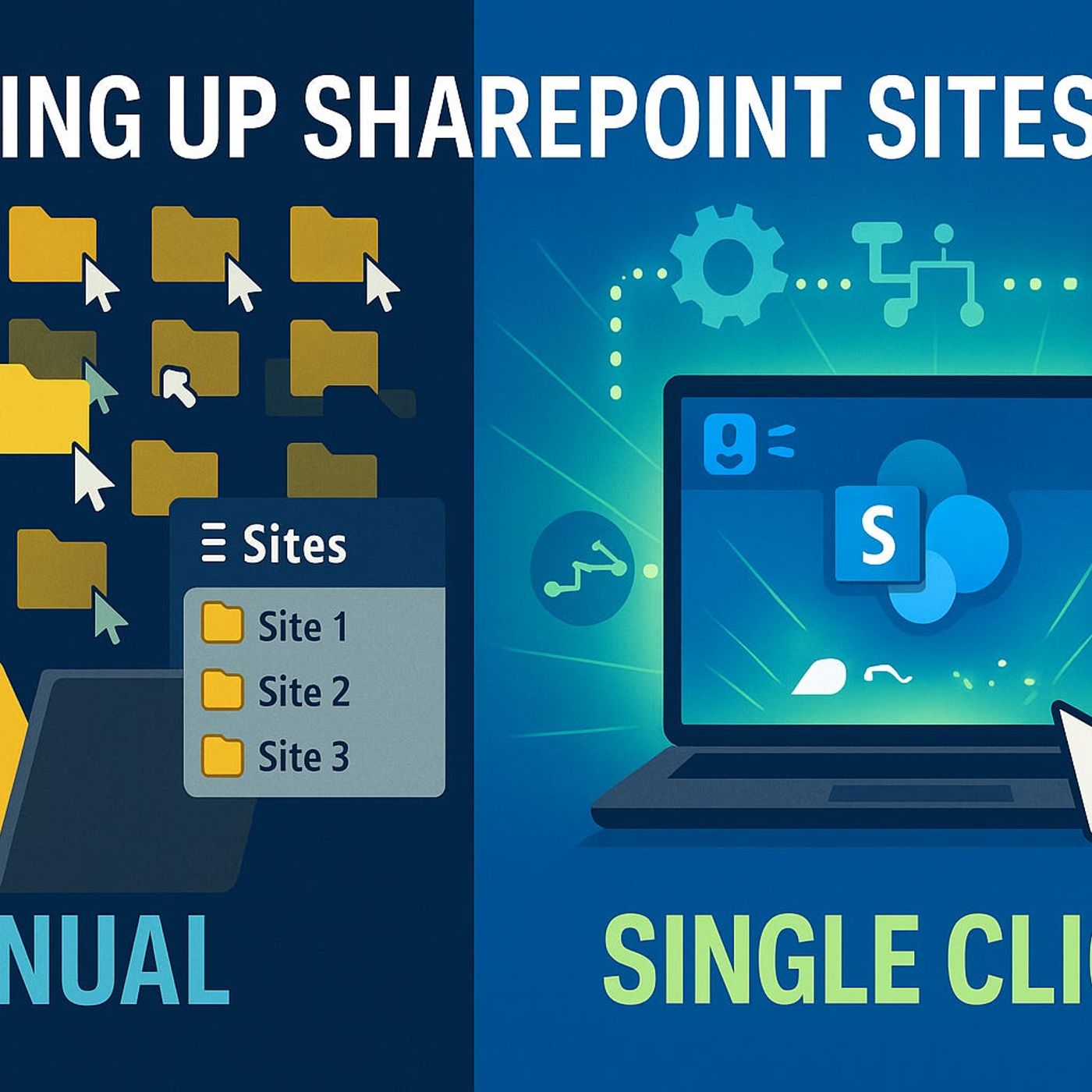
Automating SharePoint Online with Site Scripts and PnP Provisioning: How to Stop Manual Site Drift and Scale Consistent Templates
Season 1
Published 11 months, 3 weeks ago
Description
Spending an afternoon manually tweaking a new SharePoint site is fine—until you realize the next site looks completely different and nobody remembers which settings you changed where. In this episode, I walk through how Site Scripts and PnP Provisioning let you lock in branding, structure, and configuration once, so every new site follows the same recipe without you rebuilding it from scratch. We start from that familiar drift between “perfect first site” and “how did we end up here?” and show how JSON‑based Site Scripts give you a repeatable, standards‑driven way to apply themes, logos, and lists from day one.
From there, we dig into the limits of Site Scripts and where PnP Provisioning picks up the slack. You’ll hear why JSON alone can’t handle deeper scenarios like complex permissions, custom web parts, and advanced configurations—and how PnP turns a well‑configured reference site into a reusable template. We walk through capturing a site, cleaning the template, and replaying it safely, so you can roll out entire departments or project collections that look and behave consistently.
We then connect this to real‑world governance problems: off‑brand sites, missing lists, broken inheritance, and ad‑hoc fixes that nobody documents. Instead of relying on memory and checklists, you’ll see how combining Site Scripts for “first boot” configuration with PnP Provisioning for deeper setup gives you layered control. Branding and basic structure become automatic during site creation, while PnP handles the rich, opinionated setup that turns a generic site into a ready‑to‑use workspace.
By the end, you’ll have a clear mental model for when to use Site Scripts, when to use PnP Provisioning, and how they work together. Most importantly, you’ll see how this automation doesn’t just save time—it reduces configuration drift, improves security, and makes it far more likely that every new SharePoint site actually matches the design, lists, and rules you intended.
WHAT YOU LEARN
The core insight of this episode is that reliable SharePoint automation comes from layering tools with clear roles, not from hoping one JSON script can do everything. When Site Scripts handle the repeatable basics at creation time and PnP Provisioning applies richer, template‑driven configuration afterward, you move from fragile, manual builds to a system where every new site starts aligned with your standards—and stays that way as you scale.
WHO THIS IS FOR
From there, we dig into the limits of Site Scripts and where PnP Provisioning picks up the slack. You’ll hear why JSON alone can’t handle deeper scenarios like complex permissions, custom web parts, and advanced configurations—and how PnP turns a well‑configured reference site into a reusable template. We walk through capturing a site, cleaning the template, and replaying it safely, so you can roll out entire departments or project collections that look and behave consistently.
We then connect this to real‑world governance problems: off‑brand sites, missing lists, broken inheritance, and ad‑hoc fixes that nobody documents. Instead of relying on memory and checklists, you’ll see how combining Site Scripts for “first boot” configuration with PnP Provisioning for deeper setup gives you layered control. Branding and basic structure become automatic during site creation, while PnP handles the rich, opinionated setup that turns a generic site into a ready‑to‑use workspace.
By the end, you’ll have a clear mental model for when to use Site Scripts, when to use PnP Provisioning, and how they work together. Most importantly, you’ll see how this automation doesn’t just save time—it reduces configuration drift, improves security, and makes it far more likely that every new SharePoint site actually matches the design, lists, and rules you intended.
WHAT YOU LEARN
- Why manual SharePoint site creation inevitably leads to drift in branding, lists, and permissions.
- How Site Scripts use JSON instructions to apply themes, logos, and lists consistently at site creation.
- Where Site Scripts stop and why PnP Provisioning is needed for deeper configuration, web parts, and complex permissions.
- How to capture a reference site with PnP, clean the template, and safely replay it for new sites.
- How combining Site Scripts and PnP builds a scalable, governed approach to SharePoint site rollout.
The core insight of this episode is that reliable SharePoint automation comes from layering tools with clear roles, not from hoping one JSON script can do everything. When Site Scripts handle the repeatable basics at creation time and PnP Provisioning applies richer, template‑driven configuration afterward, you move from fragile, manual builds to a system where every new site starts aligned with your standards—and stays that way as you scale.
WHO THIS IS FOR
- SharePoint and Micr