Episode Details
Back to Episodes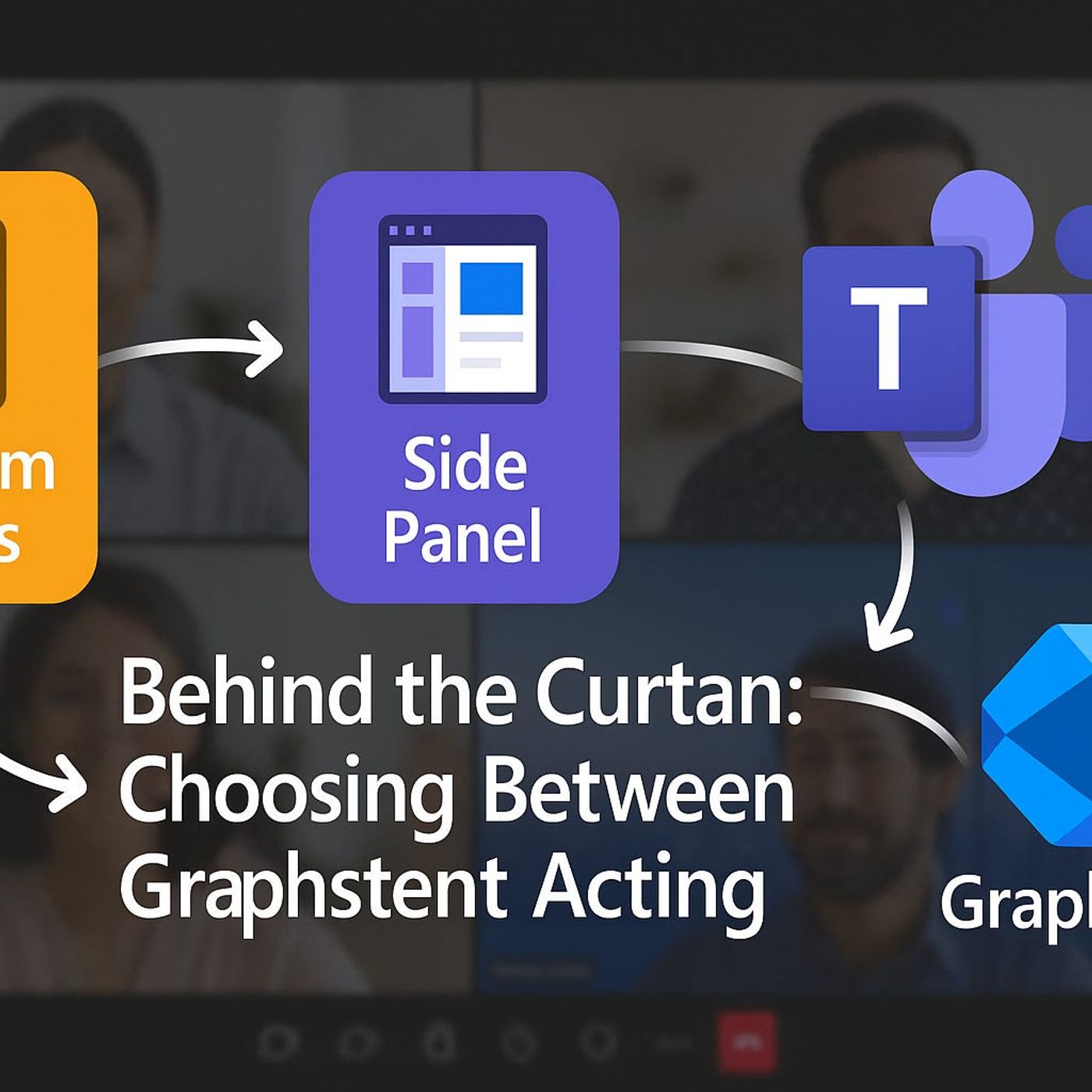
Advanced Teams Meeting Extensibility with Apps & Bots
Published 6 months, 2 weeks ago
Description
If you think Teams meetings are just about video calls and screen shares, you’re missing the real game. What if the meeting itself could trigger workflows, display live business data, or even run internal apps right next to the conversation?Today, we’re breaking down exactly how custom apps, in-meeting side panels, and Graph API events can turn Teams into a dynamic work hub — but the way they work together might surprise you. And once you see how these components connect, you’ll start seeing the meeting window as a control center, not just a chat box. Let’s unpack it.The Core Building Blocks of Teams Meeting ExtensibilityMost people who join a Teams meeting only see the faces, the chat, and maybe a shared screen or two. What they don’t see is the machinery under the hood that makes those meetings more than just digital conference calls. There’s an entire framework in place that can surface live data, automate tasks, and turn the meeting environment into something a lot smarter than it looks from the outside. The surprising part? That capability isn’t hidden behind obscure licenses or unreleased features—it’s sitting there in plain sight, but in pieces most people never connect together.Think of the Teams Meeting Extensibility System as three separate tools that can operate on their own, but were designed to work together. You’ve got custom apps—your tailor-made solutions built on the Teams platform. Then there are in-meeting side panels, which act like an extra set of eyes and hands in the call. Finally, there are Graph API meeting lifecycle events, the signals that tell your systems exactly when key moments in the meeting happen. Each of these has its own development model, permissions, and deployment considerations, but none depend entirely on the others to work. They’re interoperable, not interdependent.The problem is that most of the resources out there treat them like unrelated subjects. You’ll find one blog explaining how to pin a custom tab, another about launching a side panel, and maybe a separate API reference showing lifecycle event triggers. On their own, these guides are fine for quick wins, but they leave you without a mental map of how the entire system operates as a whole. It’s like hiring three different departments in a company, letting them operate in isolation, and never telling them what the others are working on. They might get their individual jobs done, but they’ll miss opportunities to create real synergy.Picture this: during a project status meeting, instead of juggling between Teams and your browser, the project tracker sits as a dedicated meeting tab. Everyone sees updates in real time, no one has to dig through links, and changes stick as soon as they’re made. That’s custom apps doing their job. Now, in the same meeting, without leaving the stage view, you open a side panel that shows live data pulled straight from your CRM about the client you’re discussing—current sales pipeline, outstanding issues, and even recent interactions. Zero tab-switching, no hunting for context. That’s the side panel bringing in high-value information exactly when it’s needed.Then you’ve got the piece most people ignore: lifecycle events. These aren’t visual at all. They’re signals—sort of like the meeting raising a hand to say, “We’ve just started,” or “This person has joined,” or “We’re wrapping up.” Using the Graph API, those signals can trigger a workflow: maybe syncing that CRM data into the side panel at the moment the meeting starts, or automatically compiling a follow-up task list as soon as the meeting ends. You’re not waiting on someone to remember to hit a button; the meeting’s state itself drives the automation.Individually, these pieces are useful. But when they’re aware of each other, you get a multiplier effect. The app in the meeting tab isn’t just static—it reacts to updates triggered by an event. The side panel isn’t just a read-only feed—it’s an interactive dashboard updated in context. The lifecycle