Episode Details
Back to Episodes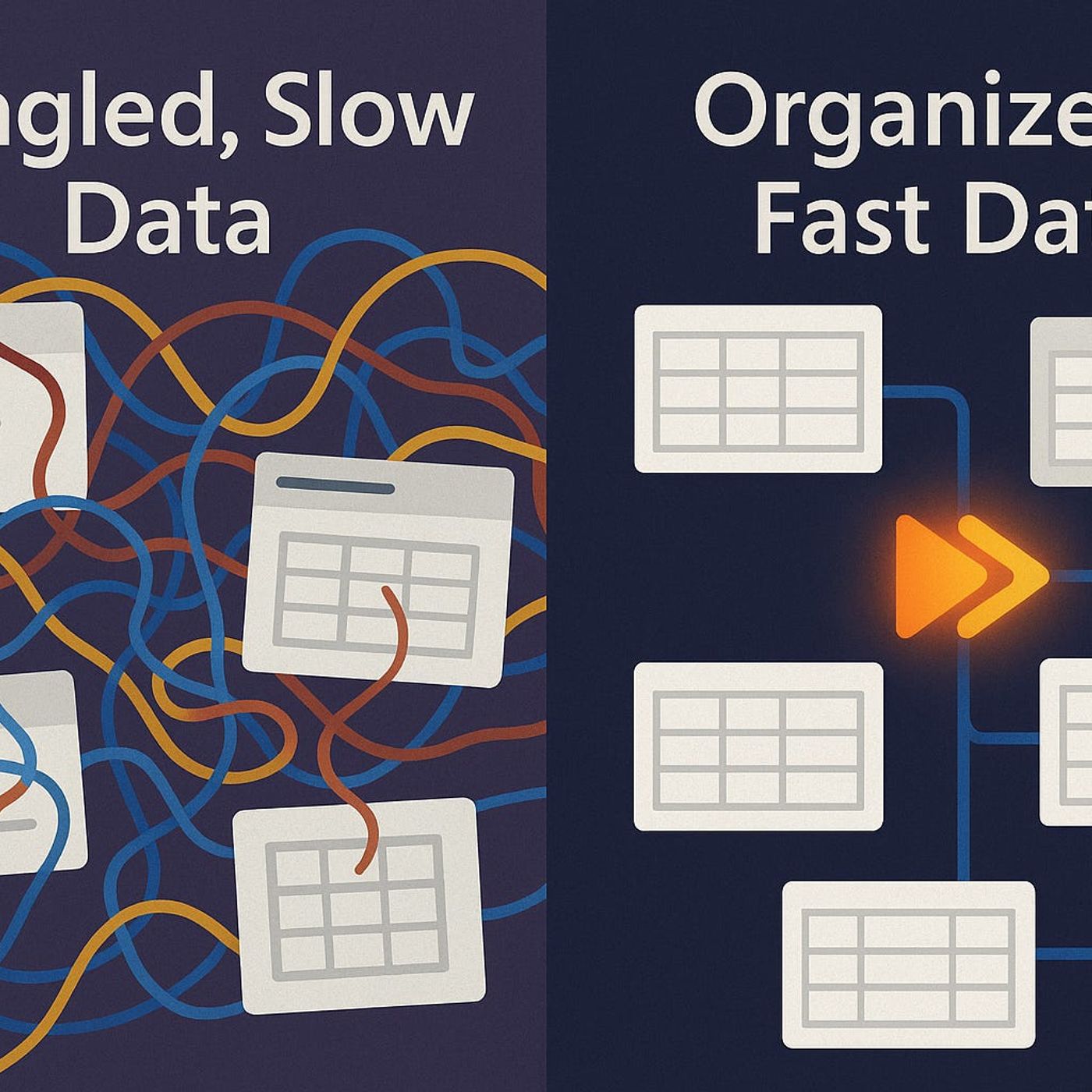
Dataverse Deep Dive: Designing Scalable Data Models
Published 6 months, 2 weeks ago
Description
What if the reason your Dataverse app slows to a crawl isn’t the size of your data… but the way your relationships are wired?Today, we’re going to break down the hidden connection between schema design and real-world responsiveness — and why so many Power Platform makers unknowingly lock themselves into poor performance from day one.The Hidden Performance Traps in Your TablesEver wonder why a table with only a few thousand rows feels slower than one with a million? It’s one of those moments where your gut tells you it should be fine, but Dataverse is acting like it’s moving through wet cement. The surprising truth is that it’s not the raw size that drags your app down — it’s the way the table is designed in the first place. And those design decisions start causing problems long before you run into any actual platform limits. A lot of makers blame external factors. They assume their tenant is throttled, the network is unstable, or there’s some hidden storage bottleneck in the service. But in many cases, those slow forms, laggy lookups, and Power Automate flows that keep timing out can all be traced back to a schema that looked perfect in the build phase but was structured in a way that slows down every single query touching it. If you’ve ever had a user complain about “Dataverse being slow” without adding any context, there’s a good chance the real culprit is your table layout. Think about it like a filing cabinet. If every drawer is crammed with papers and nothing is labeled, it doesn’t matter if there are only fifty files inside — you’re still going to waste time digging through it. A Dataverse table works the same way: bloated with fields you rarely use, stitched together with unnecessary relationships, it can make even simple data operations crawl. And unlike a messy cabinet, the mess here isn’t immediately visible to you or the user — the only symptom is a mounting performance penalty. I’ve seen projects where the table schema read like a “greatest hits” of every request from every stakeholder. Need a field for internal notes in three different formats? Done. A dozen variations of the same lookup in case someone needs it later? Add it in. Over time, these fields become dead weight. They get indexed when they don’t need to be, they slow down inserts and updates, and they make the form UI heavier than it should be. One real example involved a customer table with more than 250 fields, most of which existed “just in case.” The result? A form that took over 12 seconds to load on a high-speed connection — and that was before any automation kicked in. Microsoft’s own documentation spells out the trade-offs in normalization. By the book, breaking data into many smaller related tables protects against redundancy. In practice, over-normalizing can hurt Dataverse performance if normal operations require too many joins across those tables. Every join is extra work for the query engine — and if you’ve got columns that hardly ever change stored in separate related tables, you’re paying a processing cost without any real benefit. Pruning non-critical fields isn’t glamorous work, but it pays off quickly. Identify attributes that aren’t used in reporting, rarely change, or duplicate information elsewhere. Keep only what serves an actual process today, not what might be needed “one day.” Same with normalization — it’s worth reviewing where you can combine related but low-activity data to reduce joins. The goal isn’t to throw out good design principles, it’s to strike a balance between theory and the way your app actually runs under load. The reality is that scalable performance doesn’t come from throwing more resources at Dataverse — it starts with a schema designed for purpose. Lean tables execute faster, forms load more predictably, and automation triggers on time, even as your environment grows. Every unnecessary field or poorly thought-out normalization choice adds a little more friction to every query. Over time, that friction adds up