Episode Details
Back to Episodes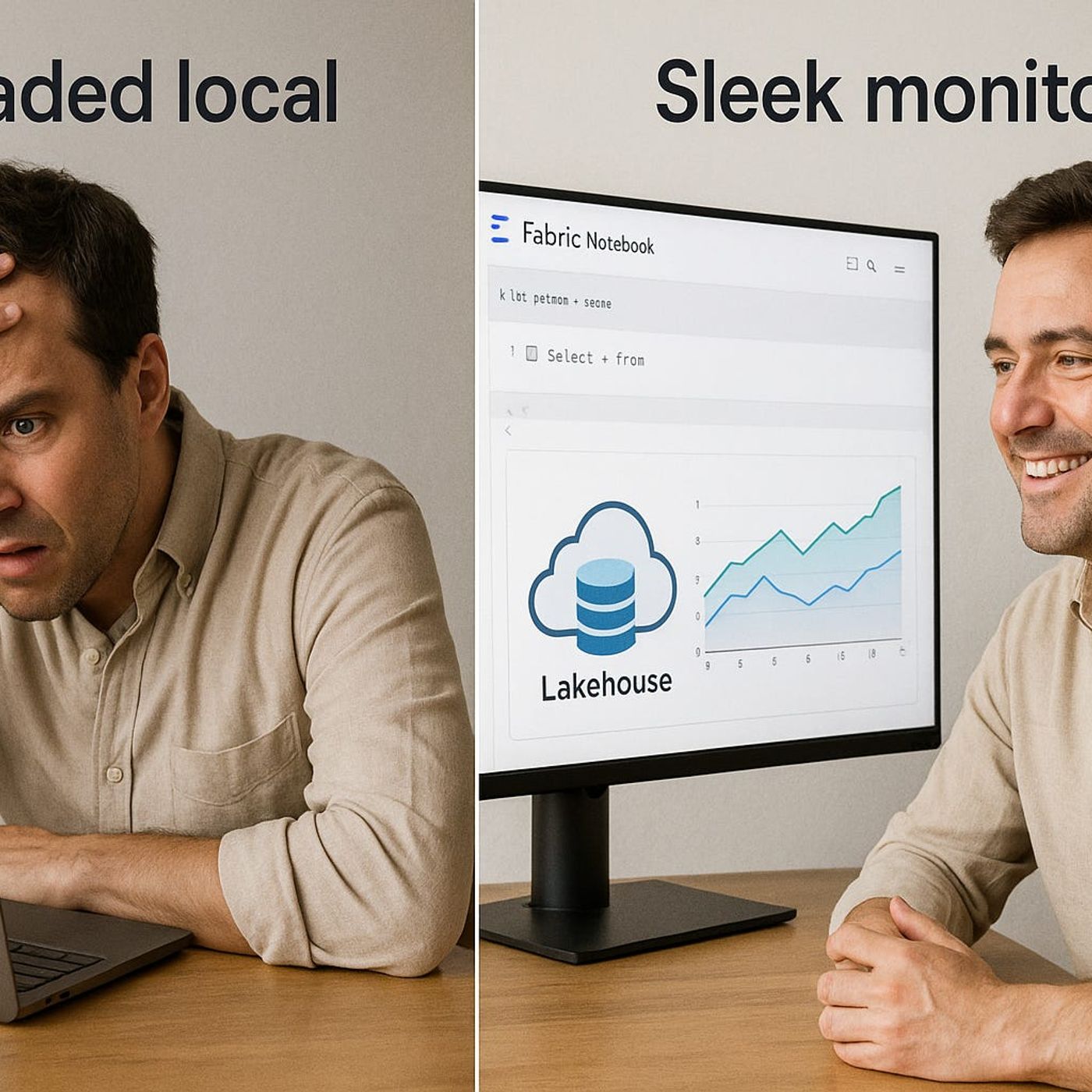
Using Microsoft Fabric Notebooks for AI Model Training
Published 6 months, 2 weeks ago
Description
Ever tried to train an AI model on your laptop only to watch it crawl for hours—or crash completely? You’re not alone. Most business datasets have outgrown our local hardware. But what if your entire multi-terabyte dataset was instantly accessible in your training notebook—no extracts, no CSV chaos?Today, we’re stepping into Microsoft Fabric’s built-in notebooks, where your model training happens right next to your Lakehouse data. We’ll break down exactly how this setup can save days in processing time, while letting you work in Python or R without compromises.When Big Data Outgrows Your LaptopImagine your laptop fan spinning loud enough to drown out your meeting as you work through a spreadsheet. Now, replace that spreadsheet with twelve terabytes of raw customer transactions, spread across years of activity, with dozens of fields per record. Even before you hit “run,” you already know this is going to hurt. That’s exactly where a lot of marketing teams find themselves. They’ve got a transactional database that could easily be the backbone of an advanced AI project—predicting churn, segmenting audiences, personalizing campaigns in near real time—but their tools are still stuck on their desktops. They’re opening files in Excel or a local Jupyter Notebook, slicing and filtering in tiny chunks just to keep from freezing the machine, and hoping everything holds together long enough to get results they can use. When teams try to do this locally, the cracks show quickly. Processing slows to a crawl, UI elements lag seconds behind clicks, and export scripts that once took minutes now run for hours. Even worse, larger workloads don’t just slow down—they stop. Memory errors, hard drive thrashing, or kernel restarts mean training runs don’t just take longer, they often never finish. And when you’re talking about training an AI model, that’s wasted compute, wasted time, and wasted opportunity. One churn prediction attempt I’ve seen was billed as an “overnight run” in a local Python environment. Twenty hours later, the process finally failed because the last part of the dataset pushed RAM usage over the limit. The team lost an entire day without even getting a set of training metrics back. If that sounds extreme, it’s becoming more common. Enterprise marketing datasets have been expanding year over year, driven by richer tracking, omnichannel experiences, and the rise of event-based logging. Even a fairly standard setup—campaign performance logs, web analytics, CRM data—can easily balloon to hundreds of gigabytes. Big accounts with multiple product lines often end up in the multi-terabyte range. The problem isn’t just storage capacity. Large model training loads stress every limitation of a local machine. CPUs peg at 100% for extended periods, and even high-end GPUs end up idle while data trickles in too slowly. Disk input/output becomes a constant choke point, especially if the dataset lives on an external drive or network share. And then there’s the software layer: once files get large enough, even something as versatile as a Jupyter Notebook starts pushing its limits. You can’t just load “data.csv” into memory when “data.csv” is bigger than your SSD. That’s why many teams have tried splitting files, sampling data, or building lightweight stand-ins for their real production datasets. It’s a compromise that keeps your laptop alive, but at the cost of losing insight. Sampling can drop subtle patterns that would have boosted model performance. Splitting files introduces all sorts of inconsistencies and makes retraining more painful than it needs to be. There’s a smarter way to skip that entire download-and-import cycle. Microsoft Fabric shifts the heavy lifting off your local environment entirely. Training moves into the cloud, where compute resources sit right alongside the stored data in the Lakehouse. You’re not shuttling terabytes back and forth—you’re pushing your code to where the data already lives. Instead of worrying about which