Episode Details
Back to Episodes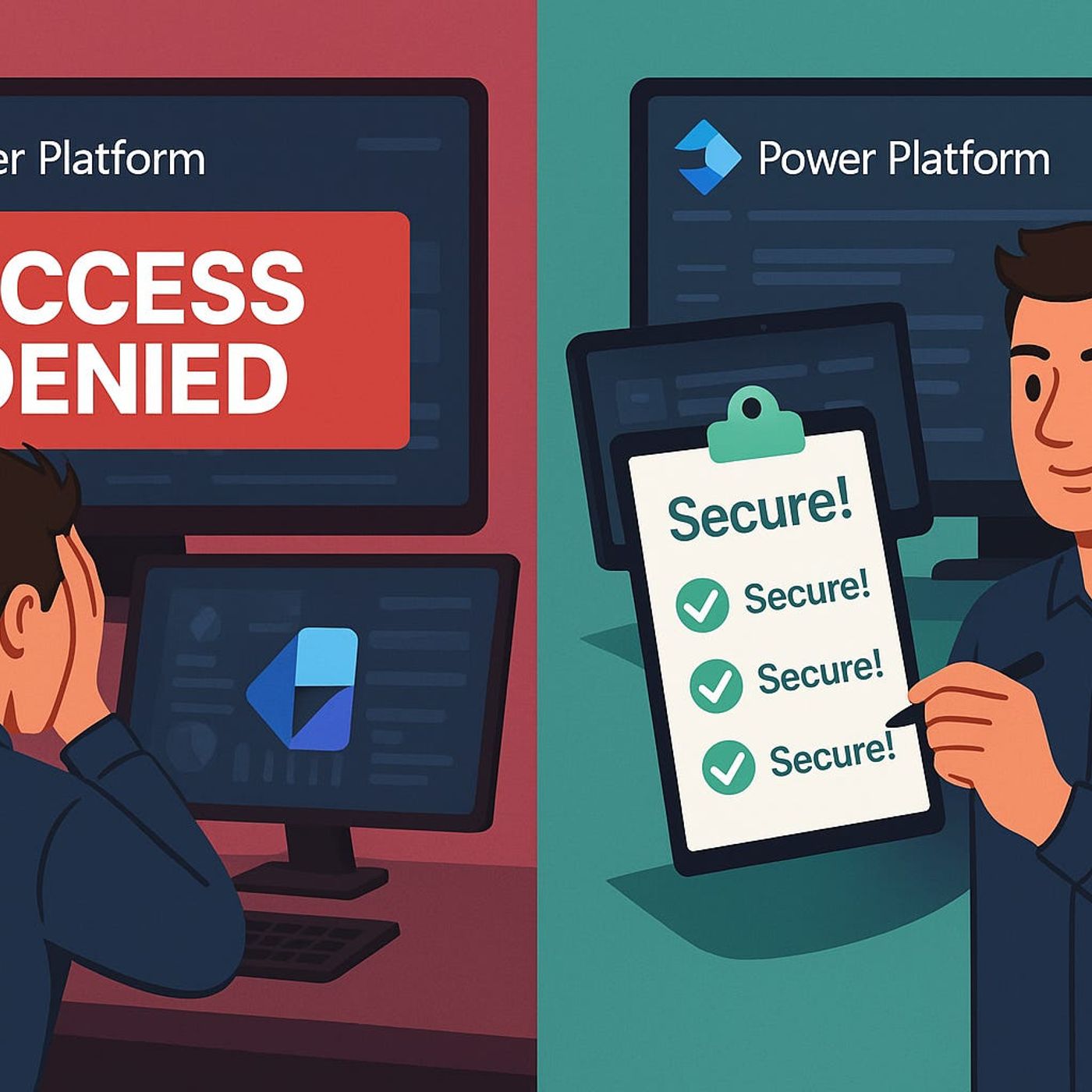
Data Loss Prevention (DLP) Policies for Power Platform Developers: How Connector Classifications Decide Whether Your Flows Run or Break
Season 1
Published 11 months, 4 weeks ago
Description
Data Loss Prevention policies in Power Platform don’t just randomly break your flows—they enforce invisible rules about which connectors are allowed to talk to each other and which aren’t. In this episode, we take the long, painful DLP error story from your current description and turn it into a clear map: how connector classifications work, why policies suddenly block flows that used to run, and what really happens when a custom connector quietly disappears from your editor. Starting from those “DLP violation” nights where you’re staring at run history with no useful clues, we explain how business, non‑business, and blocked groups actually shape what you can ship.
We then zoom into the part most developers never see until it’s too late: the Power Platform admin view. You’ll learn how every connector—built‑in or custom—gets dropped into a DLP bucket, and how a single classification choice can make or break your automation. With real‑world examples straight from your text, we show why a custom connector that worked perfectly in dev suddenly vanishes in production flows once a policy marks it as non‑business and you combine it with a business connector like SQL or Outlook. The result is a practical mental model for reading DLP behavior as a designed boundary, not a random stop sign.
From there, we tackle the hardest part: making DLP part of your build strategy instead of an after‑the‑fact surprise. We talk about how to involve admins early, how to design flows and connector choices that align with existing policies, and how to spot risk patterns—like mixing consumer and business services—before they blow up late in the project. You’ll hear how treating DLP as guardrails, not punishment, lets you build solutions that are more likely to still work after the next policy change or security review.
Finally, we connect DLP and custom connectors into one story. We walk through how to propose new connector classifications, how to document why a connector belongs in the business group, and how to avoid surprise blocks when security tightens the rules. By the end, DLP moves from a mysterious blocker in your run history to a tool you can anticipate, negotiate, and design around—so your next Power Platform project spends more time in production and less in policy firefighting.
WHAT YOU LEARN
The core insight of this episode is that DLP policies aren’t random roadblocks—they are the rules o
We then zoom into the part most developers never see until it’s too late: the Power Platform admin view. You’ll learn how every connector—built‑in or custom—gets dropped into a DLP bucket, and how a single classification choice can make or break your automation. With real‑world examples straight from your text, we show why a custom connector that worked perfectly in dev suddenly vanishes in production flows once a policy marks it as non‑business and you combine it with a business connector like SQL or Outlook. The result is a practical mental model for reading DLP behavior as a designed boundary, not a random stop sign.
From there, we tackle the hardest part: making DLP part of your build strategy instead of an after‑the‑fact surprise. We talk about how to involve admins early, how to design flows and connector choices that align with existing policies, and how to spot risk patterns—like mixing consumer and business services—before they blow up late in the project. You’ll hear how treating DLP as guardrails, not punishment, lets you build solutions that are more likely to still work after the next policy change or security review.
Finally, we connect DLP and custom connectors into one story. We walk through how to propose new connector classifications, how to document why a connector belongs in the business group, and how to avoid surprise blocks when security tightens the rules. By the end, DLP moves from a mysterious blocker in your run history to a tool you can anticipate, negotiate, and design around—so your next Power Platform project spends more time in production and less in policy firefighting.
WHAT YOU LEARN
- Why DLP policies often break flows at the worst possible time and what those “DLP violation” messages really mean.
- How connector classifications (business, non‑business, blocked) actually work in the Power Platform admin portal.
- Why custom connectors behave differently across dev and production and can suddenly disappear from your flow editor.
- How to design flows and connector choices with DLP in mind so policies become guardrails instead of surprise blockers.
- How to collaborate with admins to classify connectors correctly and keep critical projects from being shut down by policy changes.
The core insight of this episode is that DLP policies aren’t random roadblocks—they are the rules o