Episode Details
Back to Episodes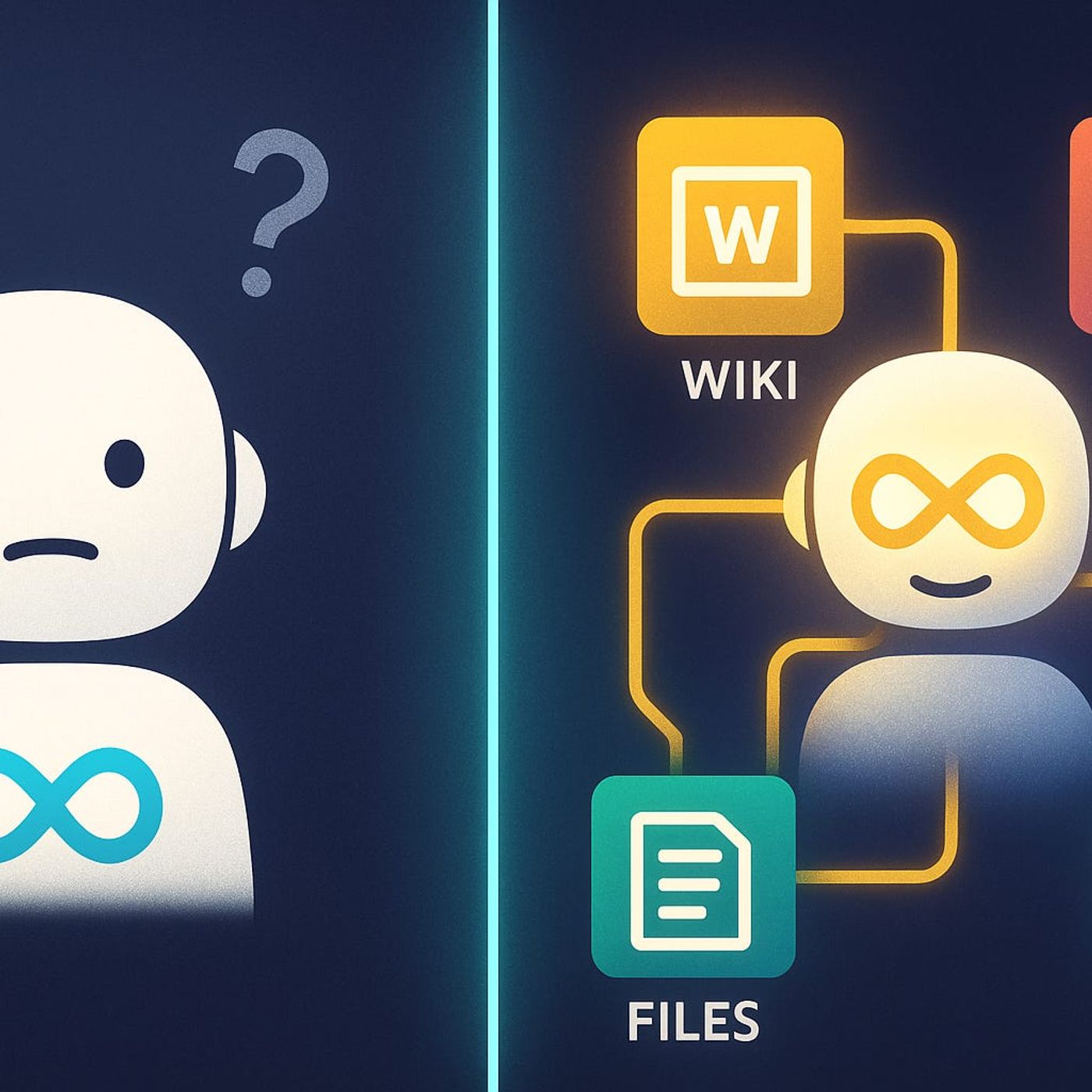
Copilot Extensibility for Microsoft 365 Developers: How to Use Graph Connectors and Plugins to Bring Your Real Business Data into AI
Season 1
Published 11 months, 4 weeks ago
Description
Most teams try Copilot, hit its blind spots, and quietly assume “that’s all it can do.” In this episode, we start from that frustration—generic answers, missing context, and invisible legacy systems—and show how extensibility turns Copilot from a clever text assistant into a real interface for your own business data and workflows.
We walk through why Copilot struggles with your internal wikis, old CRMs, and custom line‑of‑business apps, even though that’s where most of your institutional knowledge actually lives. You’ll see how Graph Connectors, plugins, and custom data integrations each extend Copilot’s field of view differently—and why Connectors often give you the best blend of reach, security, and maintainability when you need broad access to previously “dark” data.
From there, we get practical: mapping which systems are truly worth connecting, designing connectors that respect existing permissions, and avoiding the trap of “just indexing everything.” Using concrete scenarios like quarterly reviews, onboarding processes, and support investigations, we show how a well‑designed connector lets Copilot answer real business questions in seconds instead of sending people on a scavenger hunt across tools.
Finally, we tackle trust, scale, and governance. You’ll learn how to treat Copilot extensibility as part of your architecture—not a side project—so security, compliance, and ownership are baked in from the start. By the end, you’ll have a clear mental model: Copilot as the front door, Graph and plugins as the hallways, and your connected systems as the rooms—each one carefully chosen, described, and access‑controlled.
WHAT YOU LEARN
The core insight of this episode is that Copilot doesn’t become truly powerful by “getting smarter” on its own—it becomes powerful when you deliberately extend it into the systems that already run your business. When you treat Graph Connectors and plugins as architectural building blocks, not gadgets, Copilot stops guessing from a narrow slice of Microsoft 365 and starts reasoning from your real processes, history, and data—within the same permission and compliance boundaries you already trust.
WHO THIS IS FOR
We walk through why Copilot struggles with your internal wikis, old CRMs, and custom line‑of‑business apps, even though that’s where most of your institutional knowledge actually lives. You’ll see how Graph Connectors, plugins, and custom data integrations each extend Copilot’s field of view differently—and why Connectors often give you the best blend of reach, security, and maintainability when you need broad access to previously “dark” data.
From there, we get practical: mapping which systems are truly worth connecting, designing connectors that respect existing permissions, and avoiding the trap of “just indexing everything.” Using concrete scenarios like quarterly reviews, onboarding processes, and support investigations, we show how a well‑designed connector lets Copilot answer real business questions in seconds instead of sending people on a scavenger hunt across tools.
Finally, we tackle trust, scale, and governance. You’ll learn how to treat Copilot extensibility as part of your architecture—not a side project—so security, compliance, and ownership are baked in from the start. By the end, you’ll have a clear mental model: Copilot as the front door, Graph and plugins as the hallways, and your connected systems as the rooms—each one carefully chosen, described, and access‑controlled.
WHAT YOU LEARN
- Why Copilot’s out‑of‑the‑box view of your tenant is so limited compared to where your real knowledge lives.
- How Graph Connectors, plugins, and custom data integrations each extend Copilot in different ways.
- When Graph Connectors are the right choice to bring legacy apps, wikis, and CRMs into Copilot’s reach.
- How to design extensibility so security trimming, permissions, and compliance are preserved end‑to‑end.
- How to pick the first high‑value scenarios where Copilot extensibility will actually change how people work.
The core insight of this episode is that Copilot doesn’t become truly powerful by “getting smarter” on its own—it becomes powerful when you deliberately extend it into the systems that already run your business. When you treat Graph Connectors and plugins as architectural building blocks, not gadgets, Copilot stops guessing from a narrow slice of Microsoft 365 and starts reasoning from your real processes, history, and data—within the same permission and compliance boundaries you already trust.
WHO THIS IS FOR
- Microsoft 365 and Azure developers who want to move beyond basic Copilot usage into real extensibility.
Listen Now
Love PodBriefly?
If you like Podbriefly.com, please consider donating to support the ongoing development.
Support Us