Episode Details
Back to Episodes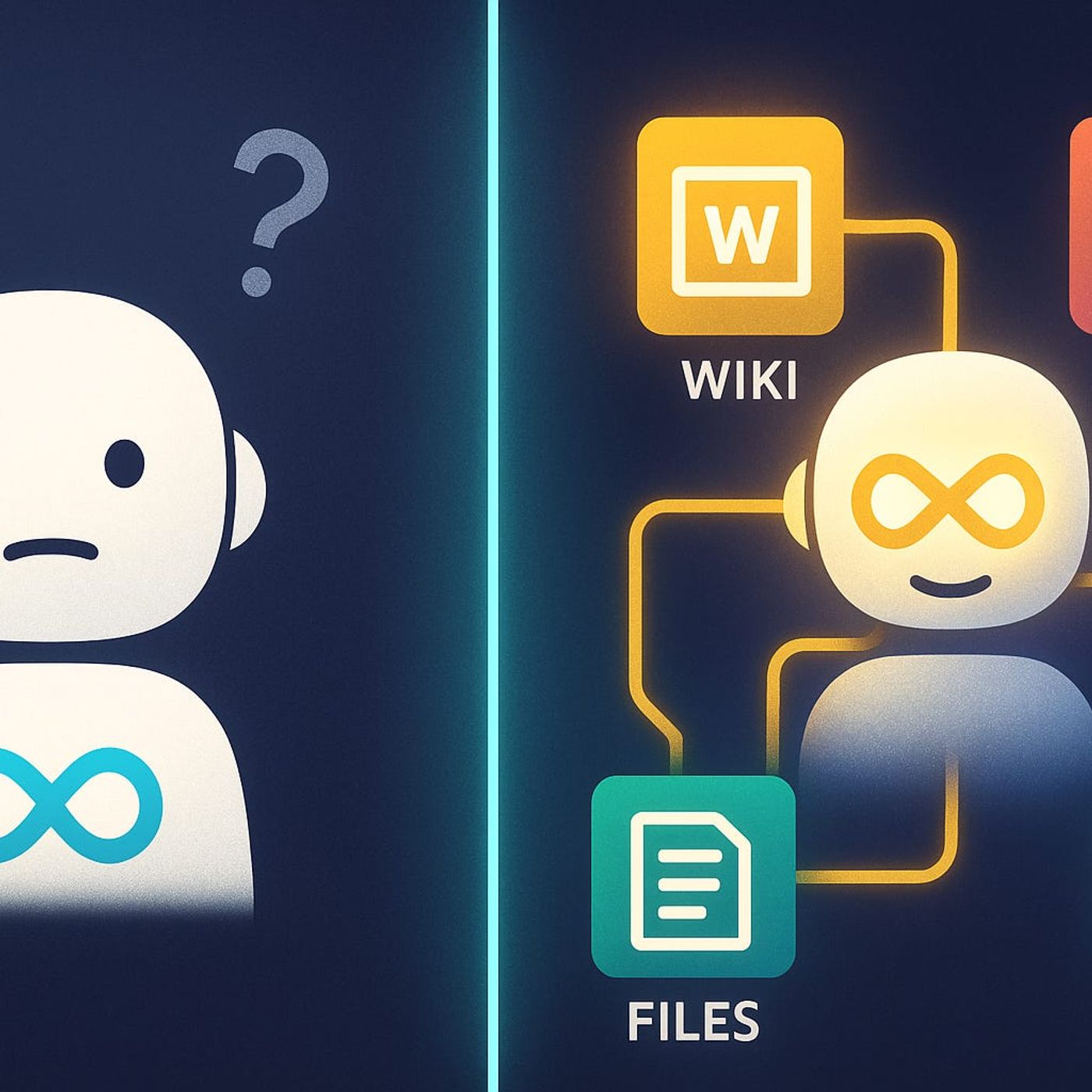
Copilot Extensibility for Microsoft 365 Developers
Published 6 months, 3 weeks ago
Description
Ever tried asking Copilot about your company’s buried legacy data, only to get a generic answer back? You’re not alone. Copilot’s out-of-the-box knowledge stops at what Microsoft gives it—but what if you could change that? Today, I’ll show you how to plug your own data sources like internal wikis or ancient CRMs straight into Copilot using Microsoft Graph Connectors. By the end, you’ll know exactly how to make Copilot as smart about your business as your top analyst.Why Copilot Misses the Mark with Your DataIf you’ve ever asked Copilot for info about your company and watched it stumble, you’re not alone. Most of us want to believe Copilot sees everything important—customer conversations, legacy docs, even those ancient Excel sheets tucked away in an old file share. But the reality hits pretty quickly: Copilot only knows what’s inside a pretty narrow box, and your business probably lives well outside of it. For people using Microsoft 365 every day, that’s a real shock. You open up Copilot expecting it to work like a virtual brain for your business, but instead, it starts acting more like that new hire who hasn't figured out where the coffee machine is yet.Here’s a quick example that lands with almost every manager. Imagine you’re sitting down to prep for a quarterly review, and you ask Copilot, “What was our sales process last year?” Instead of pulling up actual steps or even hinting where to look, Copilot just throws its hands up—nothing. You might get a summary of some teams chats from last week, maybe a link to a marketing deck from January, or a vague statement about best practices, but nothing about the process your sales team actually used. The details you need are stuck in systems Copilot can’t even see—maybe an old CRM, or a private documentation site built by someone who left three years ago.The root problem comes down to this: Copilot’s default permissions only cover what’s already inside the Microsoft 365 ecosystem. Think Outlook, Teams, OneDrive, SharePoint—if it lives there, Copilot is pretty helpful. Beyond that? It’s like Copilot has a blindfold on. Your company’s custom ticketing platform, the finance department’s internal Wiki, or that CRM from 2012 with more duct tape than documentation—none of it makes the cut. And it’s not just obscure systems. Confidential docs, records that live in separate business lines, or anything stored in an app that wasn’t built for Microsoft 365 stays invisible to Copilot by default.This limitation isn’t just theoretical. The numbers back it up. According to several industry studies and Microsoft’s own reporting, as much as 80% of a typical organization’s data sits outside the standard Microsoft 365 sources. That means Copilot—if left alone—misses most of your company’s real knowledge. So, when you think about all the key processes, historic strategy docs, or customer notes living in other tools or file shares, it makes sense why Copilot sometimes feels less like a genius assistant and more like a well-meaning intern who just started Monday morning.That gap between what Copilot sees and what you actually need leads to a lot of wasted time. Instead of getting answers handed to you, teams end up pinging each other on Teams, scouring old SharePoint sites, or, if you’re lucky, finding someone who remembers where the old “how-to” lives. This kind of hunting isn’t just annoying—it’s a productivity drain. People can spend half an hour tracking down one answer Copilot should have found in ten seconds. Multiply that by dozens of searches a week, across a company’s worth of employees, and you’re suddenly looking at entire workdays lost to digital hide-and-seek.There’s another side to this that stings a bit. When Copilot can’t answer the kinds of questions you actually have, people start losing trust in it. IT rolls out Copilot across the org, touts it as game-changing, and then the first real-world query lands with a dull thud. You’ll hear things like, “It couldn’t even tell me where the onb