Episode Details
Back to Episodes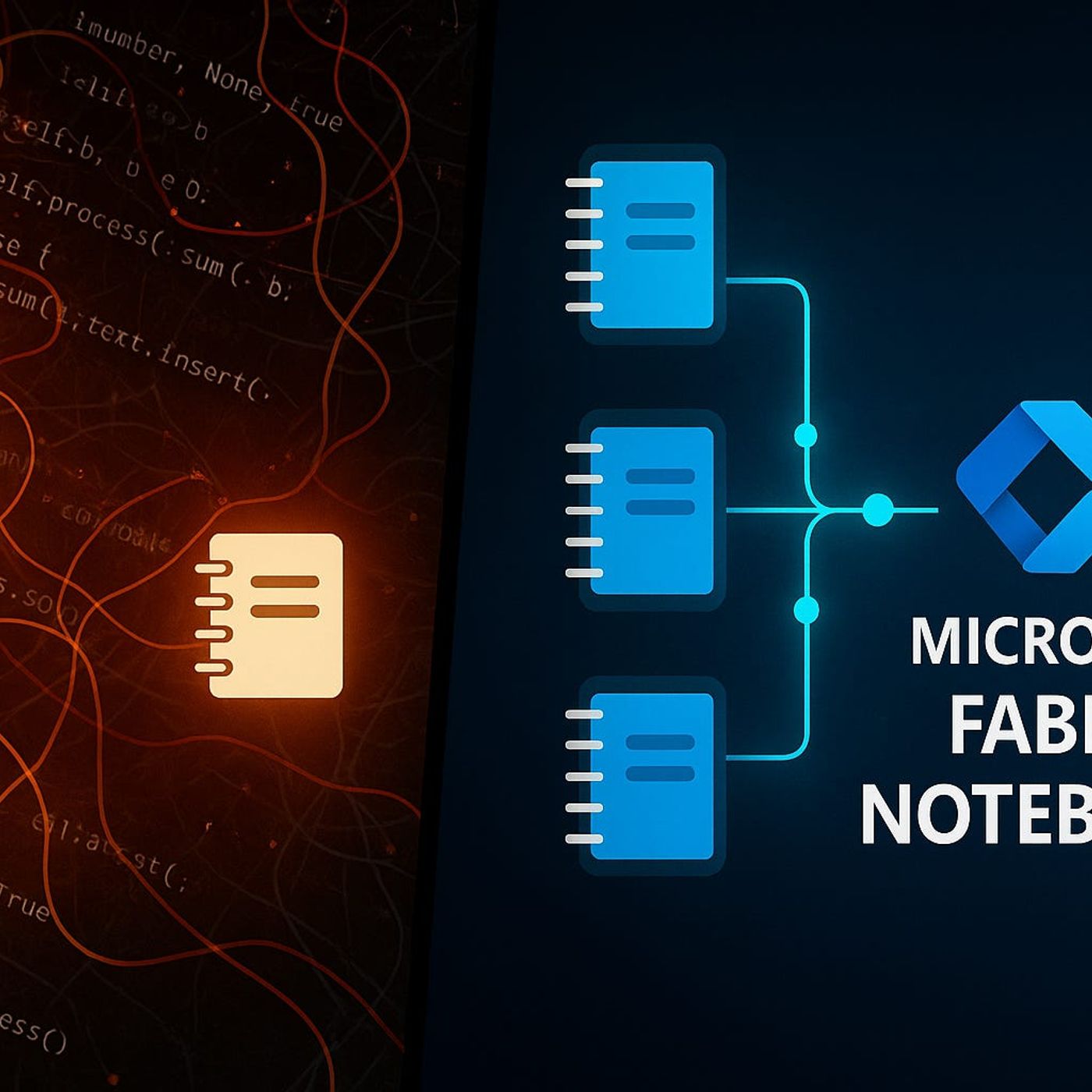
Git Integration with Microsoft Fabric Notebooks: How to Stop Version Chaos and Make Your Lakehouse Projects Trustworthy
Season 1
Published 11 months, 4 weeks ago
Description
Ever tried syncing your team’s Fabric notebooks with Git, only to end up in merge‑conflict chaos and mystery rollbacks? In this episode, we map the invisible threads between Git, Microsoft Fabric notebooks, and every small change your team makes so you can finally see why Git integration behaves the way it does—and how one simple setup mistake can quietly put your Lakehouse projects at risk. We start from the everyday reality: shared folders, “final_v2” notebooks, and manual uploads that seem harmless until one overwritten file or unnoticed tweak breaks dashboards, corrupts metrics, or wipes out days of work.
You’ll hear why Fabric’s Git integration is not “just a backup,” but the backbone for collaboration, traceability, and trust on any serious data project. We walk through how Git‑connected workspaces turn every notebook and pipeline change into a visible commit—who changed what, when, and why—so you stop playing code detective across barely‑different files. At the same time, we surface the blind spots: which assets (notebooks, pipelines, semantic models) are actually tracked by Git and which critical pieces, like Lakehouse data and managed tables, stay completely outside version control unless you design around that gap.
From there, we connect the dots between Git, collaboration, and real incidents. You’ll see how unsynced notebooks, local copies, and “I’ll just upload my version” workflows lead to subtle data drift—pipelines expecting one schema, tables holding another, and teams debugging issues that came from unsynchronized state, not bad logic. Through concrete stories, like the retail forecasting team that had to throw away a week of work because two notebook versions collided, we show how Git could have flagged conflicts early and turned a silent failure into a quick, managed fix.
By the end, you’ll have a clear mental model for what Git in Fabric actually protects, what it doesn’t, and how to align your team’s habits with the platform instead of working against it. Git stops being an optional “nice‑to‑have” and becomes the source of truth for your notebooks and pipelines—while you treat Lakehouse data, schemas, and environments as separate moving parts that need their own governance and safeguards.
WHAT YOU LEARN
The core insight of this episode is that Git in Microsoft Fabric is not about saving files—it is about controlling change. When you stop treat
You’ll hear why Fabric’s Git integration is not “just a backup,” but the backbone for collaboration, traceability, and trust on any serious data project. We walk through how Git‑connected workspaces turn every notebook and pipeline change into a visible commit—who changed what, when, and why—so you stop playing code detective across barely‑different files. At the same time, we surface the blind spots: which assets (notebooks, pipelines, semantic models) are actually tracked by Git and which critical pieces, like Lakehouse data and managed tables, stay completely outside version control unless you design around that gap.
From there, we connect the dots between Git, collaboration, and real incidents. You’ll see how unsynced notebooks, local copies, and “I’ll just upload my version” workflows lead to subtle data drift—pipelines expecting one schema, tables holding another, and teams debugging issues that came from unsynchronized state, not bad logic. Through concrete stories, like the retail forecasting team that had to throw away a week of work because two notebook versions collided, we show how Git could have flagged conflicts early and turned a silent failure into a quick, managed fix.
By the end, you’ll have a clear mental model for what Git in Fabric actually protects, what it doesn’t, and how to align your team’s habits with the platform instead of working against it. Git stops being an optional “nice‑to‑have” and becomes the source of truth for your notebooks and pipelines—while you treat Lakehouse data, schemas, and environments as separate moving parts that need their own governance and safeguards.
WHAT YOU LEARN
- Why saving Fabric notebooks in shared folders or manual uploads leads to slow‑motion chaos in collaborative projects.
- How Git‑connected workspaces give you a reliable history of notebook and pipeline changes—who did what, when, and why.
- Which Fabric assets are actually tracked by Git (code, pipelines, models) and which critical pieces (like Lakehouse data) are not.
- How unsynced notebooks and out‑of‑band file handling cause data drift, broken dashboards, and hard‑to‑trace incidents.
- How to treat Git as the backbone of your Fabric development process instead of a backup folder you “might need one day.”
The core insight of this episode is that Git in Microsoft Fabric is not about saving files—it is about controlling change. When you stop treat