Episode Details
Back to Episodes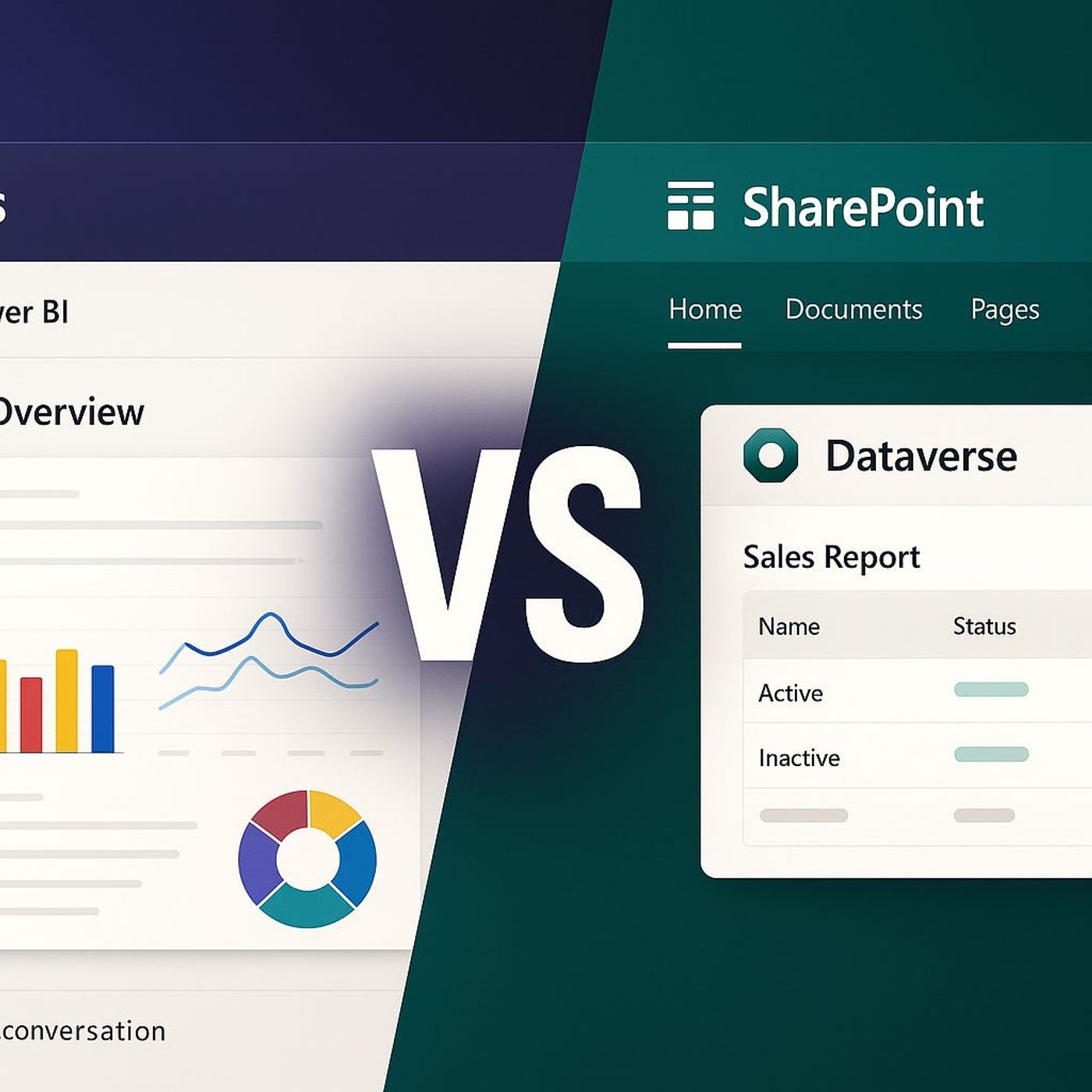
Teams vs SharePoint Dashboards: How to Decide Where Your Dynamics 365 and Power BI Data Really Belongs
Season 1
Published 1 year ago
Description
Most organizations try to “just embed” the same Dynamics 365 and Power BI dashboards into both Teams and SharePoint—and then wonder why field staff see stale data in Teams while leaders get slick but limited views in SharePoint. In this episode, we walk through why those platforms behave so differently with the same visuals, and what that means when everyone expects one source of truth. We compare collaboration‑first Teams tabs with publishing‑first SharePoint pages, and show how each choice affects data freshness, interactivity, and trust for sales, operations, and leadership.
We start with the everyday pain: field reps opening a Teams tab expecting live metrics and instead seeing yesterday’s numbers, while executives open a polished SharePoint portal that looks great but won’t let them drill into the region or product they actually care about. You’ll hear how licensing, refresh schedules, and embedding methods quietly decide whether your dashboards update in near real time or only overnight—and why small differences in how you wire Power BI, Dataverse, and Dynamics into Teams vs SharePoint create very different user experiences, even when the visuals look identical.
From there, we dig into the “documentation traps” and platform philosophy. Teams is built for fast, chat‑driven decisions, where a dashboard is one tab among many and real‑time context matters more than layout; SharePoint is built for structured publishing, glossy intranet pages, and executive reporting. We explore how those design goals show up in permissions, export options, mobile behavior, and embeddable features—why some interactive Power BI capabilities work beautifully in Teams but only partially in SharePoint web parts, and vice versa. Through concrete examples, we show how a manufacturing or logistics org can end up with helpdesk tickets, shadow spreadsheets, and “Which numbers are right?” arguments simply because the same dashboard behaves differently across platforms.
By the end, you’ll have a practical decision framework for your next rollout. You’ll know when a dashboard belongs in Teams (live operational views for people in the conversation), when it belongs in SharePoint (curated reporting for broad audiences and leadership), and when you need separate, tailored experiences rather than one embed everywhere. That way, you stop treating platform choice as a technical afterthought and start designing dashboards that your users can actually trust—no matter where they open them.
WHAT YOU LEARN
We start with the everyday pain: field reps opening a Teams tab expecting live metrics and instead seeing yesterday’s numbers, while executives open a polished SharePoint portal that looks great but won’t let them drill into the region or product they actually care about. You’ll hear how licensing, refresh schedules, and embedding methods quietly decide whether your dashboards update in near real time or only overnight—and why small differences in how you wire Power BI, Dataverse, and Dynamics into Teams vs SharePoint create very different user experiences, even when the visuals look identical.
From there, we dig into the “documentation traps” and platform philosophy. Teams is built for fast, chat‑driven decisions, where a dashboard is one tab among many and real‑time context matters more than layout; SharePoint is built for structured publishing, glossy intranet pages, and executive reporting. We explore how those design goals show up in permissions, export options, mobile behavior, and embeddable features—why some interactive Power BI capabilities work beautifully in Teams but only partially in SharePoint web parts, and vice versa. Through concrete examples, we show how a manufacturing or logistics org can end up with helpdesk tickets, shadow spreadsheets, and “Which numbers are right?” arguments simply because the same dashboard behaves differently across platforms.
By the end, you’ll have a practical decision framework for your next rollout. You’ll know when a dashboard belongs in Teams (live operational views for people in the conversation), when it belongs in SharePoint (curated reporting for broad audiences and leadership), and when you need separate, tailored experiences rather than one embed everywhere. That way, you stop treating platform choice as a technical afterthought and start designing dashboards that your users can actually trust—no matter where they open them.
WHAT YOU LEARN
- Why identical dashboards embedded in Teams and SharePoint often show different behavior in refresh, interactivity, and exports.
- How Teams’ collaboration‑first model and SharePoint’s publishing‑first model shape the way users experience your data.
- How licensing, dataset refresh schedules, and embedding methods quietly decide whether your dashboards feel real‑time or always late.
- Why forcing “one dashboard everywhere” leads to trust issues, support tickets, and shadow spreadsheets.
Listen Now
Love PodBriefly?
If you like Podbriefly.com, please consider donating to support the ongoing development.
Support Us