Episode Details
Back to Episodes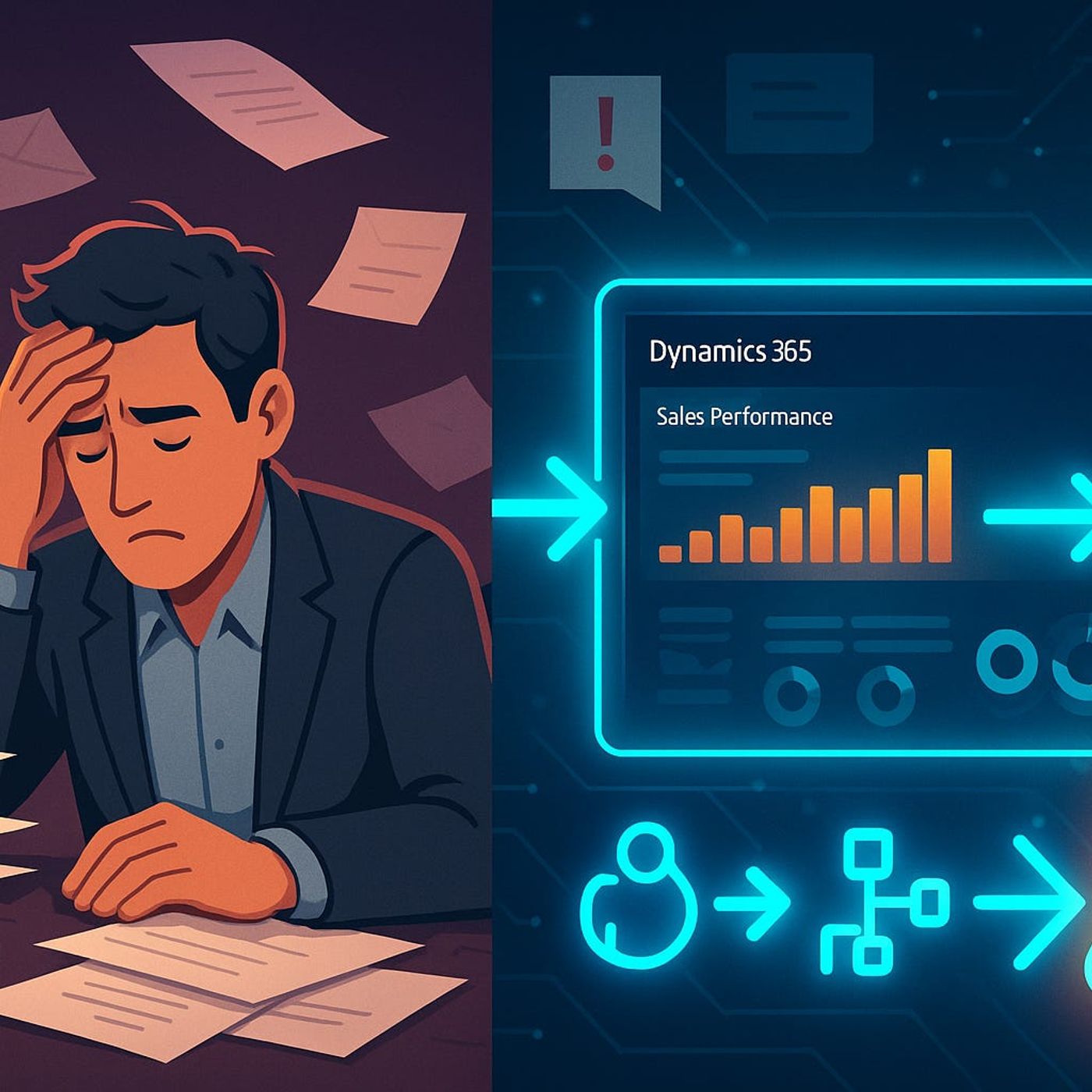
End-to-End Dynamics 365 Automations with Power Automate and Copilot to Fix Your Biggest D365 Workflow Headaches
Season 1
Published 1 year, 2 months ago
Description
Most Dynamics 365 environments are full of “helpful” automations that still leave gaps everywhere—approved invoices that stall, leads that never trigger follow-up, and cases that depend on someone remembering the next step. In this episode, you learn how to design end-to-end D365 automations with Power Automate and Copilot so approvals, routing, and updates actually flow across Sales, Customer Service, and Finance without relying on sticky notes, extra spreadsheets, or weekly status checks.
We start by mapping where real-world friction shows up: invoice approvals that do not trigger payment reminders, lead assignments that never sync with account managers, and cases that close in one module but stay stale in another. You will see why most organizations build isolated workflows that “work” in one department but fail at the handoff points—and how to redesign those flows so a single event in D365 reliably moves through every team that depends on it.
From there, we dive into identifying true process boundaries and transfer points, so you can spot where automation must bridge modules instead of stopping at the first success message. You will learn how to use Power Automate and Copilot not just to patch one-off tasks but to orchestrate multi-step, multi-module journeys that keep data in sync and people out of manual tracking mode. Along the way, we talk about managing risk in broader automations, reducing fragility, and building flows that survive real changes in business process.
By the end of this episode, you will have a blueprint to move from disconnected “quick-win” flows to connected D365 automations that actually fix your biggest operational headaches. If invoices, leads, and cases keep getting stuck between teams, this conversation shows you exactly where to look, what to automate, and how to let D365 do the heavy lifting instead of your people.
WHAT YOU LEARN
The core insight of this episode is that your biggest D365 problems do not come from missing automations but from broken connections between them. When you redesign Dynamics 365 workflows as true end-to-end processes—powered by Power Automate and Copilot—you eliminate the dead zones where invoices, leads, and cases currently get stuck.
WHO THIS IS FOR
We start by mapping where real-world friction shows up: invoice approvals that do not trigger payment reminders, lead assignments that never sync with account managers, and cases that close in one module but stay stale in another. You will see why most organizations build isolated workflows that “work” in one department but fail at the handoff points—and how to redesign those flows so a single event in D365 reliably moves through every team that depends on it.
From there, we dive into identifying true process boundaries and transfer points, so you can spot where automation must bridge modules instead of stopping at the first success message. You will learn how to use Power Automate and Copilot not just to patch one-off tasks but to orchestrate multi-step, multi-module journeys that keep data in sync and people out of manual tracking mode. Along the way, we talk about managing risk in broader automations, reducing fragility, and building flows that survive real changes in business process.
By the end of this episode, you will have a blueprint to move from disconnected “quick-win” flows to connected D365 automations that actually fix your biggest operational headaches. If invoices, leads, and cases keep getting stuck between teams, this conversation shows you exactly where to look, what to automate, and how to let D365 do the heavy lifting instead of your people.
WHAT YOU LEARN
- Why isolated Dynamics 365 workflows break at handoff points between teams and modules.
- How to map true end-to-end processes for invoices, leads, and cases across D365.
- How to use Power Automate and Copilot to orchestrate multi-step, multi-module automations.
- How to design automations that keep data in sync instead of relying on manual tracking.
- How to reduce fragility and risk so D365 automations survive real-world process changes.
The core insight of this episode is that your biggest D365 problems do not come from missing automations but from broken connections between them. When you redesign Dynamics 365 workflows as true end-to-end processes—powered by Power Automate and Copilot—you eliminate the dead zones where invoices, leads, and cases currently get stuck.
WHO THIS IS FOR