Episode Details
Back to Episodes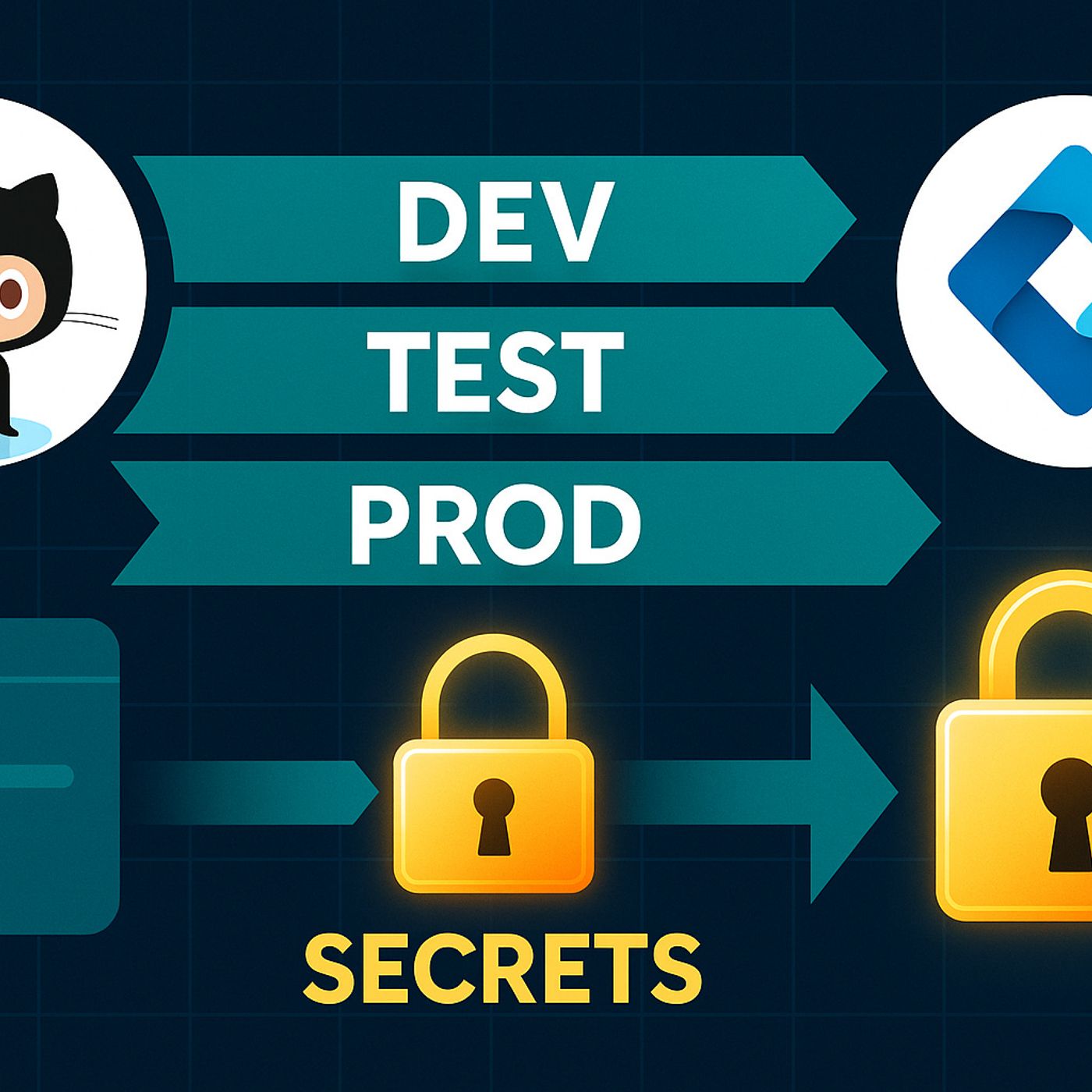
Setting Up ALM for Power Platform with GitHub Actions: Solutions, Environment Variables and Service Principals Explained
Season 1
Published 1 year ago
Description
Ever feel like your Power Platform deployments are a black box—export a solution, import it somewhere else, then hope everything still works? In this episode, we pull the curtain back on Application Lifecycle Management for Power Platform and show how GitHub Actions can give you real control and visibility across dev, test and prod. Instead of one‑off manual exports that quietly bake in the wrong connectors and environment variables, you’ll learn how to treat solutions, pipelines and service principals as one ALM system you can actually reason about and repeat.
We start with why Power Platform ALM feels so different from shipping a regular web app. Traditional apps put almost everything into source control; Power Apps and flows hide critical logic behind UIs, connectors and configuration screens that don’t show up in your repo. That’s why a solution works perfectly in dev, then fails in test or prod—connector references point to the wrong environment, environment variables weren’t updated, or stricter policies quietly block flows that looked fine before. You’ll hear concrete scenarios where Outlook, Dataverse or HTTP connectors broke on import, why solution zips alone aren’t “true source,” and how missing service principals turn automation into a fragile chain of personal admin accounts.
From there, we introduce the four ALM pillars—source, build, test and deploy—and translate them into Power Platform reality. Source becomes disciplined solution exports, stored and versioned in Git, with environment variables and connector references treated as first‑class configuration instead of afterthoughts. Build means using the Power Platform CLI in GitHub Actions to unpack, validate and repack solutions so broken references or missing dependencies show up before they hit production. Test evolves from “somebody clicking around in UAT” into repeatable checks that validate key flows, connectors and policies in a controlled environment. And deploy becomes a scripted, auditable promotion process using service principals—so you know exactly which identity changed what, when, and in which environment.
Finally, we put it all together as a practical GitHub Actions pipeline you can copy and adapt. You’ll learn how to authenticate with a service principal, export solutions from dev, commit them to Git, validate in a build job, then import into test and prod with environment‑specific variables and connections wired correctly. We also cover the human side: how to explain this ALM model to makers and admins, how to avoid becoming a bottleneck, and how to move from “heroic” manual deployments to a predictable pipeline that’s boring in the best possible way.
WHAT YOU’LL LEARN
We start with why Power Platform ALM feels so different from shipping a regular web app. Traditional apps put almost everything into source control; Power Apps and flows hide critical logic behind UIs, connectors and configuration screens that don’t show up in your repo. That’s why a solution works perfectly in dev, then fails in test or prod—connector references point to the wrong environment, environment variables weren’t updated, or stricter policies quietly block flows that looked fine before. You’ll hear concrete scenarios where Outlook, Dataverse or HTTP connectors broke on import, why solution zips alone aren’t “true source,” and how missing service principals turn automation into a fragile chain of personal admin accounts.
From there, we introduce the four ALM pillars—source, build, test and deploy—and translate them into Power Platform reality. Source becomes disciplined solution exports, stored and versioned in Git, with environment variables and connector references treated as first‑class configuration instead of afterthoughts. Build means using the Power Platform CLI in GitHub Actions to unpack, validate and repack solutions so broken references or missing dependencies show up before they hit production. Test evolves from “somebody clicking around in UAT” into repeatable checks that validate key flows, connectors and policies in a controlled environment. And deploy becomes a scripted, auditable promotion process using service principals—so you know exactly which identity changed what, when, and in which environment.
Finally, we put it all together as a practical GitHub Actions pipeline you can copy and adapt. You’ll learn how to authenticate with a service principal, export solutions from dev, commit them to Git, validate in a build job, then import into test and prod with environment‑specific variables and connections wired correctly. We also cover the human side: how to explain this ALM model to makers and admins, how to avoid becoming a bottleneck, and how to move from “heroic” manual deployments to a predictable pipeline that’s boring in the best possible way.
WHAT YOU’LL LEARN
- Why Power Platform ALM feels like a maze compared to traditional app deployments.
- How solution files, connectors and environment variables really interact across dev, test and prod.
- How to design source, build, test and deploy stages for Power Platform using GitHub Actions.
- Why service principals are essential for secure, auditable Power Platform automation.
Listen Now
Love PodBriefly?
If you like Podbriefly.com, please consider donating to support the ongoing development.
Support Us