Episode Details
Back to Episodes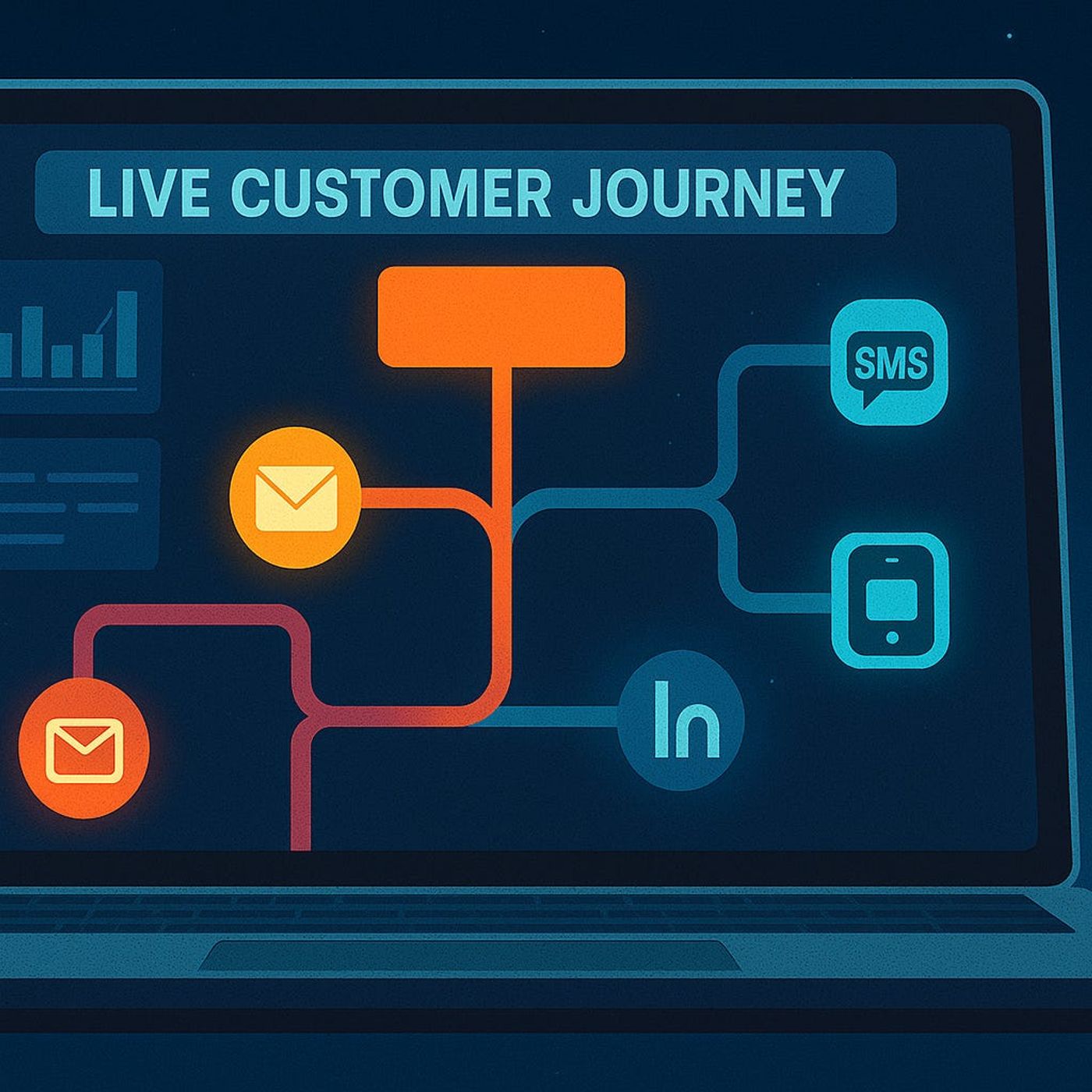
Dynamics 365 Marketing Automation: How to Turn Static Email Sequences into Adaptive Journeys That React to Real Customer Behavior
Season 1
Published 1 year ago
Description
Dynamics 365 Marketing makes it easy to launch linear “set and forget” email sequences—but that’s exactly why most campaigns start strong and then quietly die off. In this episode, we take your long‑form story about one‑size‑fits‑all journeys and turn it into a practical blueprint for adaptive marketing: journeys that react to real behavior like page visits, form abandons, and product usage, instead of just marching through three generic emails on a fixed schedule.
We start with why linear journeys miss the mark, especially in B2B. You’ll hear the software‑launch and high‑value lead examples from your description in narrative form: strong first email, collapsing engagement by message two, and hot accounts who clearly explored your site but still received the same generic nudges as everyone else. We connect that to the underlying problem—treating every contact the same despite D365 tracking rich signals like repeated pricing‑page visits, webinar attendance, and product sign‑ins that could have triggered timely, relevant touchpoints.
From there, we zoom into behavioral triggers: website visits, form events, and in‑product activity. We explain how Dynamics 365 Marketing can already log page hits (like repeated case‑study or pricing visits), track form starts and abandons, and, when integrated, see who actually uses key features in your product. You’ll hear how to turn those events into smart branches—sending a “Need help finishing your trial setup?” email after a form abandon, or a targeted demo invite when someone returns to your pricing page for the third time—without bolting on extra tools.
Finally, we show how to move from static campaigns to living journeys. You’ll learn how to use D365 segments, conditions, and triggers to build flows that pause, accelerate, or change content based on what each person does next, rather than blindly sending “email 2 of 3.” By the end, you’ll see how treating journeys as living systems flips your results: fewer blasts, more relevant touches, and a marketing machine that spends less time shouting and more time responding to real buying signals.
WHAT YOU LEARN
The core insight of this episode is that your problem isn’t a lack of data—it’s static journeys that ignore it. When you let Dynamics 365 Marketing respond to behavior in real time, your campaigns stop behaving like rigid scripts and start behaving like conversations that keep high‑intent leads engaged instead of quietly losing them between emails.
We start with why linear journeys miss the mark, especially in B2B. You’ll hear the software‑launch and high‑value lead examples from your description in narrative form: strong first email, collapsing engagement by message two, and hot accounts who clearly explored your site but still received the same generic nudges as everyone else. We connect that to the underlying problem—treating every contact the same despite D365 tracking rich signals like repeated pricing‑page visits, webinar attendance, and product sign‑ins that could have triggered timely, relevant touchpoints.
From there, we zoom into behavioral triggers: website visits, form events, and in‑product activity. We explain how Dynamics 365 Marketing can already log page hits (like repeated case‑study or pricing visits), track form starts and abandons, and, when integrated, see who actually uses key features in your product. You’ll hear how to turn those events into smart branches—sending a “Need help finishing your trial setup?” email after a form abandon, or a targeted demo invite when someone returns to your pricing page for the third time—without bolting on extra tools.
Finally, we show how to move from static campaigns to living journeys. You’ll learn how to use D365 segments, conditions, and triggers to build flows that pause, accelerate, or change content based on what each person does next, rather than blindly sending “email 2 of 3.” By the end, you’ll see how treating journeys as living systems flips your results: fewer blasts, more relevant touches, and a marketing machine that spends less time shouting and more time responding to real buying signals.
WHAT YOU LEARN
- Why linear, template‑based D365 journeys drive early opens but long‑term disengagement and unsubscribes.
- How real behaviors—pricing‑page visits, form starts/abandons, and product usage—can act as powerful journey triggers.
- How to use Dynamics 365 Marketing’s built‑in tracking to react to those signals without extra tools.
- How adaptive branches (extra demos, rescue emails, tailored offers) change the outcome for high‑value leads.
- Why rethinking journey design matters more than endlessly tweaking subject lines and send times.
The core insight of this episode is that your problem isn’t a lack of data—it’s static journeys that ignore it. When you let Dynamics 365 Marketing respond to behavior in real time, your campaigns stop behaving like rigid scripts and start behaving like conversations that keep high‑intent leads engaged instead of quietly losing them between emails.
Listen Now
Love PodBriefly?
If you like Podbriefly.com, please consider donating to support the ongoing development.
Support Us