Episode Details
Back to Episodes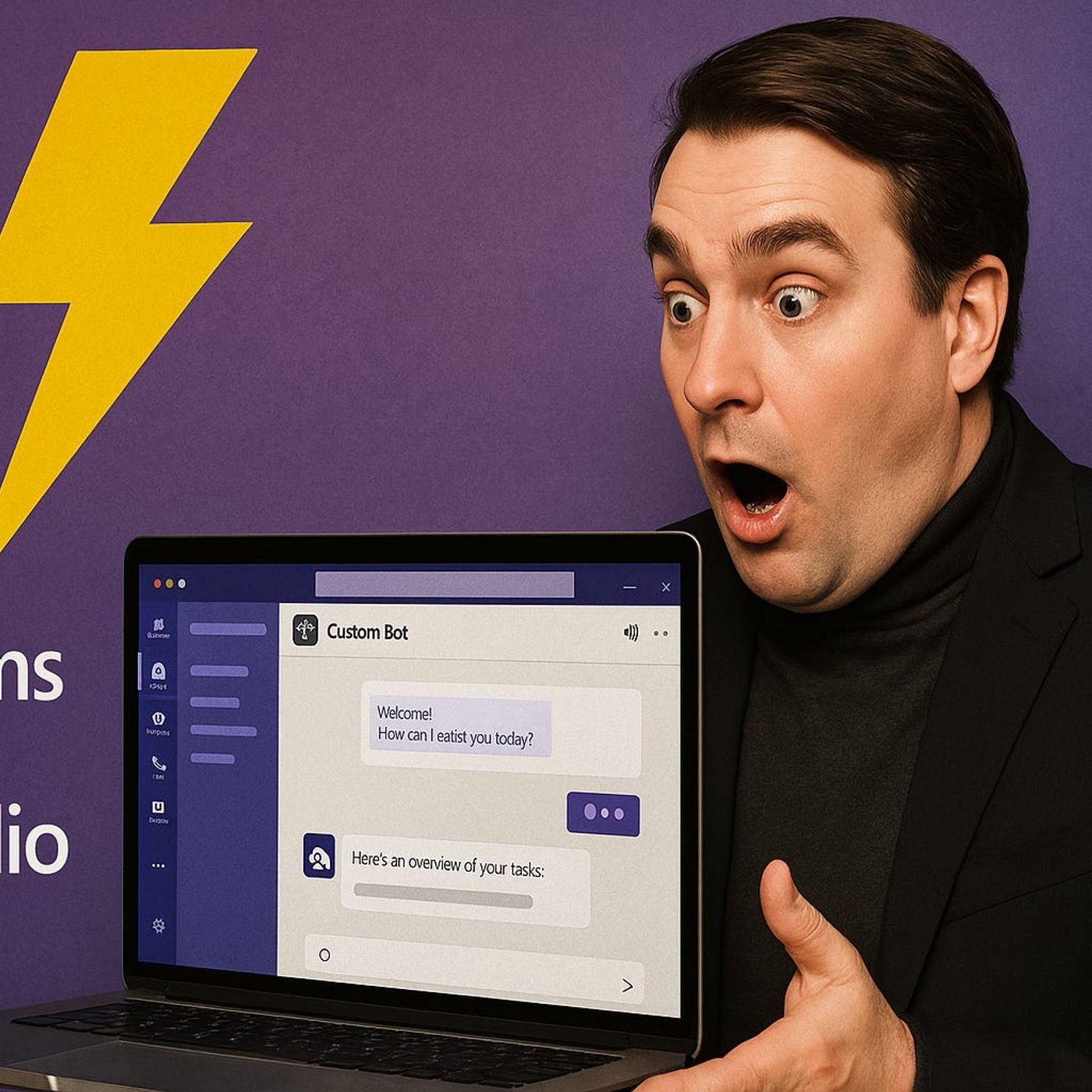
Custom Teams Bot: How to Build Real Bots with Built‑In Apps, Power Automate, and Copilot Studio—Without Burning Developer Capacity
Season 1
Published 1 year ago
Description
Custom Teams Bots Without Code
If every “simple” Microsoft Teams bot request turns into a dev project, you are burning time and budget on problems that do not need code in the first place. Backlogs grow, business teams give up asking for automation, and shadow tools appear because nobody wants to wait weeks for a tiny change in a bot. In this episode, you learn how far you can go with no-code custom Teams bots—and why using the platform you already have is often smarter than spinning up another development effort.
We start with the frustration many IT and Teams owners know too well: users want quick approvals, smart notifications, and guided workflows directly in chat, but App Studio and custom code feel intimidating and expensive. As a result, people keep doing everything manually—chasing approvals in email, screenshotting tickets into Teams, and juggling spreadsheets that were supposed to be “temporary.” You will hear why this is less a technology limitation and more a mindset trap, and how built-in tools like Approvals, adaptive cards, and apps like Wallit can already cover a huge part of the “we need a bot” wish list.
From there, we dig into where Power Automate helps—and where it quietly becomes your worst enemy. Connector limits, brittle triggers, and notification spam can turn good ideas into maintenance nightmares, especially for small IT teams trying to support dozens of simple use cases. You will hear real-world patterns for avoiding duct-tape flows, designing approvals, assignments, and notifications that scale, and deciding when to push back on automation requests that will clearly explode later.
We also take a sober look at Copilot Studio and custom AI integrations. The marketing pitch promises flexible, conversational bots for everything; the reality is that organizational readiness—data quality, ownership, and process clarity—matters more than any AI feature. You will learn when an AI-powered bot actually makes sense, and when a well-designed no-code workflow inside Teams delivers 90% of the value with a fraction of the risk and complexity.
By the end of this episode, you will have a clear playbook: start with no-code Teams bots and built-in apps for common workflows, layer in targeted Power Automate where it truly fits, and reserve full custom or AI bots for the few scenarios that actually demand them. If you are tired of saying “we don’t have dev capacity for that” every time someone asks for a simple Teams automation, this conversation shows you how to say “yes” much more often—without hiring a single extra developer.
WHAT YOU LEARN
If every “simple” Microsoft Teams bot request turns into a dev project, you are burning time and budget on problems that do not need code in the first place. Backlogs grow, business teams give up asking for automation, and shadow tools appear because nobody wants to wait weeks for a tiny change in a bot. In this episode, you learn how far you can go with no-code custom Teams bots—and why using the platform you already have is often smarter than spinning up another development effort.
We start with the frustration many IT and Teams owners know too well: users want quick approvals, smart notifications, and guided workflows directly in chat, but App Studio and custom code feel intimidating and expensive. As a result, people keep doing everything manually—chasing approvals in email, screenshotting tickets into Teams, and juggling spreadsheets that were supposed to be “temporary.” You will hear why this is less a technology limitation and more a mindset trap, and how built-in tools like Approvals, adaptive cards, and apps like Wallit can already cover a huge part of the “we need a bot” wish list.
From there, we dig into where Power Automate helps—and where it quietly becomes your worst enemy. Connector limits, brittle triggers, and notification spam can turn good ideas into maintenance nightmares, especially for small IT teams trying to support dozens of simple use cases. You will hear real-world patterns for avoiding duct-tape flows, designing approvals, assignments, and notifications that scale, and deciding when to push back on automation requests that will clearly explode later.
We also take a sober look at Copilot Studio and custom AI integrations. The marketing pitch promises flexible, conversational bots for everything; the reality is that organizational readiness—data quality, ownership, and process clarity—matters more than any AI feature. You will learn when an AI-powered bot actually makes sense, and when a well-designed no-code workflow inside Teams delivers 90% of the value with a fraction of the risk and complexity.
By the end of this episode, you will have a clear playbook: start with no-code Teams bots and built-in apps for common workflows, layer in targeted Power Automate where it truly fits, and reserve full custom or AI bots for the few scenarios that actually demand them. If you are tired of saying “we don’t have dev capacity for that” every time someone asks for a simple Teams automation, this conversation shows you how to say “yes” much more often—without hiring a single extra developer.
WHAT YOU LEARN
- Why most “we need a Teams bot” requests do not require custom development.
- How built-in Teams features, Approvals, and apps like Wallit cover common bot scenarios.
- Where Power Automate is powerful, and where connector limits and triggers make it fragile.
- When Copilot Studio and custom AI bots are worth the complexity—and when they are not.
- How to design no-code bot workflows that small IT teams can actually support long term