Episode Details
Back to Episodes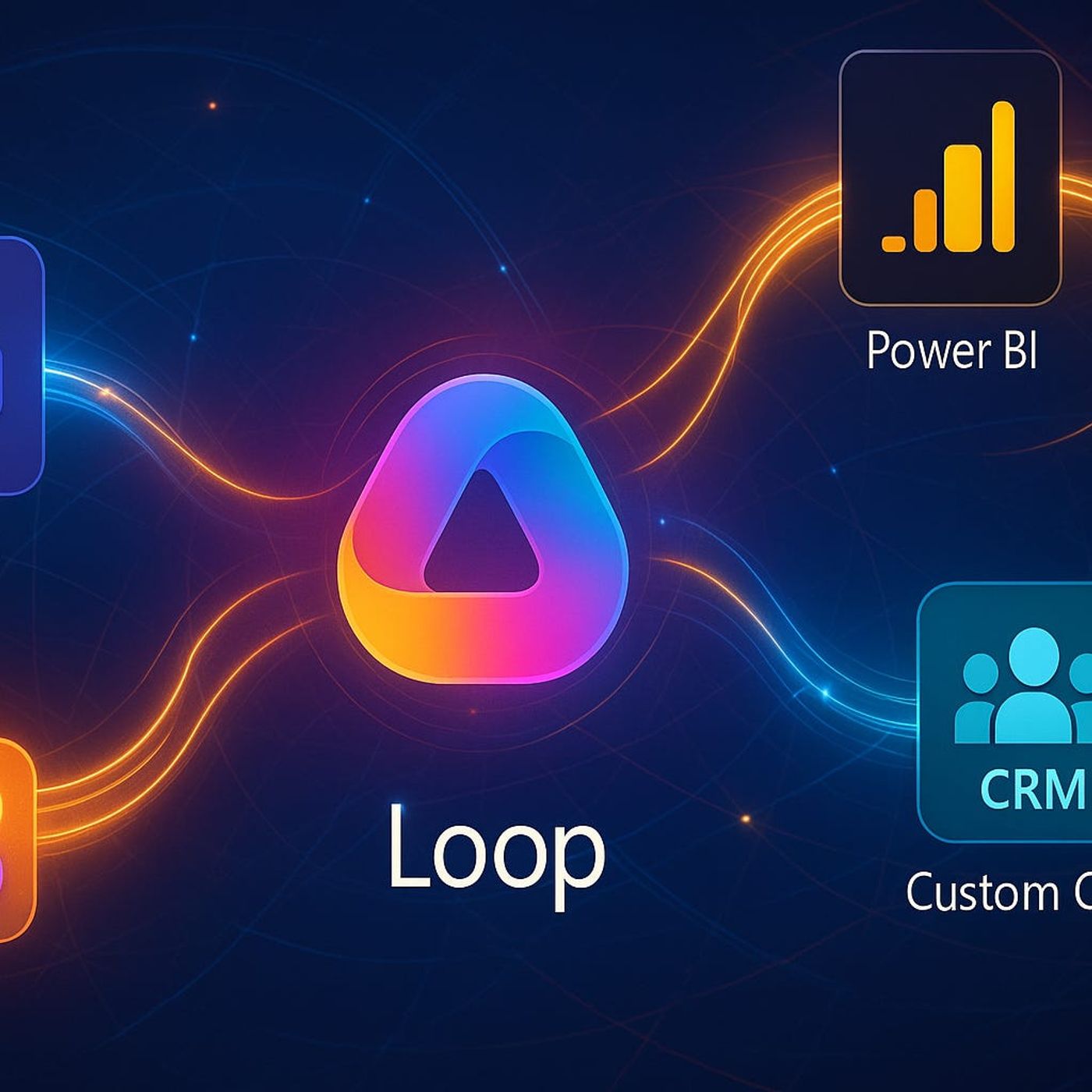
Loop Components: The Secret Link Your CRM, Power BI Dashboards, and Teams Chats Need to Finally Stay in Sync
Season 1
Published 1 year ago
Description
If your sales team is juggling five different apps just to update one deal, your problem is not “user adoption”—it is that your tools still behave like distant relatives that only meet on holidays. CRM, Power BI, Teams, email, and spreadsheets all claim to be integrated, yet every forecast review turns into a detective story: which number is right, which file is latest, and who forgot to update which system. In this episode, you’ll see how Loop components act as the missing link, turning those scattered systems into a single live surface where your pipeline actually stays in sync.
We walk through the classic sales chaos: a deal is updated in CRM on Friday, a spreadsheet gets tweaked in someone’s OneDrive, and a screenshot lands in a Teams chat while the Power BI report still shows last week’s targets. By Monday’s meeting, three versions of the truth are fighting for attention and no one fully trusts any of them. Traditional integrations only push snapshots around—scheduled syncs, exports, connectors that move data but never quite keep it alive. You’ll hear how Loop flips this model: instead of copying data between tools, it plants one living component—a table, a checklist, a set of numbers—that shows the same state wherever it appears.
Then we zoom out from sales into the broader “composable business” promise. Gartner’s term sounds lofty, but on the ground it means something simple: can your teams rearrange workflows quickly without IT rebuilding everything from scratch? Most organizations are nowhere near that point; they’re stuck in a maze of brittle integrations, screenshots in chat, and half-updated lists buried in SharePoint. Loop components give you a more honest version of composability: instead of stringing together more static integrations, you drop living content into the places people already work—Teams, Outlook, Word for web—and let that content carry state with it.
We also confront why previous generations of “widgets,” add-ins, and web parts never truly solved this. They looked integrated, but under the hood they were just pulling copies or overlays—pretty skins on top of stale data. Loop components behave differently: they are the data, not a view of it. When someone edits a Loop table in a chat, that same object updates in the doc, the email thread, and the companion app without anyone exporting, pasting, or re‑syncing. It’s a subtle shift until you watch a team run a full pipeline review from one Loop component that follows them across every app they touch all week.
By the end of this episode, you’ll have a practical sense of where Loop components actually matter: high‑change, multi‑tool workflows like sales pipelines, forecasting, and cross‑functional projects where data silos hurt the most. If you’re tired of “360‑degree view” promises that still leave you reconciling numbers by hand, this conversation shows how to use Loop as the live connective tissue your apps have been missing.
WHAT YOU LEARN
We walk through the classic sales chaos: a deal is updated in CRM on Friday, a spreadsheet gets tweaked in someone’s OneDrive, and a screenshot lands in a Teams chat while the Power BI report still shows last week’s targets. By Monday’s meeting, three versions of the truth are fighting for attention and no one fully trusts any of them. Traditional integrations only push snapshots around—scheduled syncs, exports, connectors that move data but never quite keep it alive. You’ll hear how Loop flips this model: instead of copying data between tools, it plants one living component—a table, a checklist, a set of numbers—that shows the same state wherever it appears.
Then we zoom out from sales into the broader “composable business” promise. Gartner’s term sounds lofty, but on the ground it means something simple: can your teams rearrange workflows quickly without IT rebuilding everything from scratch? Most organizations are nowhere near that point; they’re stuck in a maze of brittle integrations, screenshots in chat, and half-updated lists buried in SharePoint. Loop components give you a more honest version of composability: instead of stringing together more static integrations, you drop living content into the places people already work—Teams, Outlook, Word for web—and let that content carry state with it.
We also confront why previous generations of “widgets,” add-ins, and web parts never truly solved this. They looked integrated, but under the hood they were just pulling copies or overlays—pretty skins on top of stale data. Loop components behave differently: they are the data, not a view of it. When someone edits a Loop table in a chat, that same object updates in the doc, the email thread, and the companion app without anyone exporting, pasting, or re‑syncing. It’s a subtle shift until you watch a team run a full pipeline review from one Loop component that follows them across every app they touch all week.
By the end of this episode, you’ll have a practical sense of where Loop components actually matter: high‑change, multi‑tool workflows like sales pipelines, forecasting, and cross‑functional projects where data silos hurt the most. If you’re tired of “360‑degree view” promises that still leave you reconciling numbers by hand, this conversation shows how to use Loop as the live connective tissue your apps have been missing.
WHAT YOU LEARN
- Why traditional “integrations” between CRM, Power BI, Teams, and email still produce conflicting numbers.
- How Loop components differ from old‑school plugins, add‑ins, and SharePoint web parts.
- How a single Loop table or list can stay live across chats, docs, and meetings without manual syncs.
- What “composable business” really means in practice and how Loop nudges you closer to it.
Listen Now
Love PodBriefly?
If you like Podbriefly.com, please consider donating to support the ongoing development.
Support Us