Episode Details
Back to Episodes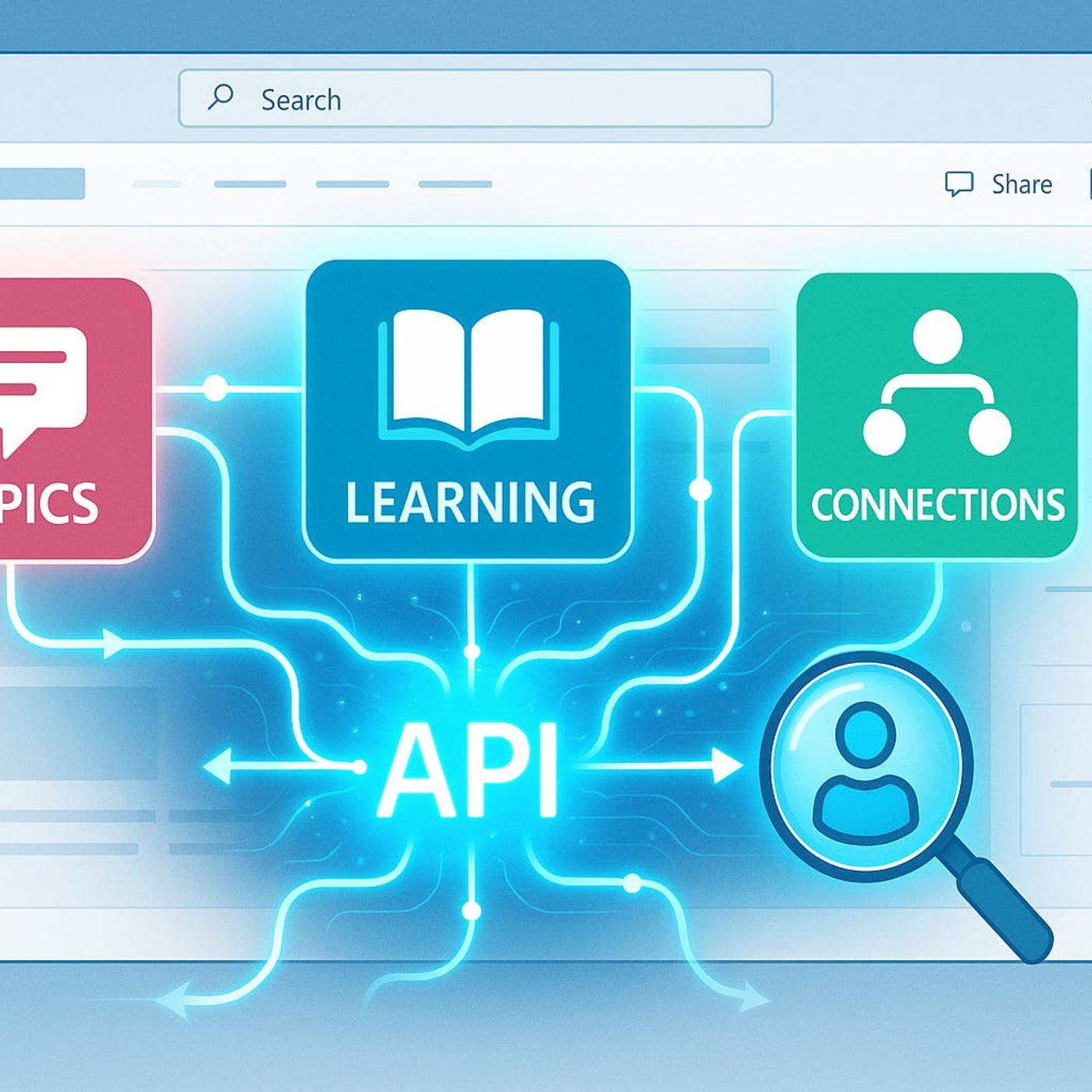
Viva Connections: Automate What You Thought Was Manual
Published 7 months ago
Description
Ever wondered why your Viva deployment feels half-finished, despite all the hype? Most organizations barely scratch the surface of what Viva APIs can actually do. Today, we're going deep—I'll show you how to automate your own custom learning modules, auto-publish organization-wide news, and weave your company knowledge straight into Viva Topics using real API calls.If you're tired of manual data entry and want to make Viva work for your business—not the other way around—you’re in the right place.Breaking the Authentication Barrier: Real-World API Access Without HeadachesIf you’ve ever tried to connect to a Viva API and hit that brick wall of an authentication failure, you’re not alone. Most folks start out with the docs right in front of them, thinking it’s going to be a quick afternoon project. You plug in your client ID, pop a request over to Azure AD for a token, try to call the endpoint, and—boom—“Unauthorized.” Not a helpful ‘try this’ message. Just that cold, dead stop that leaves you tracing your code one line at a time. I’ve seen experienced M365 engineers, people who live and breathe Graph, get stuck here and start questioning if they’ve misunderstood basic OAuth. There’s that temptation to blame yourself, or the docs, or the universe, but the truth is, Viva’s API story is just trickier than a lot of the standard Microsoft stuff.Even with the official documentation, you can follow every step and still find yourself adrift. One moment you’re thinking, “This should be the same as calling Microsoft Graph,” and the next you’re sifting through thirty tabs on delegated permissions, application scopes, admin consent, and secret registration. What makes it even messier is the split between Graph and native Viva endpoints. Some endpoints live under the wider Graph umbrella, but others—especially the ones for deeper automation of Topics or Learning—require their own specific permissions and scopes. You might get a token that works perfectly for /me or /users or SharePoint content, then hit a wall when sending that same token to a Viva endpoint. And the error messages sometimes read like they were output by a machine learning model on its first day—just cryptic enough to be unhelpful, but not weird enough to give you something to Google.Let’s talk permissions, because this is where most roadblocks pop up. There’s that classic Azure portal screen, littered with toggles for Delegated and Application Permissions. It’s not enough to pick one at random. If you go with Delegated, your requests will only work in the context of whoever’s signed in—which is fine for testing, not great for scheduled automations. Application permissions are what most orgs want for real automation, but getting them approved can take days or weeks if your security team is strict. There’s usually at least one back-and-forth, some tense emails about ‘why do you need this,’ and—if Conditional Access is in play—an extra check that mysteriously blocks access at runtime without a clear error. I’ve seen orgs burn a full sprint just trying to land one permission in the right place, all while the project manager asks for status updates.Too often, it comes down to one missing permission that someone assumed got granted. A classic case: a mid-sized company tried to orchestrate custom Topic publishing. Everything looked stamped ‘success’ in the portal. Service principal was set up, secret configured, scopes listed as granted, but every single automation job failed. After hours of log-chasing, it turned out one obscure “Viva Topics.Manage” permission was missing from the app registration. No warning, just silent failure. The fix was simple once they found it—add the permission, re-consent, restart the workflow. But they’d lost an entire week to a box left unchecked.The technical side isn’t just about picking the right permissions, though. There are real choices about how you authenticate the app itself. A year ago, everyone was using client secrets. Fast, simple, but a l