Episode Details
Back to Episodes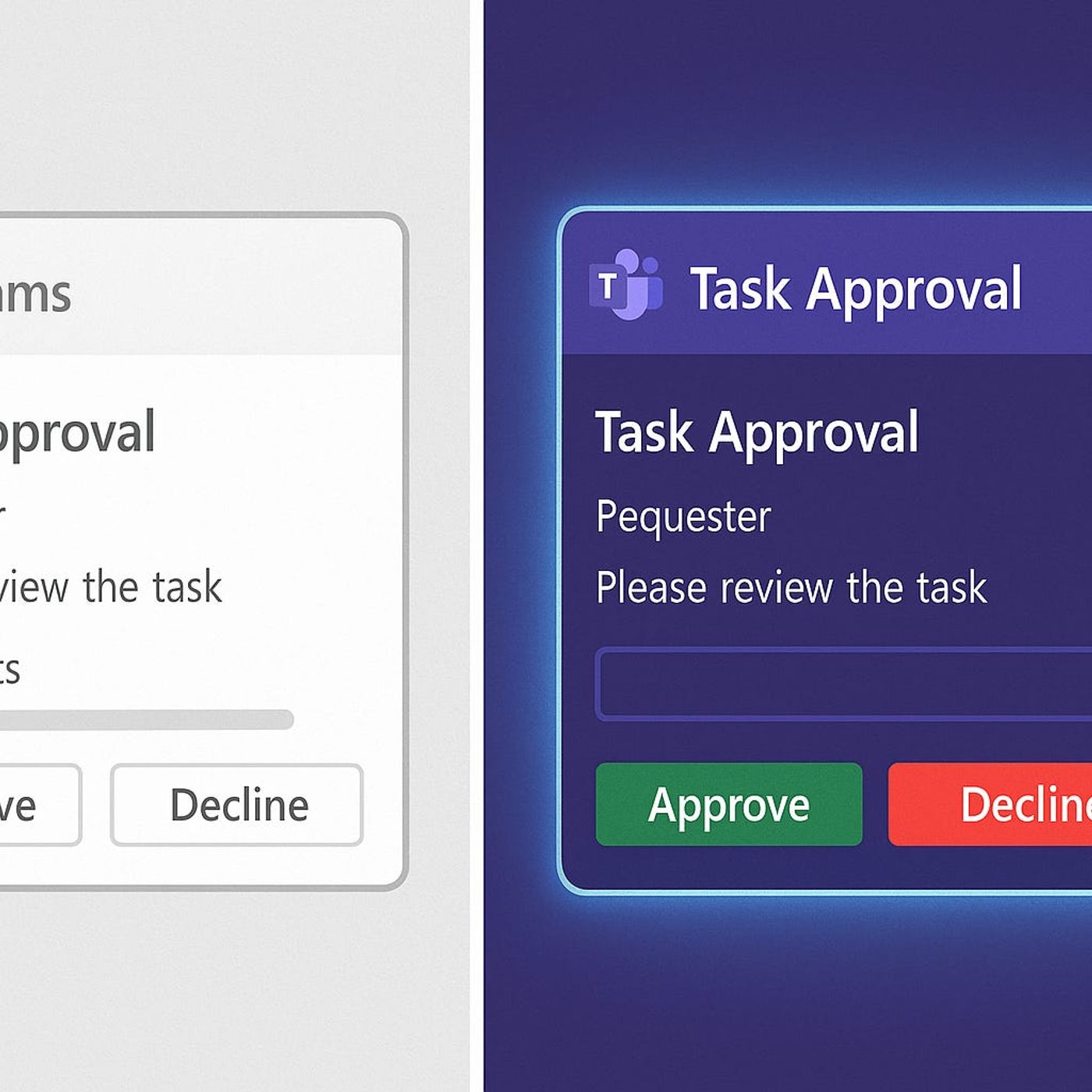
Microsoft Teams Adaptive Cards: Unlock Real Interactivity, Workflows & Automation
Season 1
Published 1 year, 2 months ago
Description
Most Teams Adaptive Cards are just pretty dashboards — and that’s a wasted opportunity. When you unlock the full potential of Adaptive Cards, they become interactive workflows that capture real-time feedback, launch automations, trigger bots, and eliminate context-switching — all without users ever leaving Microsoft Teams. This episode breaks down exactly how to go from static cards to dynamic, interactive experiences that drive productivity.
You’ll get hands-on insight into the core features that separate functional cards from powerful ones: Action.Submit, Action.Execute, Universal Actions, and real-time feedback loops. Plus, we walk through practical JSON examples and live demos that show you what’s actually possible with modern Adaptive Card design.
The problem isn’t the technology — it’s that most Teams developers stop at cosmetic changes. This episode shows you where the real value lives: in cards that respond, update, and trigger backend processes without anyone leaving the Teams interface.
If your team is using Teams daily but your cards aren’t doing real work, this episode gives you the blueprint to change that.
WHAT YOU'LL LEARN
• What makes Adaptive Cards interactive vs. just visually static
• How Action.Submit, Action.Execute, and Universal Actions work in practice
• How to trigger workflows, bots, and Power Automate flows directly from Teams cards
• Real JSON examples for building interactive cards that capture and respond to user input
• How to reduce notification noise and replace it with actionable card-based workflows
• The difference between Adaptive Cards in channels vs. bots vs. Connectors
• Common mistakes that kill card interactivity and how to avoid them
CORE INSIGHT
Adaptive Cards are not a notification format — they are a workflow surface. The organizations seeing the highest ROI from Teams are the ones that turned cards into action triggers: approval flows, data captures, status updates, and bot interactions that eliminate email and reduce tool-switching. If your cards don’t do work, they’re just clutter.
WHO THIS IS FOR
• Microsoft Teams developers building bots, connectors, and card-based workflows
• Power Platform developers integrating Power Automate with Teams Adaptive Cards
• IT pros and Microsoft 365 admins designing Teams-based productivity solutions
• Anyone building automation or workflow tools inside Microsoft Teams
• Developers tired of flat, static cards that don’t actually reduce user effort
ABOUT THE HOST
This episode is part of M365.FM — the podcast for Microsoft 365 professionals who want to stay ahead of the curve in modern work, AI, security, and productivity. Each episode delivers practical, search-driven insights for IT leaders, data professionals, and enterprise decision-makers navigating the Microsoft ecosystem.
Become a supporter of this podcast: https://www.spreaker.com/podcast/m365-fm-a-microsoft-mvp-podcast-by-mirko-peters--6704921/support.
You’ll get hands-on insight into the core features that separate functional cards from powerful ones: Action.Submit, Action.Execute, Universal Actions, and real-time feedback loops. Plus, we walk through practical JSON examples and live demos that show you what’s actually possible with modern Adaptive Card design.
The problem isn’t the technology — it’s that most Teams developers stop at cosmetic changes. This episode shows you where the real value lives: in cards that respond, update, and trigger backend processes without anyone leaving the Teams interface.
If your team is using Teams daily but your cards aren’t doing real work, this episode gives you the blueprint to change that.
WHAT YOU'LL LEARN
• What makes Adaptive Cards interactive vs. just visually static
• How Action.Submit, Action.Execute, and Universal Actions work in practice
• How to trigger workflows, bots, and Power Automate flows directly from Teams cards
• Real JSON examples for building interactive cards that capture and respond to user input
• How to reduce notification noise and replace it with actionable card-based workflows
• The difference between Adaptive Cards in channels vs. bots vs. Connectors
• Common mistakes that kill card interactivity and how to avoid them
CORE INSIGHT
Adaptive Cards are not a notification format — they are a workflow surface. The organizations seeing the highest ROI from Teams are the ones that turned cards into action triggers: approval flows, data captures, status updates, and bot interactions that eliminate email and reduce tool-switching. If your cards don’t do work, they’re just clutter.
WHO THIS IS FOR
• Microsoft Teams developers building bots, connectors, and card-based workflows
• Power Platform developers integrating Power Automate with Teams Adaptive Cards
• IT pros and Microsoft 365 admins designing Teams-based productivity solutions
• Anyone building automation or workflow tools inside Microsoft Teams
• Developers tired of flat, static cards that don’t actually reduce user effort
ABOUT THE HOST
This episode is part of M365.FM — the podcast for Microsoft 365 professionals who want to stay ahead of the curve in modern work, AI, security, and productivity. Each episode delivers practical, search-driven insights for IT leaders, data professionals, and enterprise decision-makers navigating the Microsoft ecosystem.
Become a supporter of this podcast: https://www.spreaker.com/podcast/m365-fm-a-microsoft-mvp-podcast-by-mirko-peters--6704921/support.