Episode Details
Back to Episodes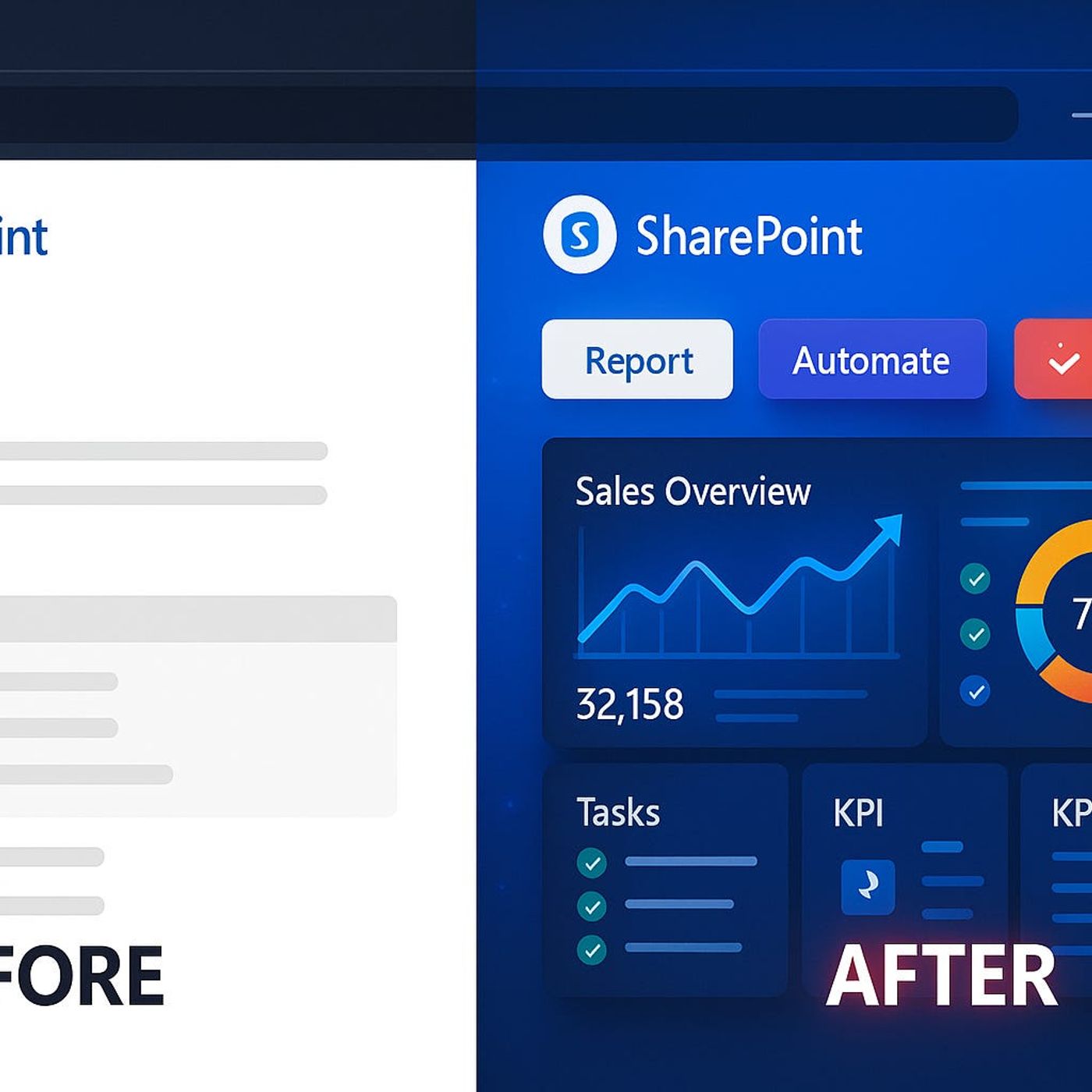
Modern SharePoint: How Bad “Modern” Design Kills Productivity and How SPFx Extensions Turn Your Pages into Real Business Apps
Season 1
Published 1 year ago
Description
Modern SharePoint Pages Done Wrong
Your SharePoint page looks modern, but here’s what most admins don’t realize: those clean templates, hero banners, and default layouts can quietly block the workflows you actually care about. Users get a nice-looking homepage yet still end up exporting lists to Excel, forwarding emails, and running side-trackers in Teams because they cannot act on real data directly from the page. In this episode, we look at why “modern” often just means prettier static pages—while all the real work continues to happen somewhere else.
You’ll recognize the pattern from your own tenant. An intranet refresh launches, everyone celebrates the new tiles and icons, and for a few weeks traffic looks good. Then complaints creep back in: status information is outdated, nothing feels urgent, and people cannot trigger the flows or updates they need without jumping into other apps. The modern page becomes a brochure: nice to look at, but useless in the moments when someone needs to escalate a risk, flag a delay, or kick off a real business process.
We dive into how this happens in detail. Teams try to stretch JSON formatting and out-of-the-box web parts to make pages “smarter,” only to hit hard limits when they need live updates, interactive controls, or one-click actions. Over time, dashboards become fragile: formatting breaks, mobile layouts behave strangely, and small changes in lists or columns cause pages to misbehave. Instead of being the engine of the digital workplace, SharePoint ends up as a glossy front door that leads users right back into old habits.
That’s where SPFx extensions—field customizers, command sets, and more—completely change the game. When you let pages host real business logic, not just presentation, everything shifts: buttons on list rows can trigger Power Automate flows, status indicators update live, and global headers or footers can surface important actions or alerts directly where users are already looking. You’ll hear how these extensions let you move from “read-only dashboards” to interactive workflow hubs that actually change how work gets done, not just how it looks.
By the end of this episode, you’ll be able to spot whether your own modern pages are quietly stalling progress or truly driving it. If your SharePoint sites still send people back to email, Excel, or rogue trackers whenever something important happens, this conversation will show you where your design went wrong—and how to fix it with a more powerful, SPFx-driven approach.
WHAT YOU LEARN
The core insight of this episode is that “modern” SharePoint design is not about prettier pages—it is about whether your pages
Your SharePoint page looks modern, but here’s what most admins don’t realize: those clean templates, hero banners, and default layouts can quietly block the workflows you actually care about. Users get a nice-looking homepage yet still end up exporting lists to Excel, forwarding emails, and running side-trackers in Teams because they cannot act on real data directly from the page. In this episode, we look at why “modern” often just means prettier static pages—while all the real work continues to happen somewhere else.
You’ll recognize the pattern from your own tenant. An intranet refresh launches, everyone celebrates the new tiles and icons, and for a few weeks traffic looks good. Then complaints creep back in: status information is outdated, nothing feels urgent, and people cannot trigger the flows or updates they need without jumping into other apps. The modern page becomes a brochure: nice to look at, but useless in the moments when someone needs to escalate a risk, flag a delay, or kick off a real business process.
We dive into how this happens in detail. Teams try to stretch JSON formatting and out-of-the-box web parts to make pages “smarter,” only to hit hard limits when they need live updates, interactive controls, or one-click actions. Over time, dashboards become fragile: formatting breaks, mobile layouts behave strangely, and small changes in lists or columns cause pages to misbehave. Instead of being the engine of the digital workplace, SharePoint ends up as a glossy front door that leads users right back into old habits.
That’s where SPFx extensions—field customizers, command sets, and more—completely change the game. When you let pages host real business logic, not just presentation, everything shifts: buttons on list rows can trigger Power Automate flows, status indicators update live, and global headers or footers can surface important actions or alerts directly where users are already looking. You’ll hear how these extensions let you move from “read-only dashboards” to interactive workflow hubs that actually change how work gets done, not just how it looks.
By the end of this episode, you’ll be able to spot whether your own modern pages are quietly stalling progress or truly driving it. If your SharePoint sites still send people back to email, Excel, or rogue trackers whenever something important happens, this conversation will show you where your design went wrong—and how to fix it with a more powerful, SPFx-driven approach.
WHAT YOU LEARN
- Why many modern SharePoint pages look great but quietly kill productivity and workflows.
- How overusing templates and JSON formatting leads to fragile, read-only dashboards.
- What SPFx extensions (field customizers, command sets, headers/footers) actually unlock on a page.
- How to turn lists and pages into action hubs that trigger flows, alerts, and live updates.
- How admins can move from static intranets to dynamic business apps without rebuilding everything from scratch.
The core insight of this episode is that “modern” SharePoint design is not about prettier pages—it is about whether your pages