Episode Details
Back to Episodes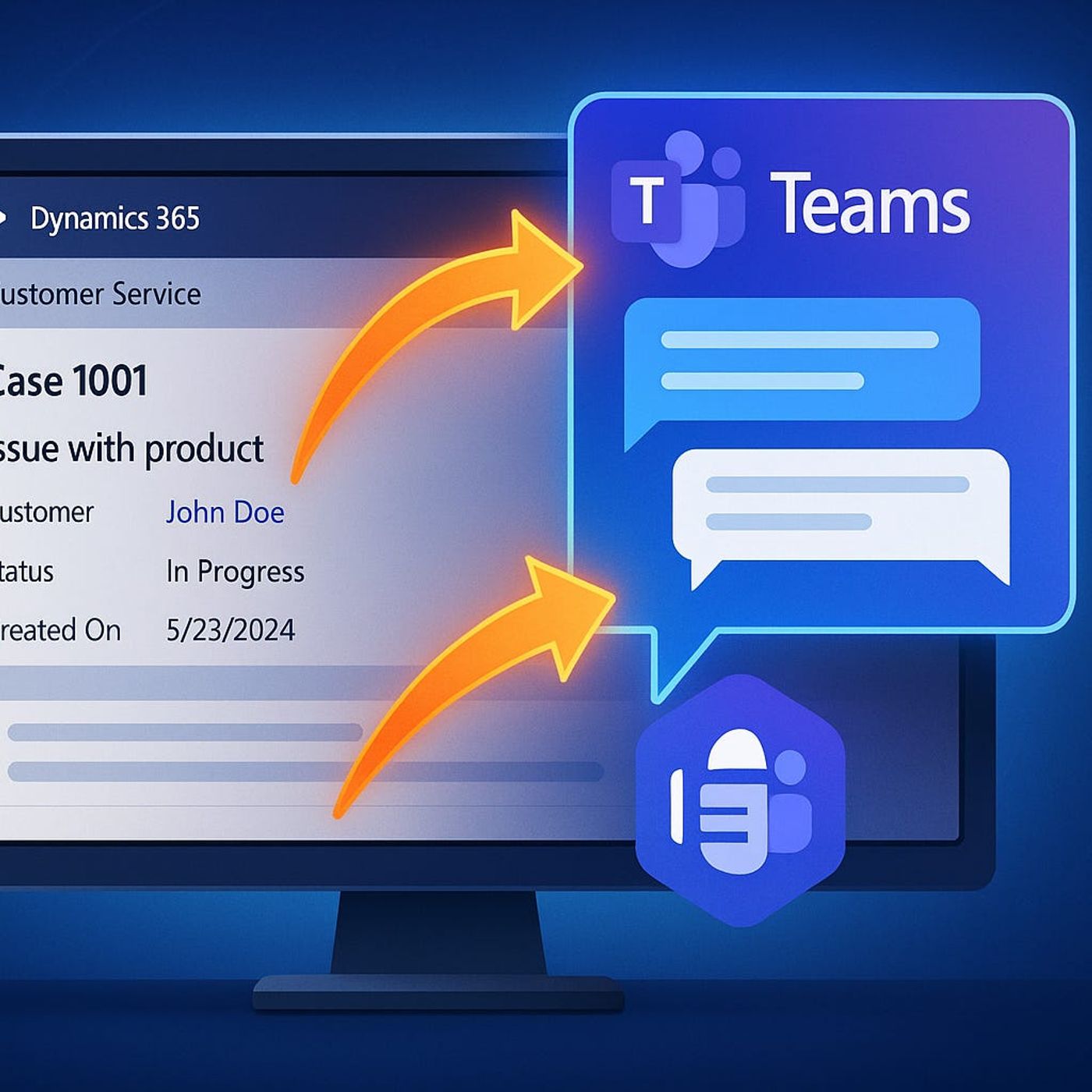
Teams in Dynamics 365: Does Embedded Collaboration Really Boost Agent Productivity or Just Add More Noise to Customer Service Workflows?
Season 1
Published 1 year, 2 months ago
Description
If your agents are already drowning in tabs, pop-ups, and “just one more tool,” adding Teams into Dynamics 365 can sound like the worst kind of joke. The promise is collaboration, but the daily reality in many service desks is window chaos, lost context, and tickets that stall while people hunt through old chats and emails. In this episode, we stress-test the Teams in D365 integration and ask the only question that matters: does it actually make work easier for agents, or just add another shiny button to click?
We start with the pain everyone recognizes: you are mid-case, the SLA clock is ticking, and you need help from a colleague. Today that usually means hopping over to Teams, starting or reviving a chat, pasting a link to the ticket, and hoping the other person understands the context—and actually sees the message in time. Context gets fragmented, people reply in the wrong thread, and days later nobody remembers where the critical detail was shared. You will see how the embedded “Collaborate” experience changes this dynamic by keeping chat anchored directly to the case, so questions and answers stay glued to the record instead of getting lost in the noise.
Then we look at what happens when more than one person jumps into the conversation. Escalations, swarms, and tricky cases rarely involve just one helper; they pull in specialists, supervisors, maybe even someone from product or billing. We walk through how real-time collaboration looks when the ticket, the chat, and the latest updates all live in the same view—plus where things still break if people start chats outside the Dynamics context or old habits pull them back into separate Teams threads. You will hear where this integration genuinely speeds up response and where it still relies on process discipline, not just technology.
We also talk about the messy edge cases: laggy chat panes on heavy tickets, agents forgetting to start chats from the ticket, or experts who can join the conversation in Teams but cannot actually touch the case data. This is not a glossy demo; it is an honest look at where Teams in D365 shines, where it annoys people, and what you need to configure or coach so that chat history, ownership, and decisions are findable weeks later when a related issue comes back.
By the end of this episode, you will know when embedding Teams in Dynamics 365 is a real productivity hack—reducing tab switching, preserving case context, and speeding up collaboration—and when it is just another pane in an already crowded agent desktop. If you are considering rolling it out or wondering why your existing integration has not delivered the promised benefits yet, this conversation will help you decide what to keep, what to fix, and what to ignore.
WHAT YOU LEARN
We start with the pain everyone recognizes: you are mid-case, the SLA clock is ticking, and you need help from a colleague. Today that usually means hopping over to Teams, starting or reviving a chat, pasting a link to the ticket, and hoping the other person understands the context—and actually sees the message in time. Context gets fragmented, people reply in the wrong thread, and days later nobody remembers where the critical detail was shared. You will see how the embedded “Collaborate” experience changes this dynamic by keeping chat anchored directly to the case, so questions and answers stay glued to the record instead of getting lost in the noise.
Then we look at what happens when more than one person jumps into the conversation. Escalations, swarms, and tricky cases rarely involve just one helper; they pull in specialists, supervisors, maybe even someone from product or billing. We walk through how real-time collaboration looks when the ticket, the chat, and the latest updates all live in the same view—plus where things still break if people start chats outside the Dynamics context or old habits pull them back into separate Teams threads. You will hear where this integration genuinely speeds up response and where it still relies on process discipline, not just technology.
We also talk about the messy edge cases: laggy chat panes on heavy tickets, agents forgetting to start chats from the ticket, or experts who can join the conversation in Teams but cannot actually touch the case data. This is not a glossy demo; it is an honest look at where Teams in D365 shines, where it annoys people, and what you need to configure or coach so that chat history, ownership, and decisions are findable weeks later when a related issue comes back.
By the end of this episode, you will know when embedding Teams in Dynamics 365 is a real productivity hack—reducing tab switching, preserving case context, and speeding up collaboration—and when it is just another pane in an already crowded agent desktop. If you are considering rolling it out or wondering why your existing integration has not delivered the promised benefits yet, this conversation will help you decide what to keep, what to fix, and what to ignore.
WHAT YOU LEARN
- Why agents lose time and context when collaboration around tickets lives in separate Teams chats and emails.
- How the “Collaborate” experience in Dynamics 365 keeps Teams conversations tied directly to cases.
- What happens when multiple experts swarm a ticket using embedded Teams vs. separate channels and chats.
- Where the integration still creates friction, from laggy panes to chats started outside the ticket context.
Listen Now
Love PodBriefly?
If you like Podbriefly.com, please consider donating to support the ongoing development.
Support Us