Episode Details
Back to Episodes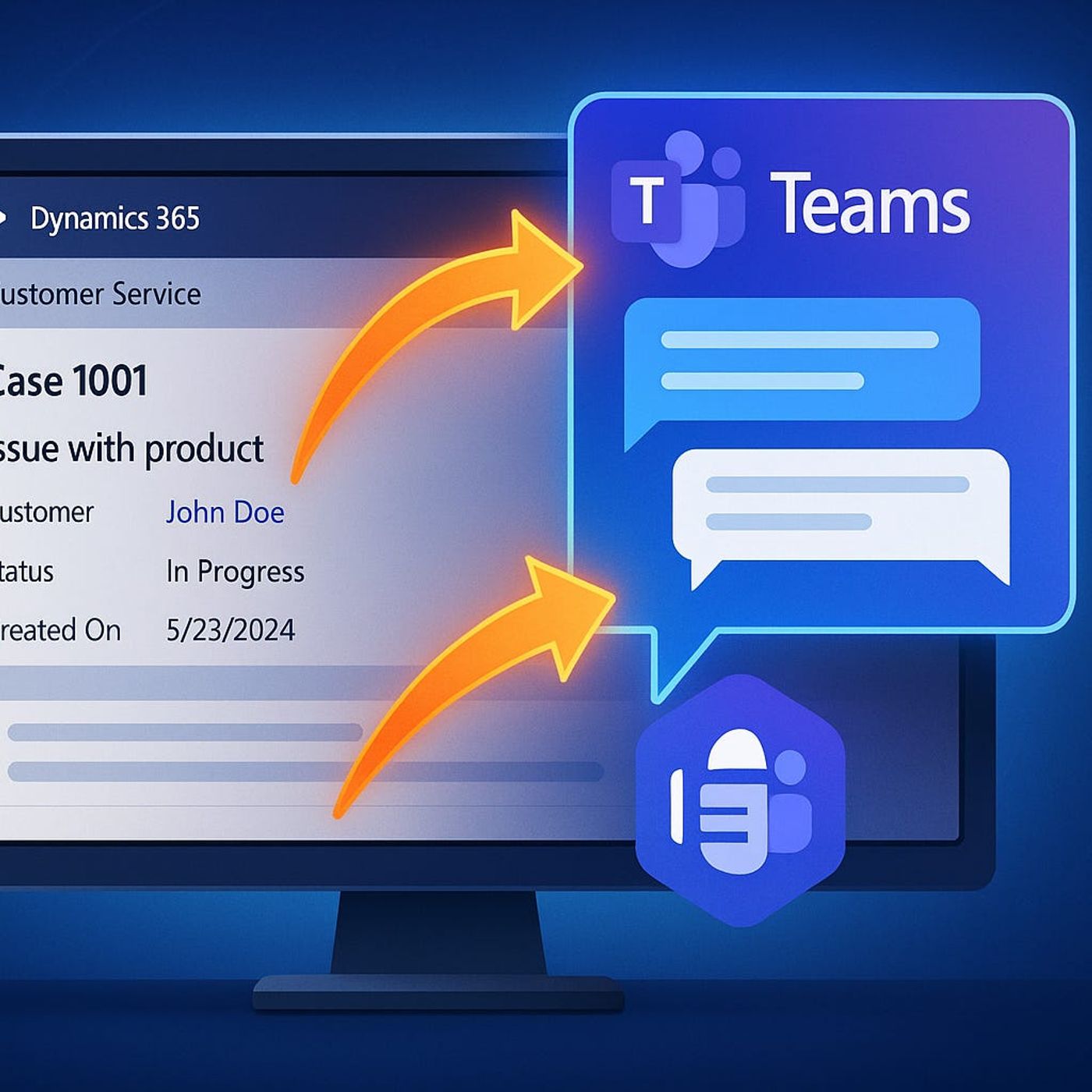
Teams in D365: Productivity Hack or Headache?
Published 7 months ago
Description
Ever wondered if integrating Teams into Dynamics 365 will actually make your agents’ lives easier—or just add more windows to click through? In this video, we’re putting the hype to the test. If you want to see what real collaboration on tickets looks like (and where Teams might just save your next SLA), you’re in the right place. Ready to see what’s really hiding behind that "Collaborate" button?Chat Where the Work Happens: Teams Conversations Without Tab ChaosIf you’ve ever tried chasing down a teammate in the middle of a tough case—Dynamics 365 open in one window, Teams somewhere else, a side quest through Outlook just to find an old conversation—you already know the pain. This is where most customer service agents live. The classic setup is scattered: you’re staring at a ticket that’s not going anywhere, ping-ponging between windows, each one merrily eating up real estate and attention. Let’s just say, nobody needed another reason to have four monitors. And the question is, will embedding Teams inside Dynamics 365 solve any of it, or just shift the chaos into a slightly smaller space?So here’s what happens when you stop the app-swapping and actually lean into the Teams integration. You’re in Dynamics, wrestling with a customer case that suddenly gets tricky. Maybe it’s a warranty question with missing paperwork. Maybe billing attached the wrong file (again). You need a fast answer, and you’d prefer not to risk losing your train of thought—or the nine browser tabs already stacked up like Jenga. It’s not about saving a few clicks; it’s about whether you keep your focus or start the dreaded search for “that Teams chat with Lisa, I think from last quarter?”Now, the way things usually go, you’d fire off an email, jump into Teams, start a separate chat, maybe paste a link to the ticket. Would Lisa actually notice it, buried among a hundred pings? You’re already out of Dynamics, and by the time you get back, you’ve probably also checked your Outlook, because someone else replied all. It’s the digital version of walking across the office just to ask, “Hey, did you see this?”—except now your workflow is up for grabs, and so is the context.But with Teams inside Dynamics 365, there’s a shiny ‘Collaborate’ button perched right on the record screen. Hit it and—smoothly, if the demo is to be believed—you get a Teams chat pane alongside your ticket details, not a fresh window sprawled across your desktop. The chat even inherits the ticket’s context, so you’re not forced to explain, for the tenth time, “This is about Contoso’s warranty issue, not the return from last Thursday.” You can ping your colleague without ever leaving the ticket. If you want, you can even pull in a link to the exact case. It’s a small shift, but it means agents don’t have to haul their attention away from the customer’s details just to ask a question.One detail that gets less attention: these chats aren’t just floating around, untethered. Every chat started from a ticket stays tied to that case. So, weeks later, when you’re trying to remember who suggested that off-label workaround, you don’t have to go spelunking through Teams or wrangle advanced search terms. You just open the ticket, and any related chats are sitting right there, part of the case history. For the agents actually using this day-to-day, this is where the value kicks in—it’s not just less jumping from app to app, it’s less reconstructing an investigation every time a related issue pops up.Of course, you’ll hear the promise that it’s all “less noise, more signal.” The reality is, the jury’s out on whether total message volume goes down, but several teams have reported fewer dropped threads. Studies out of pilot deployments—granted, most are Microsoft case studies—suggest agents can recover information about 30 percent faster when chat history is linked directly to cases. Saving a few seconds on each interaction might sound minor, but multiplied over hundreds of tickets, it’s the difference between