Episode Details
Back to Episodes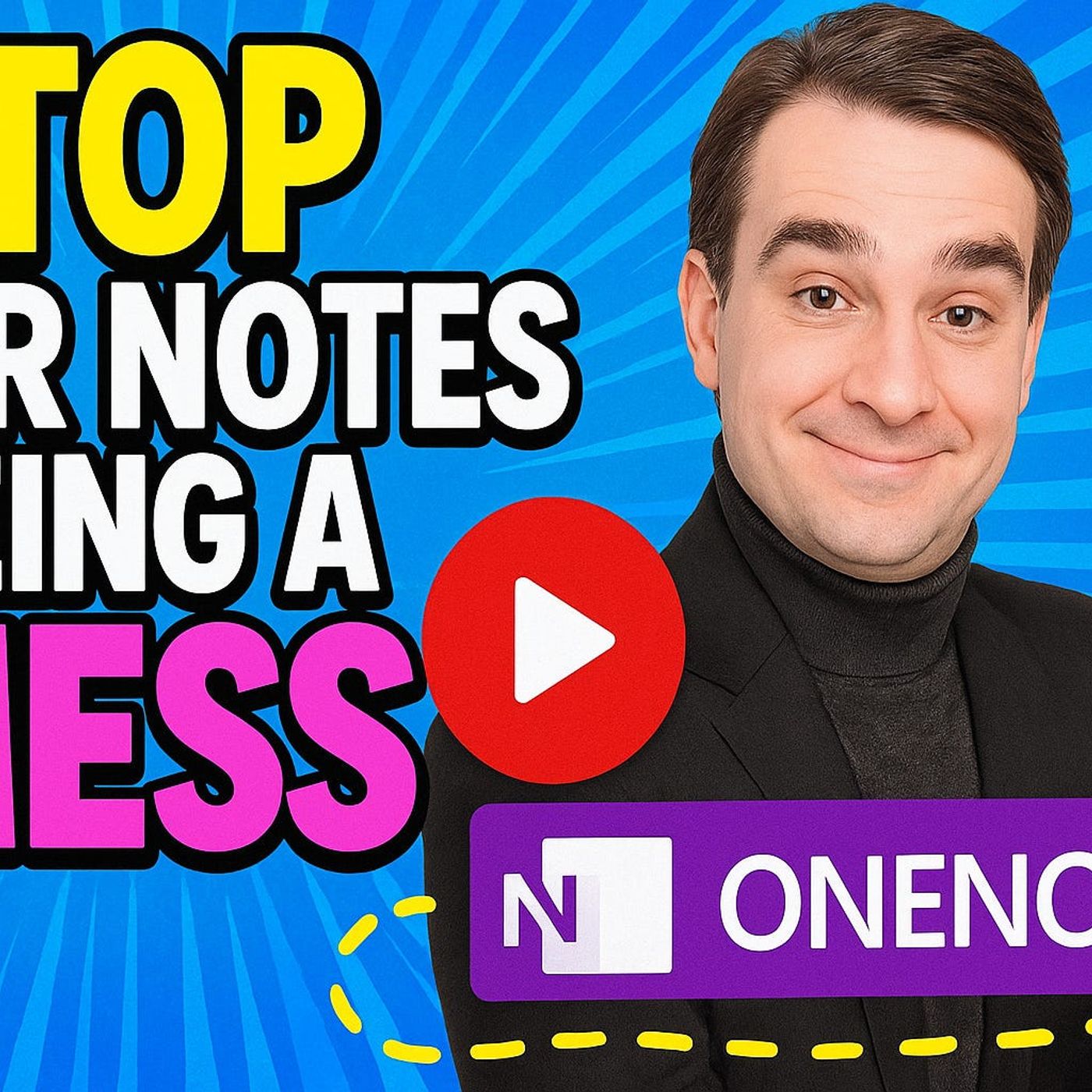
Microsoft OneNote System: Stop Drowning in Notes and Build a Productive Knowledge Base
Season 1
Published 1 year, 2 months ago
Description
Most people use roughly 10 percent of what Microsoft OneNote can actually do — and then wonder why they are still drowning in a digital mess of random notes, buried meeting summaries, and ideas they can never find when they need them. OneNote is not just a digital notepad. When set up correctly, it becomes a connected, searchable, action-ready knowledge system that integrates directly with Microsoft 365. In this episode, we show you how to break out of note chaos and build a OneNote system that technical professionals actually use.
The problem with most OneNote setups is structural. People create notebooks spontaneously, dump content without any consistent organization, and never set up the tags, sections, or naming conventions that make information retrievable. Within weeks, finding a specific note means scrolling through dozens of disorganized sections — which is slower than having never written it down. A properly structured OneNote system changes this with a clear hierarchy of notebooks, sections, and pages, combined with action tags that surface what needs attention without manual review.
In this episode, you will learn how to design a OneNote structure for Microsoft 365 professionals that scales without becoming a mess, how to use OneNote tags and linked notes to turn passive notes into action items, how to integrate OneNote with Microsoft Teams, Outlook, and Loop for a seamless capture-to-action workflow, and the most powerful OneNote features that most users never discover — including version history, audio recording, screen clipping workflows, and search optimization.
Key topics include: Microsoft OneNote organization system design for productivity, OneNote tags and to-do tracking integration with Microsoft 365, connecting OneNote to Microsoft Teams meeting notes and Outlook, OneNote search optimization and findability best practices, OneNote vs Microsoft Loop for different use cases, and building a personal knowledge management system with OneNote in Microsoft 365.
Whether you are a Microsoft 365 user drowning in scattered notes, an IT professional trying to manage project documentation efficiently, or a team leader looking for a shared knowledge system that works in Microsoft 365 — this episode gives you a complete, practical OneNote system you can implement today. Subscribe to M365.FM for weekly deep-dives into Microsoft 365, Teams, SharePoint, productivity, and modern workplace tools.
Become a supporter of this podcast: https://www.spreaker.com/podcast/m365-fm-a-microsoft-mvp-podcast-by-mirko-peters--6704921/support.
The problem with most OneNote setups is structural. People create notebooks spontaneously, dump content without any consistent organization, and never set up the tags, sections, or naming conventions that make information retrievable. Within weeks, finding a specific note means scrolling through dozens of disorganized sections — which is slower than having never written it down. A properly structured OneNote system changes this with a clear hierarchy of notebooks, sections, and pages, combined with action tags that surface what needs attention without manual review.
In this episode, you will learn how to design a OneNote structure for Microsoft 365 professionals that scales without becoming a mess, how to use OneNote tags and linked notes to turn passive notes into action items, how to integrate OneNote with Microsoft Teams, Outlook, and Loop for a seamless capture-to-action workflow, and the most powerful OneNote features that most users never discover — including version history, audio recording, screen clipping workflows, and search optimization.
Key topics include: Microsoft OneNote organization system design for productivity, OneNote tags and to-do tracking integration with Microsoft 365, connecting OneNote to Microsoft Teams meeting notes and Outlook, OneNote search optimization and findability best practices, OneNote vs Microsoft Loop for different use cases, and building a personal knowledge management system with OneNote in Microsoft 365.
Whether you are a Microsoft 365 user drowning in scattered notes, an IT professional trying to manage project documentation efficiently, or a team leader looking for a shared knowledge system that works in Microsoft 365 — this episode gives you a complete, practical OneNote system you can implement today. Subscribe to M365.FM for weekly deep-dives into Microsoft 365, Teams, SharePoint, productivity, and modern workplace tools.
Become a supporter of this podcast: https://www.spreaker.com/podcast/m365-fm-a-microsoft-mvp-podcast-by-mirko-peters--6704921/support.