Episode Details
Back to Episodes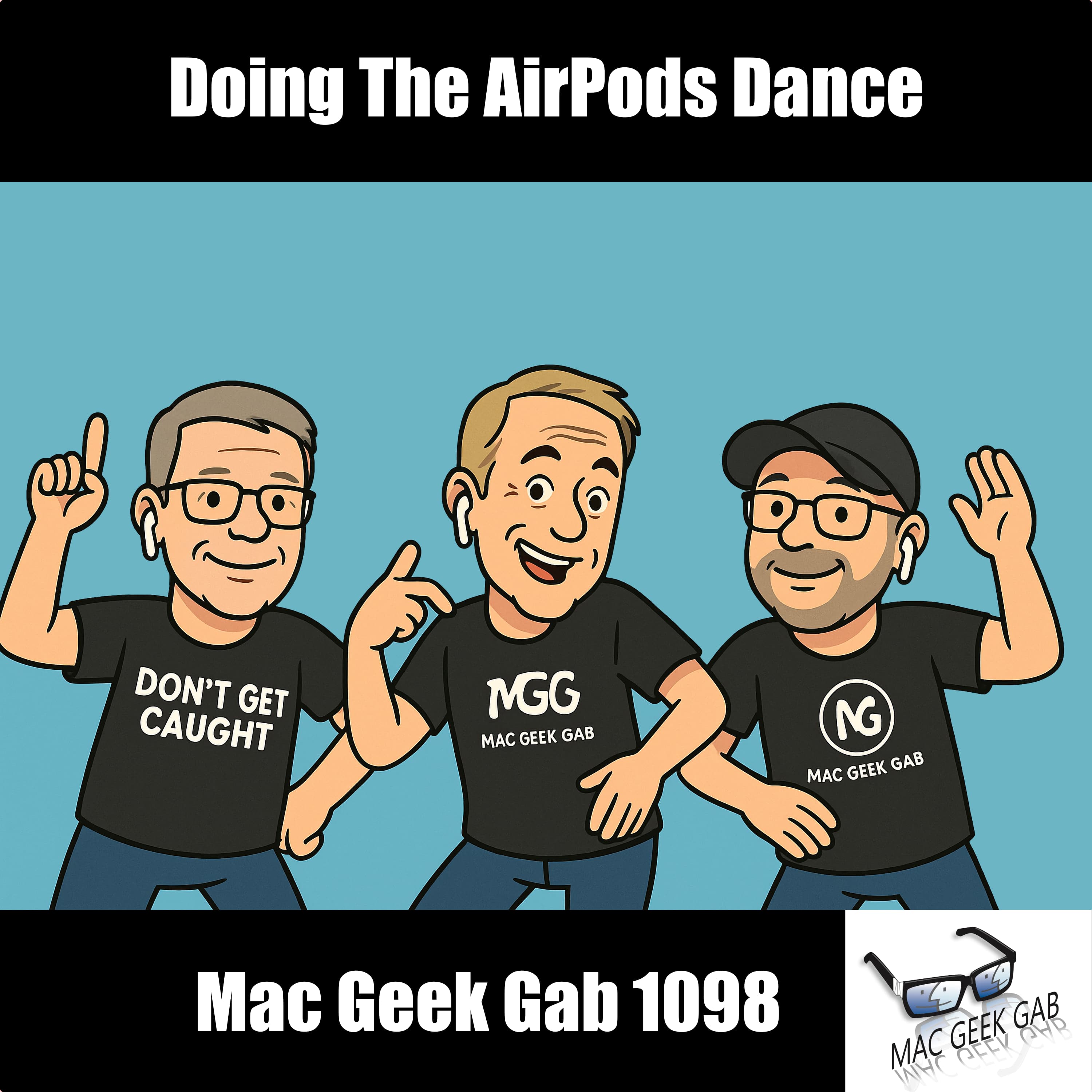
Doing The AirPods Dance
Description

You’re swimming in Quick Tips this week on Mac Geek Gab 1098! You’ll learn how to fix flaky Apple TV Wi-Fi, make your AirPods fit better (hint: flip ’em), and finally tame Hot Corners with a smart modifier key. Discover the secret to custom routes in Apple Maps on iOS 18 and why renaming flags in Mail might be the power move you didn’t know you needed. Oh—and don’t forget: July 14th is National Tape Measure Day, so measure twice before you trigger that accidental corner action.
Then it’s your questions answered, from routers with nerdy flexibility to iCloud alias issues and Apple Music migration woes. We dive into why not all USB-C cables are created equal—seriously, Don’t Get Caught with the wrong one—and help you vet display brightness before buying. Plus, Cool Stuff Found brings Raspberry Pi Time Machine backups, Copilot Money, and Setapp’s killer image tools. Always be learning, always be tweaking—just don’t get stuck with bad cables.
- 00:00:00 Mac Geek Gab 1098 for Monday, July 14th, 2025
- July 14th: National Tape Measure Day
- Police Code 10-98 – Assignment Completed…or…JailBreak! (why can’t both be true?)
- MGG Monthly Giveaway – Victrola Turntable
- Quick Tips
- 00:00:01 Jim-QT-Add a modifier key to hot corners to keep from accidentally triggering them
- 00:02:12 Chicago Tom-QT-Renaming Flags in Apple Mail
- 00:04:54 rnDoug-QT-Flip your AirPods upside down to resolve fit issues
- 00:08:36 MySpoonIsTooBig & ChicagoTom-QT-Possible fixes for flaky Apple TV Wi-Fi connections
- 00:10:32 Chicago Tom-QT-Apple Maps lets you do custom routes in iOS 18, too…kinda
Listen Now
Love PodBriefly?
If you like Podbriefly.com, please consider donating to support the ongoing development.
Support Us