Episode Details
Back to Episodes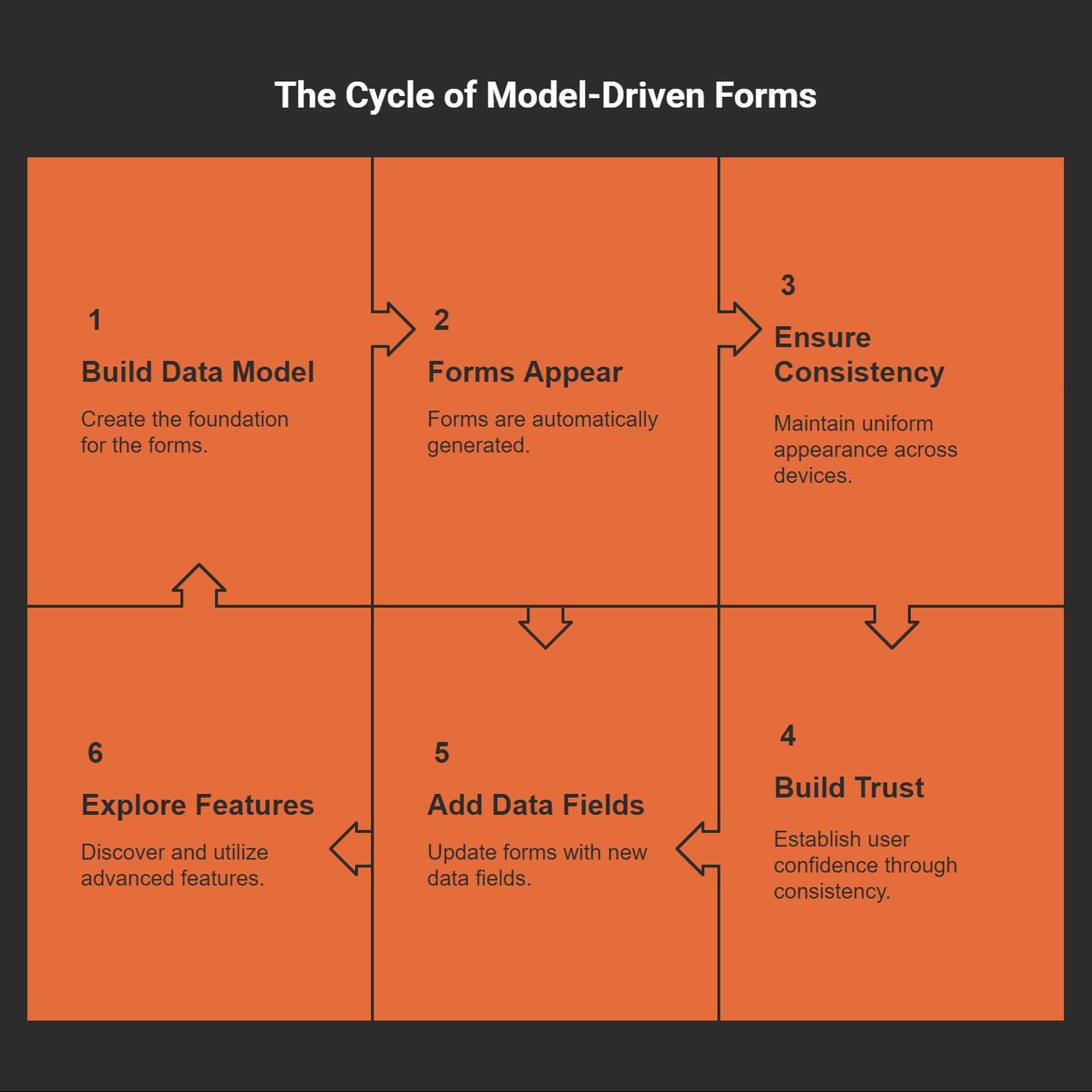
Advanced Power Apps Components Explained
Published 9 months, 2 weeks ago
Description
Confession time: the first time I opened a model-driven form in Power Apps, I had no idea what I was looking at. It felt like peeking under the hood of a spaceship—exciting, but intimidating. What began as a practical experiment soon spiraled into a deep, surprisingly personal quest for order (and maybe a little bit of software zen). Ever felt a tool teach you something about your own need for structure? That was me, fumbling my way from chaos into clarity.The Unexpected Backbone: Why Model-Driven Forms Hooked MeWhen Efficiency Sneaks Up on YouI’ll confess: the first time I tried model-driven forms, I almost didn’t trust it. I was so used to dragging fields, fussing over layouts, and sweating the tiniest device quirks. Model-driven? It felt like cheating.But then something wild happened. As I built my data model, the forms just appeared—structured, functional, and ready to use. No endless tweaking. No patchwork fixes for mobile. The app felt like it was building itself while I sipped my coffee. Is this what efficiency feels like?The Comfort of Predictability in a Wild WorldLet’s be honest: low-code app design is often the wild west. Buttons float. Fields vanish. What looks perfect on your laptop turns into a pixelated mess on your phone.* Model-driven forms brought something rare: predictability.* I knew my users would see the same interface on desktop, tablet, or mobile.* For once, I didn’t feel like I was wrestling an octopus just to keep things aligned."Consistency is the key to adoption in any business app." – A Power Platform enthusiast I met at a user groupThat quote stuck with me. I saw how consistency builds trust. And trust is what gets people to actually use the thing you built.The Backbone I Didn’t Know I NeededSome days, my app ideas come out half-baked and all over the place. But model-driven forms? They felt like a backbone—keeping everything upright while I ran wild with features.* Want to add a new data field? The form updates, no sweat.* Need to show related info? Advanced features like subgrids are just waiting for me to notice them.Before this, balancing flexibility and consistency across devices was a never-ending struggle. Now, it almost feels... unfairly easy? Maybe a little. But I’ll take it.Hidden Power Under the HoodAdvanced capabilities—like subgrids for deeper data relationships—keep teasing me with new possibilities. The best part? I’m not stuck redoing everything when things change. The form grows as my app grows. That’s a rare gift in this business.Unpacking the Moving Parts: Headers, Tabs, and Sections (A Love–Hate Relationship)The Heart of Model-Driven FormsI remember the first time I cracked open a model-driven form in Power Apps. My brain was like, Where do I even start?Turns out, it’s all about wrestling with three main components—headers, tabs, and sections. These bits do the heavy lifting, bringing order to the chaos just waiting to happen in any app. Each piece, as I soon found out, has its own quirks and charms.1. Headers: My Planner Addiction, ReincarnatedHeaders always take me back to my old-school paper planners. You know, the kind where you scribble the day's top priorities at the very top so you don’t forget. In model-driven forms, the header works the same way—it floats up there, holding crucial details you want front and center. Things like account names or statuses live here. No need to dig around. It’s like your brain’s sticky note—if only life were always this organized.2. Tabs: Scrolling Is OverratedRemember scrolling endlessly through a giant form on your phone? I used to, and wow, my thumbs hated it. Tabs changed everything. Now, instead of one gigantic scroll-fest, I just click a tab and land exactly where I need. It’s the difference between rifling through a messy drawer and neatly labeled folders. (Except, let’s be honest—I still have a messy drawer somewhere.)3. Sections: My Dream Fridge (But for Data)Sections are a godsend for folks like me who—despite best intentions—ca