Episode Details
Back to Episodes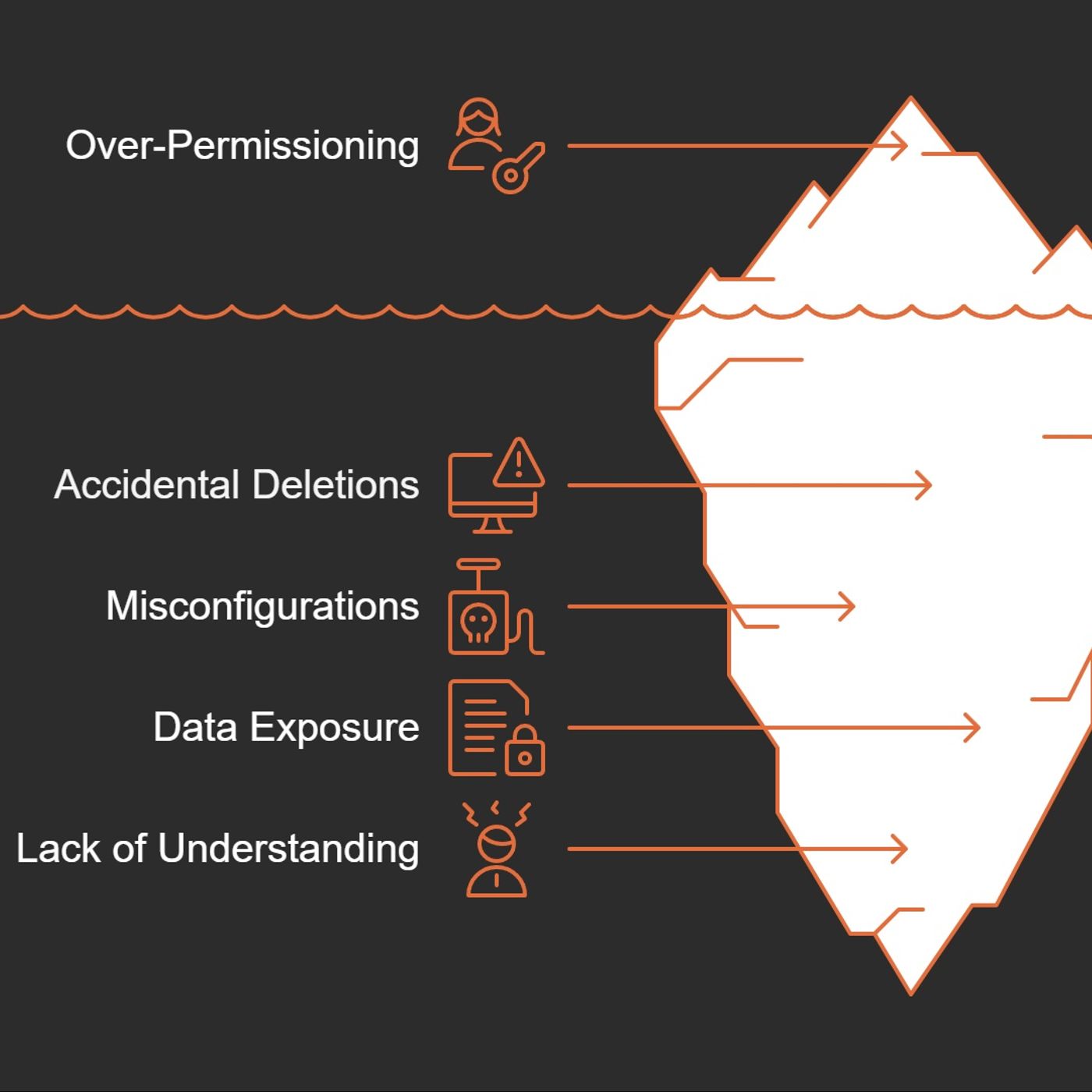
SC-900 Exam Prep Part 3/8: Microsoft Entra Roles EXPLAINED
Published 9 months, 3 weeks ago
Description
I once let my cousin borrow my car, only to realize I’d left the keys to my house on the keychain. Spoiler: Nothing bad happened, but it kept me up that night thinking, "Did I just give away too much trust by accident?" If you’ve ever been in charge of who-gets-access-to-what in your organization, you know that uneasy feeling. Today, let’s explore how Microsoft Entra roles act as that critical barrier (or, if you’re careless, as a wide-open front door), and why wrestling with the principle of least privilege can save you serious headaches.1. Permission FOMO: Why Over-Access Starts with Good Intentions (and Ends in Trouble)Let's be honest—nobody sets out to create security nightmares on purpose. Most over-permissioning starts with the best intentions. You know how it goes:"Just give them admin access for now to save time.""They might need these permissions later, so let's add them all.""It's easier than having to go back and update later."When Monday's Shortcut Becomes Tuesday's DisasterConsider this all-too-common scenario: A junior admin gets assigned global administrator privileges because, well, it seemed easier than figuring out exactly what they needed. By Monday afternoon, they're productive! By Tuesday morning? They've accidentally deleted a critical application thinking it was a test instance."Imagine a junior admin is assigned a high level role such as global administrator without truly needing it."This isn't a made-up horror story—it happens regularly in organizations of all sizes. Microsoft Entra roles exist precisely because these scenarios are real and disruptive.Your Security is Swiss CheeseEvery unnecessary permission you grant is another hole in your organization's defense. It's like lending your house keys to the pizza delivery guy because he seemed trustworthy and you might need him to water your plants someday.The risks break down into two major categories:* Operational Risk: Accidental deletions, misconfiguration of critical systems, or unintentional exposure of sensitive information. Oops doesn't quite cover it when 500 employees suddenly can't log in.* Security Risk: Every permission is an attack vector. When one account has excessive privileges, it becomes a golden ticket for attackers. Compromise that account, and they've hit the jackpot.Good Intentions, Bad OutcomesThe road to security incidents is paved with convenience-based decisions. That quick fix to "just make them an admin" creates vulnerabilities that can haunt your organization for years.What makes this particularly dangerous is how reasonable it seems in the moment. You're not being malicious—you're being helpful! You're removing roadblocks! You're enabling productivity!Until you're explaining to the executive team why customer data is now publicly accessible.Microsoft Entra roles were designed specifically to manage what users can do—they're core to securing your resources. Using them correctly isn't just a best practice; it's your organization's digital immune system.2. Built-In Roles vs Custom Roles: The IKEA Furniture of Access ManagementEver bought IKEA furniture? Some pieces fit perfectly in your home, while others... not so much. Microsoft Entra roles work the same way.The Off-the-Shelf SolutionBuilt-in roles are like that ready-to-assemble bookshelf – they work for most situations but weren't designed specifically for your weirdly-shaped living room with the slanted ceiling.Microsoft offers several pre-packaged roles that handle common access needs:* User Administrator: Can manage accounts, reset passwords, and check service health* Global Administrator: The master key to your digital kingdom (use sparingly!)* Application Administrator: Manages your organization's apps without total controlThese built-in options work great for standard needs. But what if standard isn't enough?Custom-Built for Your NeedsThis is where custom roles come in – they're the custom furniture you design when nothing in the store quite fits.Want your IT tech to