Episode Details
Back to Episodes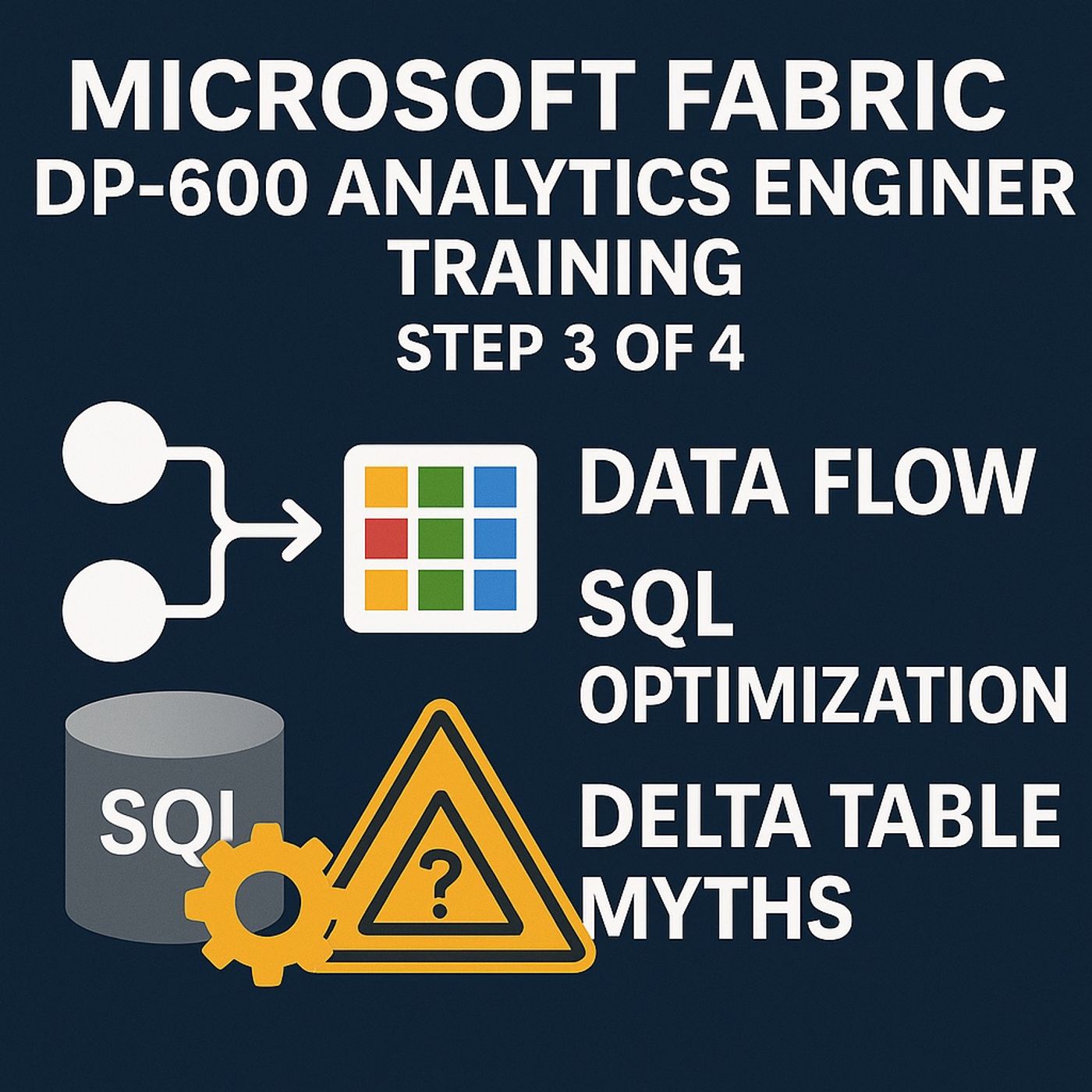
Microsoft Fabric DP-600 Analytics Engineer Training Step 3 of 4: Data Flow, SQL Optimization, and Delta Table Myths
Published 10 months ago
Description
(00:00:00) Diagnosing performance issues
(00:09:26) Optimizing SQL queries
(00:23:13) Effective data partitioning
(00:34:08) Delta table optimization techniques
(00:44:08) Maintaining delta table efficiency
(00:53:13) Balancing data models
(01:06:17) Sustaining performance gains
(01:15:47) Integrating monitoring practices
When I first plunged into Microsoft Fabric, the complexity was daunting. I spent hours combing through logs, convinced there was a “magic pill” that would streamline my data processes. It wasn't until I began exploring practical optimization techniques that everything changed. In this post, I'm excited to share my findings—specifically about how to master performance in Microsoft Fabric.Understanding the Monitoring Hub: Your Command CenterWhen it comes to managing data operations, the Monitoring Hub acts as your command center. But what exactly is the Monitoring Hub? Think of it as a centralized dashboard that provides a comprehensive view of all your data activities. It’s designed to help you monitor performance, identify issues, and make informed decisions quickly.What is the Monitoring Hub?The Monitoring Hub is not just a collection of metrics; it’s a powerful tool for understanding your data ecosystem. It consolidates various performance indicators into a single interface, making it easier to track what really matters. Imagine trying to solve a puzzle without seeing all the pieces. That’s how it feels to manage data without the insights provided by the Monitoring Hub.Key Metrics to Watch for Performance IssuesOne of the keys to effective monitoring is knowing which metrics to focus on. Here are some essential indicators:* Capacity Unit Spend: This metric shows how much of your allocated resources are being used. Monitoring this can prevent resource throttling or even query failures.* Metrics on Refresh Failures: Keeping track of refresh failures helps in identifying bottlenecks in data updates. If your data isn’t refreshing correctly, your insights can be outdated.* Throttling Thresholds: Understanding when you are reaching the limits of your resources can help you manage your operations more effectively.As I always say,“Focusing on capacity metrics simplifies your troubleshooting significantly.”This quote resonates with many users who find themselves lost in a sea of data. By zeroing in on these core metrics, we can cut through the noise and get to the heart of the performance issues.Common Pitfalls in Monitoring Data OperationsWhile the Monitoring Hub is an invaluable resource, there are common pitfalls that can hinder its effectiveness:* Information Overload: With so many metrics available, it’s easy to get overwhelmed. Not every piece of data is critical. Focus on what truly impacts performance.* Lack of Context: Metrics can tell you what is happening, but they often don’t explain why. Pairing metrics with contextual insights is essential.* Ignoring Trends: Monitoring should be proactive. Don’t just react to failures; look for trends that indicate potential issues before they escalate.Understanding these pitfalls will help you navigate your monitoring strategy more effectively. Remember, the goal is not just to gather data but to understand it.The Need for Actionable Insights Over Excessive DataIn our data-driven world, it can be tempting to collect as much information as possible. However, more data doesn’t always mean better decisions. The Monitoring Hub emphasizes the importance of actionable insights. It’s not about drowning in data; it’s about extracting valuable insights that can drive performance improvements.For instance, while capacity unit spend is a crucial metric, understanding how it correlates with refresh failures can offer deeper insights. This interplay helps in diagnosing issues more effectively. By honing in on these actionable insights, we can streamline operations and enhance overall performance.In conclusion, the Monitoring H
(00:09:26) Optimizing SQL queries
(00:23:13) Effective data partitioning
(00:34:08) Delta table optimization techniques
(00:44:08) Maintaining delta table efficiency
(00:53:13) Balancing data models
(01:06:17) Sustaining performance gains
(01:15:47) Integrating monitoring practices
When I first plunged into Microsoft Fabric, the complexity was daunting. I spent hours combing through logs, convinced there was a “magic pill” that would streamline my data processes. It wasn't until I began exploring practical optimization techniques that everything changed. In this post, I'm excited to share my findings—specifically about how to master performance in Microsoft Fabric.Understanding the Monitoring Hub: Your Command CenterWhen it comes to managing data operations, the Monitoring Hub acts as your command center. But what exactly is the Monitoring Hub? Think of it as a centralized dashboard that provides a comprehensive view of all your data activities. It’s designed to help you monitor performance, identify issues, and make informed decisions quickly.What is the Monitoring Hub?The Monitoring Hub is not just a collection of metrics; it’s a powerful tool for understanding your data ecosystem. It consolidates various performance indicators into a single interface, making it easier to track what really matters. Imagine trying to solve a puzzle without seeing all the pieces. That’s how it feels to manage data without the insights provided by the Monitoring Hub.Key Metrics to Watch for Performance IssuesOne of the keys to effective monitoring is knowing which metrics to focus on. Here are some essential indicators:* Capacity Unit Spend: This metric shows how much of your allocated resources are being used. Monitoring this can prevent resource throttling or even query failures.* Metrics on Refresh Failures: Keeping track of refresh failures helps in identifying bottlenecks in data updates. If your data isn’t refreshing correctly, your insights can be outdated.* Throttling Thresholds: Understanding when you are reaching the limits of your resources can help you manage your operations more effectively.As I always say,“Focusing on capacity metrics simplifies your troubleshooting significantly.”This quote resonates with many users who find themselves lost in a sea of data. By zeroing in on these core metrics, we can cut through the noise and get to the heart of the performance issues.Common Pitfalls in Monitoring Data OperationsWhile the Monitoring Hub is an invaluable resource, there are common pitfalls that can hinder its effectiveness:* Information Overload: With so many metrics available, it’s easy to get overwhelmed. Not every piece of data is critical. Focus on what truly impacts performance.* Lack of Context: Metrics can tell you what is happening, but they often don’t explain why. Pairing metrics with contextual insights is essential.* Ignoring Trends: Monitoring should be proactive. Don’t just react to failures; look for trends that indicate potential issues before they escalate.Understanding these pitfalls will help you navigate your monitoring strategy more effectively. Remember, the goal is not just to gather data but to understand it.The Need for Actionable Insights Over Excessive DataIn our data-driven world, it can be tempting to collect as much information as possible. However, more data doesn’t always mean better decisions. The Monitoring Hub emphasizes the importance of actionable insights. It’s not about drowning in data; it’s about extracting valuable insights that can drive performance improvements.For instance, while capacity unit spend is a crucial metric, understanding how it correlates with refresh failures can offer deeper insights. This interplay helps in diagnosing issues more effectively. By honing in on these actionable insights, we can streamline operations and enhance overall performance.In conclusion, the Monitoring H