Episode Details
Back to Episodes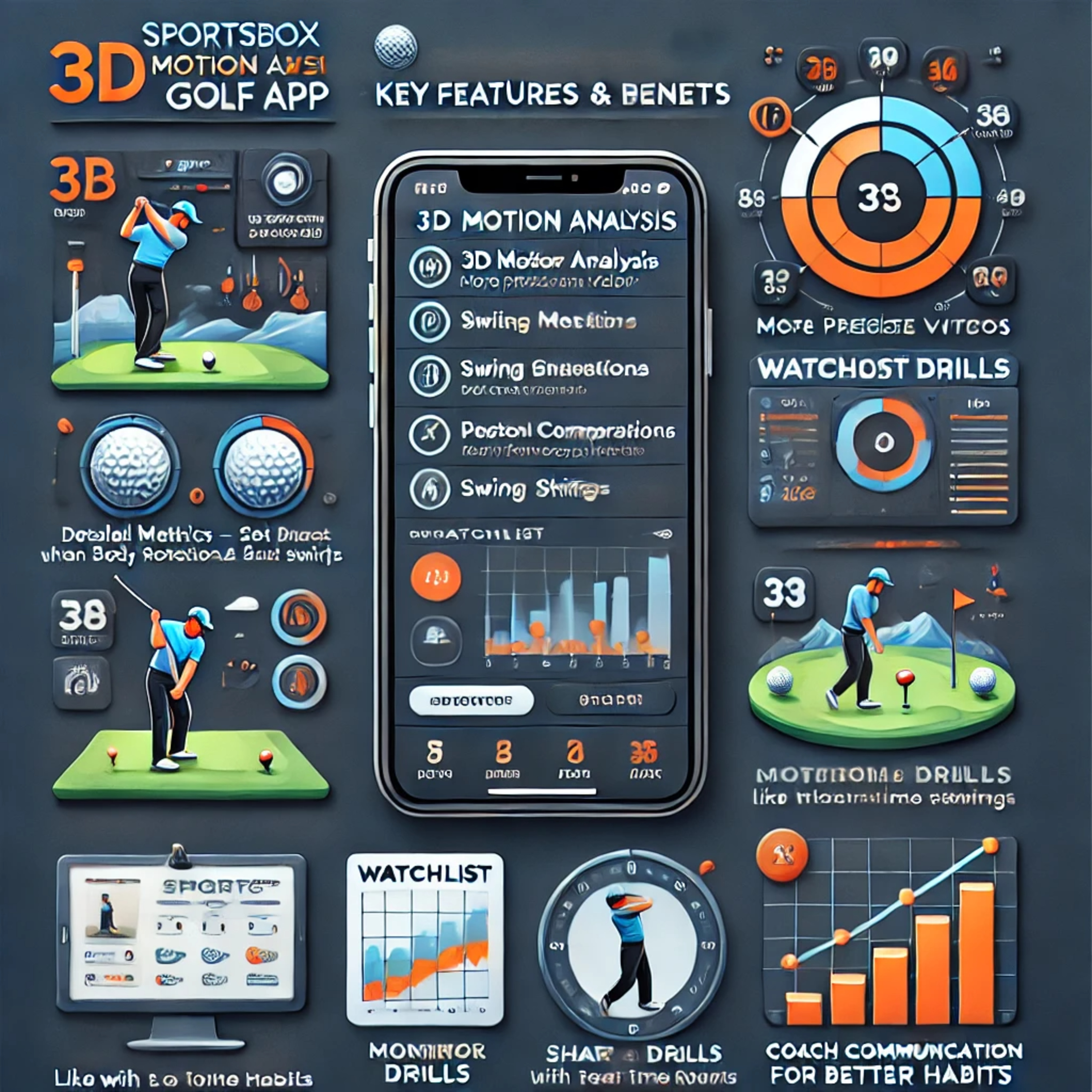
#158 Instruction about SportsBox AI 3D Mobil App 🎯
Description
The Podcast explains the "Monitor Mode" of the SportsBox 3D Golf App 📊. This feature automatically detects the player & swing, records 3D data, and provides detailed shot analysis. Users can visually & numerically review swings, analyze shots in detail, and customize trackers. A final training summary highlights strengths & weaknesses.
✅ 3D Motion Analysis – More precise than 2D videos 🎥
✅ Detailed Metrics – Track swing speed, body rotations & shifts 📈
✅ Swing Comparisons – Compare with tour pros or past swings 🔄
✅ Watchlist Function – Set & track goals with real-time feedback ⏳
✅ Personalized Drills – Custom training plans based on your swing 🏌️♂️
✅ Progress Tracking – Stay motivated with graphical improvements 📊
✅ Coach Communication – Share data & receive expert feedback 👨🏫
✅ Monitor Mode – Train like with a launch monitor for better habits 🎯
✅ Customizable Trackers – Display only relevant swing data ⚙️
✅ Swing Fault Detection – Identify & fix issues like "Reverse Pivot" ❌
✅ Flexibility – Train alone or with a coach, even with slow-motion videos ⏩
Influenced by:
🔹 Upper Body Rotation – More rotation = more backward bend 🔄
🔹 Lateral Shift (Sway) – Movement towards target = more backward bend 🏌️♂️
🔹 Flexibility – More mobility = stronger backward bend 🏋️
🔹 Pelvic Position – Pelvis ahead = forward bend, pelvis behind = backward bend ⚖️
🔹 Swing Patterns – Over-the-top motion = more backward bend ⛳
👉 The SportsBox 3D Golf App helps visualize chest bend, rotation, sway, & hand movement in 2D & 3D, offering precise insights for swing optimization! 🚀
🔥 Key Features & Benefits:📌 Chest Bend in the Swing