Episode Details
Back to Episodes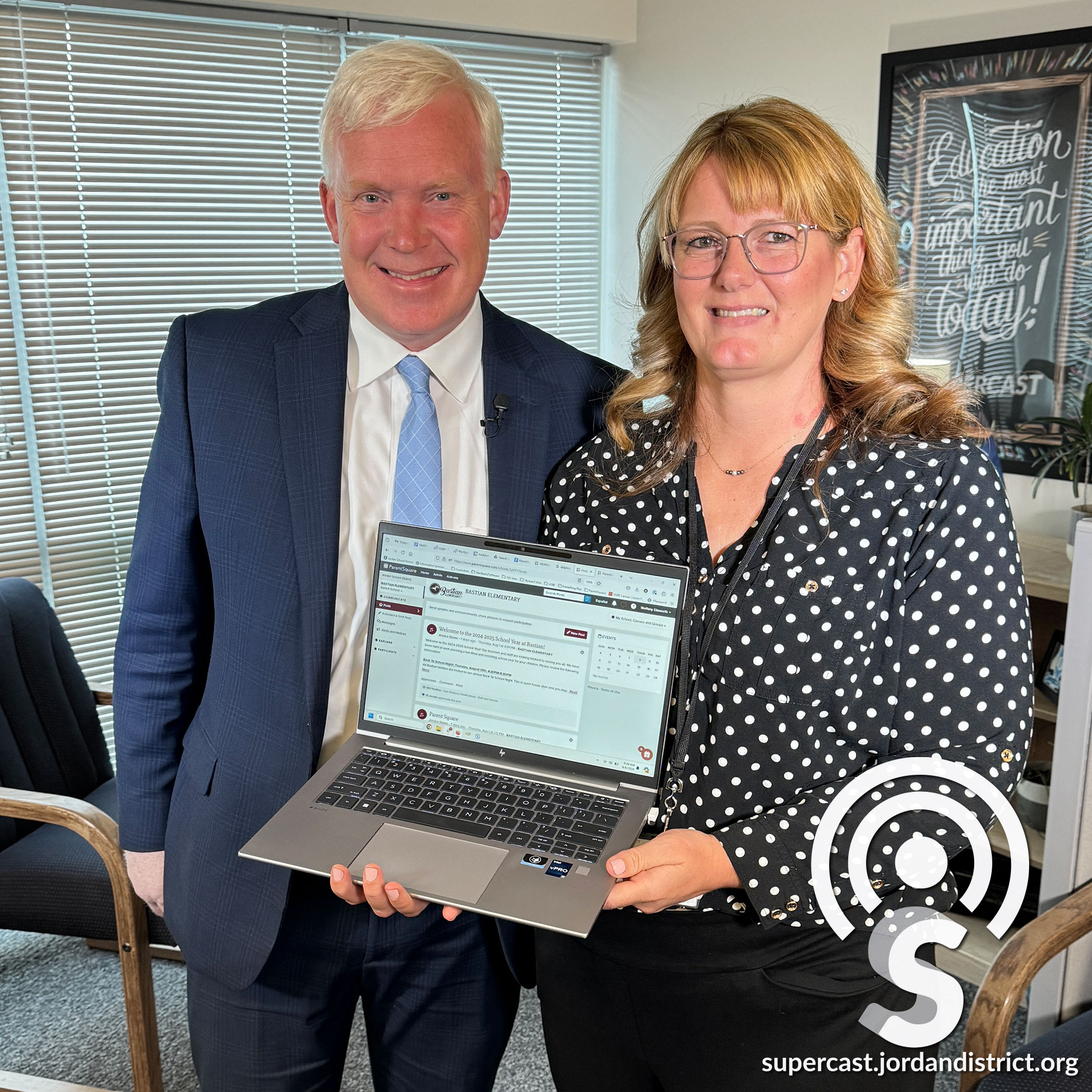
What Parents Need to Know About JSD’s New Communications Platform “ParentSquare”
Description
It is designed to enhance communications throughout Jordan School District benefiting students, teachers, staff, and parents.
On this episode of the Supercast, listen as we give you easy to use tips and tricks to make the most of JSD’s new communications platform called ParentSquare. Find out what it has to offer when it comes to emergency communications, two-way communications between parents and teachers, and so much more.
Audio Transcription
(upbeat music)
Anthony Godfrey:
I'm really excited about the fact that parents can optimize and customize how we communicate with them.
Steffany Ellsworth:
ParentSquare is gonna allow parents to choose how they want to engage with their students.
(upbeat music)
Anthony Godfrey:
Hello and welcome to the Supercast. I'm your host, Superintendent Anthony Godfrey. This week we'll be talking about our new parent communication tool, ParentSquare. I'm really excited about this new option for schools, parents, and teachers. ParentSquare is customizable, it has a ton of great features, and I can't wait for you to learn more about how we'll be communicating with Jordan School District families this year.
(upbeat music)
We're talking with Steffany Ellsworth, the Support Services Manager in Information Systems for Jordan School District, Steffany, thanks for taking a few minutes.
Steffany Ellsworth:
You're welcome, it's great to be here.
Anthony Godfrey:
We are launching, you are launching ParentSquare as our latest communication tool. Tell us, what is ParentSquare? Let's dive right in.
Steffany Ellsworth:
Okay, ParentSquare, it's an awesome communication platform created to streamline home-to-school communication. Parents in ParentSquare have the ability to choose the modality they prefer to receive messages, whether it's email, text, or app notifications. It also allows parents to select the frequency in which they receive messages, whether it's an instant message they get as soon as the school has sent it, or they can receive them digested daily at the end of the day. There's three types of messages. There's posts, which come across as a news feed similar to Facebook or other social media platforms.
Anthony Godfrey:
And do they access that through the app or on the website, or how do they access that?
Steffany Ellsworth:
Yeah, that's correct.
Anthony Godfrey:
The posts?
Steffany Ellsworth:
Yeah, they can see the posts on the ParentSquare website or through the app. They also get those posts as an email or a text. So if they never log into ParentSquare, they'll still get those messages through email or in a text message. They'll receive a link to see the post. The second type of message is direct messages. These are meant for one-to-one communication between parent and teachers.
Anthony Godfrey:
And how does that come through? Does that come through the app? Or is that also through text message and email? Is that what you're referring to?
Steffany Ellsworth:
Yes, it's really all about parent preference. So if they've stated that they prefer to receive a text, they'll receive those through a text. If they prefer the app, they'll receive a notification through the app. If they've done nothing at all, they will receive a text and an email stating that they have a message and it'll show the message. Parents can respond directly to that text message to communicate with the teacher.
Anthony Godfrey:
So a post, much like on social media that you can view through the website or the app, and then text, email, or direct message through the app depending on what the parent chooses. And what's the third type?
Steffany Ellsworth:
The third type are alerts. These are our traditional messages that we've sent about snow day closures or emergency